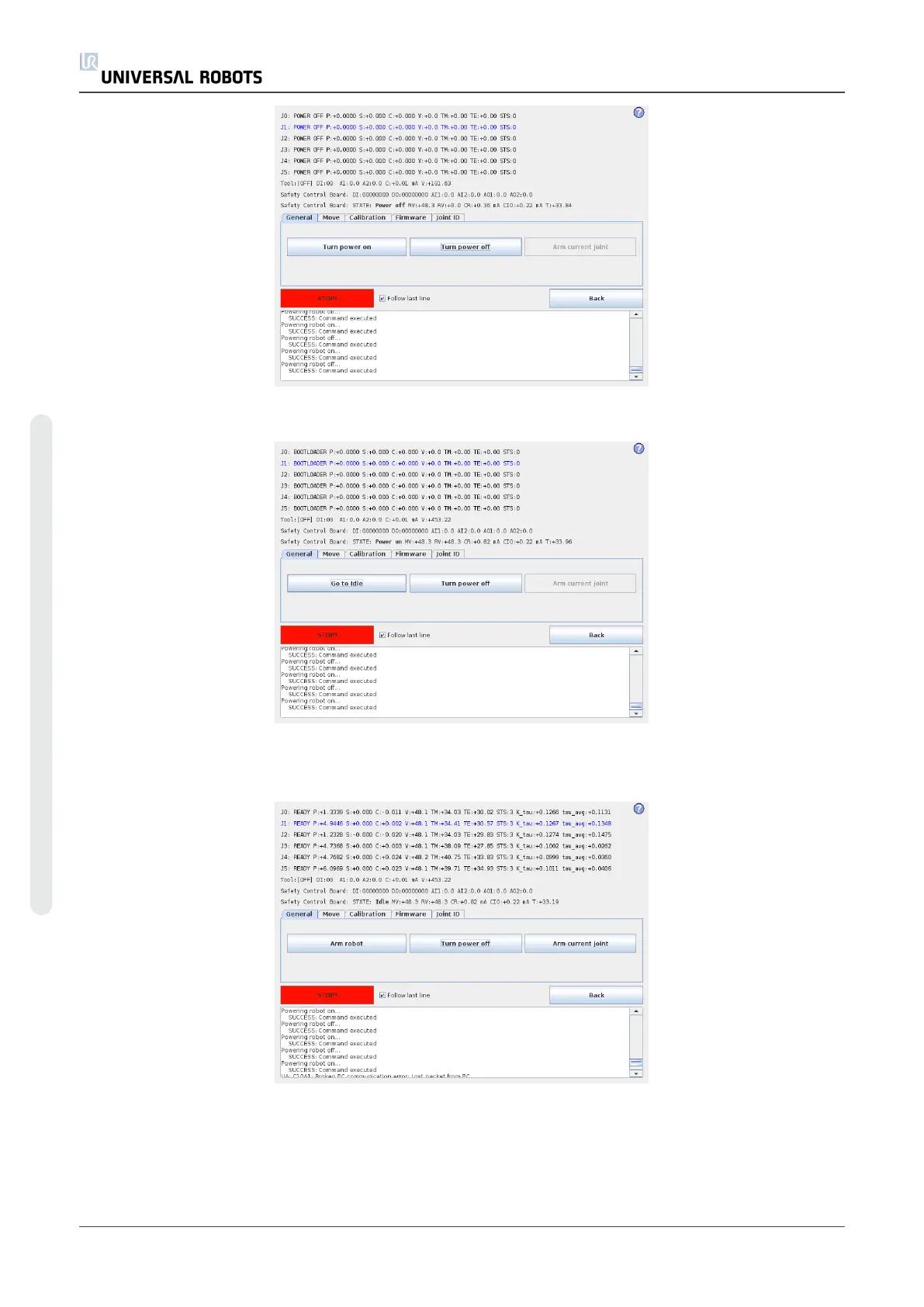
6. Press Go to Idle to put joints into ready mode.
7. Select the desired joint by directly clicking the status line for that joint.
Currently selected joint is highlighted in blue.
8. Press Arm current joint to release the brake on the selected joint.
UR5 38 Service Manual
5.Service and Replacement of parts
Copyright © 2009–2021 by UniversalRobotsA/S. All rights reserved.












 To Next Page