2. Product overview
2.1 Introduction to Indigo200 transmitters
1.35
% | Carbon dioxide
Indigo 201
USB-C
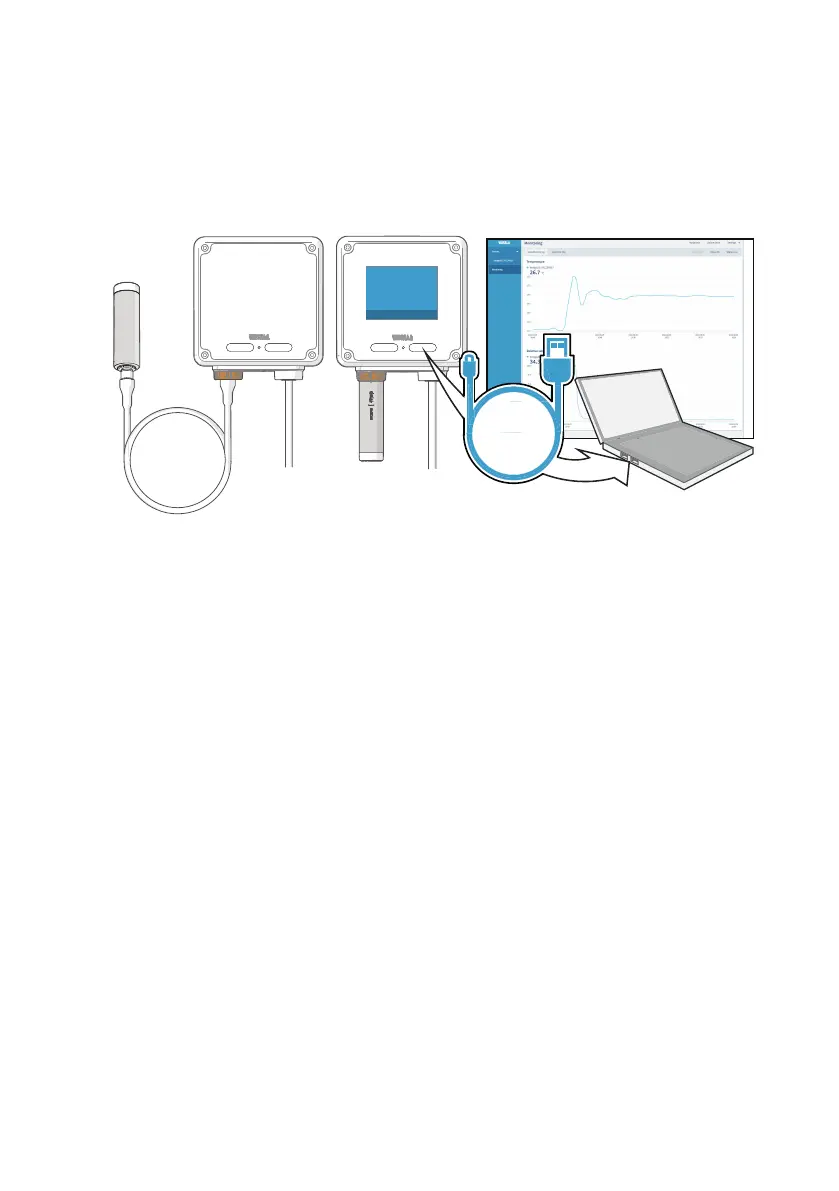
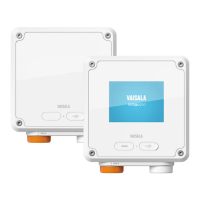
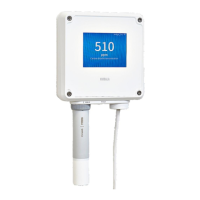
Figure 1 Indigo201 with and without display
Vaisala Indigo200 transmitters are a plug-and-play host device platform for Vaisala Indigo-
compatible probes. Indigo transmitters extend the feature set of connected probes with a
range of additional options for outputs, measurement viewing, status monitoring, and
configuration interface access.
Depending on the Indigo200 transmitter model, a display is available as an optional selection
or as a standard feature. In the non-display model, an LED indicator is used for notifications.
Probes can be connected either directly on the transmitter from the probe's connector, or by
using a cable between Indigo and the probe.
For easy access to configuration and additional monitoring options, the transmitter can be
connected to Vaisala Insight PC software with a USB cable.
The Indigo201 transmitter is designed for analog output applications. The transmitter's output
options include 3 analog output channels (current or voltage) and 2 relays.
For more information on Indigo transmitter models, see www.vaisala.com/indigo.
2.2
Indigo201 basic features and options
• All Vaisala Indigo-compatible probes can be connected to all Indigo transmitter models
• Plug-and-play probe installation: when unconfigured, Indigo automatically adapts the
analog output configuration of the connected Indigo-compatible probe
• The transmitter can be connected to Vaisala Insight PC software with a generic USB-C
cable for easy access to configuration and monitoring options
• 3.5” TFT LCD color display or non-display model with LED indicator
Chapter 2 – Product overview
9









 To Next Page