EasyManua.ls Logo

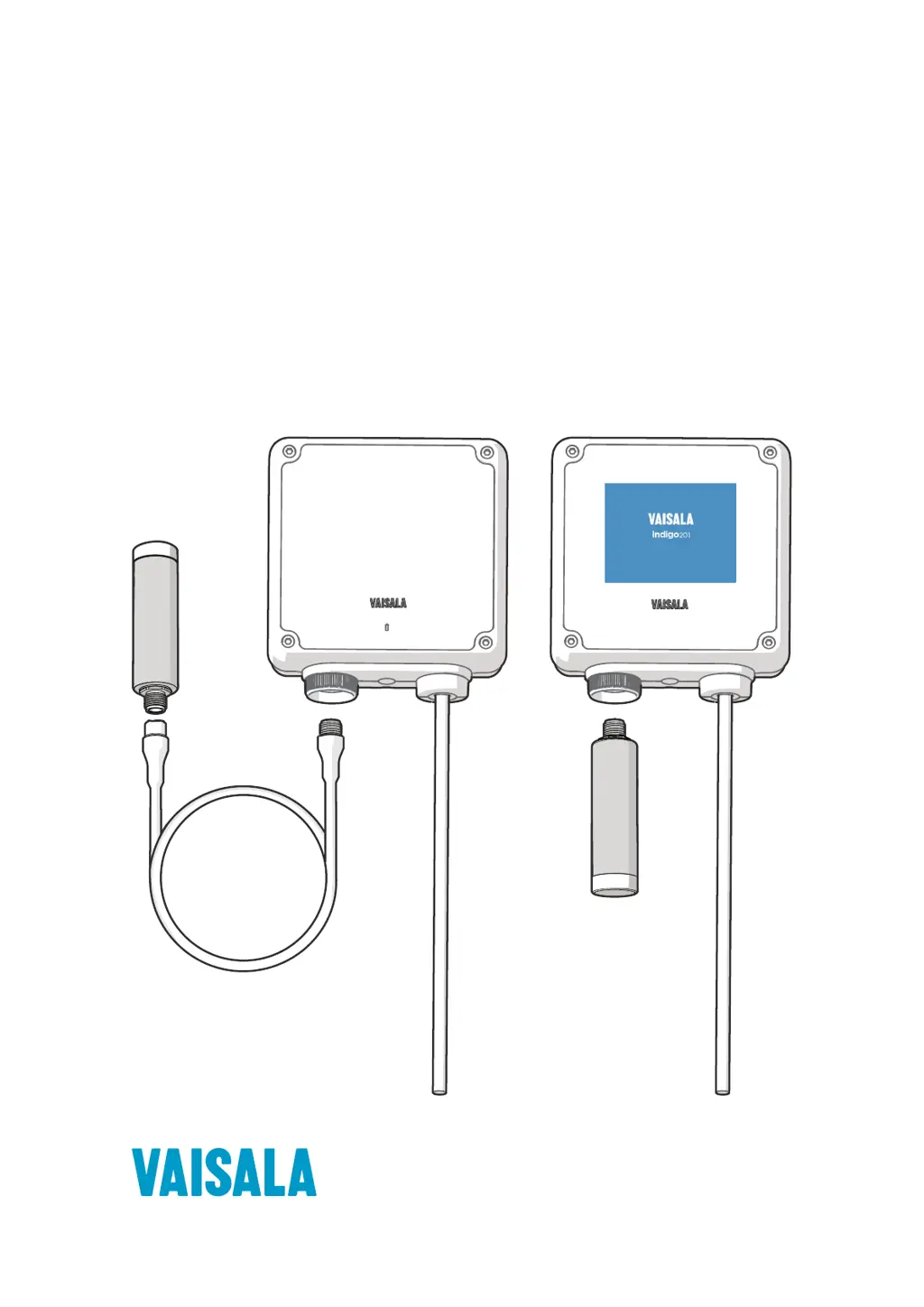
Vaisala Indigo 201 - User Manual

Vaisala Indigo 201
84 pages
Print Icon
To Next Page IconTo Next Page
Loading...
M211877EN-E
User Guide
Vaisala Indigo
201 Analog Output Transmitter
Indigo 201

Table of Contents

Other manuals for Vaisala Indigo 201

Questions and Answers

  • J
    Jesus PerezAug 12, 2025
    What to do if the Vaisala Transmitter configuration interface does not launch?
    • M
      Michele HardinAug 12, 2025
      If the wireless device has connected to the Indigo access point, but the configuration interface doesn't launch, it might be due to your device not automatically launching the browser. In this case, manually open your browser application after connecting to Indigo. Alternatively, the wireless connection may require authentication. Check your device's notifications for any login prompts related to the Indigo connection. Acknowledge the connection, and if the interface still doesn't launch automatically, open your browser application.
  • D
    Donald DavisAug 19, 2025
    Why Vaisala Indigo 201 Transmitter Indigo access point does not show up?
    • K
      Kevin RogersAug 20, 2025
      If the Indigo access point isn't showing up in your device's list of available WLAN connections, it could be that the Indigo access point is not enabled or an error has occurred. Try switching the Indigo WLAN connection off and then on again. If that doesn't work, make sure your device isn't too far from the transmitter or that there are no obstacles blocking the signal. Move closer to the transmitter and refresh the access point list on your device.
  • A
    amorganAug 27, 2025
    What to do if connecting to Vaisala Transmitter Indigo does not work?
    • K
      Kelly AllenAug 27, 2025
      If Indigo shows up in the list of available wireless connections, but connecting to it does not work, it might be because another device is already connected to the Indigo access point. Ensure that your device is the only one connecting to the wireless configuration interface.
  • K
    katietranSep 3, 2025
    What to do if Vaisala Transmitter Indigo does not respond when pressing the wireless connection activation button?
    • L
      Lindsey SpenceSep 3, 2025
      If Indigo does not respond when pressing the wireless connection activation button, WLAN functionality may have been disabled with the WLAN ON/OFF DIP switch on Indigo's circuit board. Enable WLAN functionality using the WLAN ON/OFF DIP switch.

Vaisala Indigo 201 Specifications

General IconGeneral
Measurement ParametersTemperature, Relative Humidity
Measurement Range Relative Humidity0 to 100 %RH
Accuracy Temperature±0.1 °C at 20 °C
Power Supply10 to 30 VDC
IP RatingIP65
Communication ProtocolsModbus RTU
OutputsAnalog, Digital
DisplayOptional
Storage Temperature-40 to +70 °C
Operating Humidity0 to 100 %RH
Protection ClassII
Measurement Range Temperature-40 to +60 °C
Accuracy Relative Humidity±0.8 %RH at 20 °C
Enclosure MaterialPC/ABS blend

Related product manuals