Enter Lab
Use this function to enter the laboratory value for the
sample.
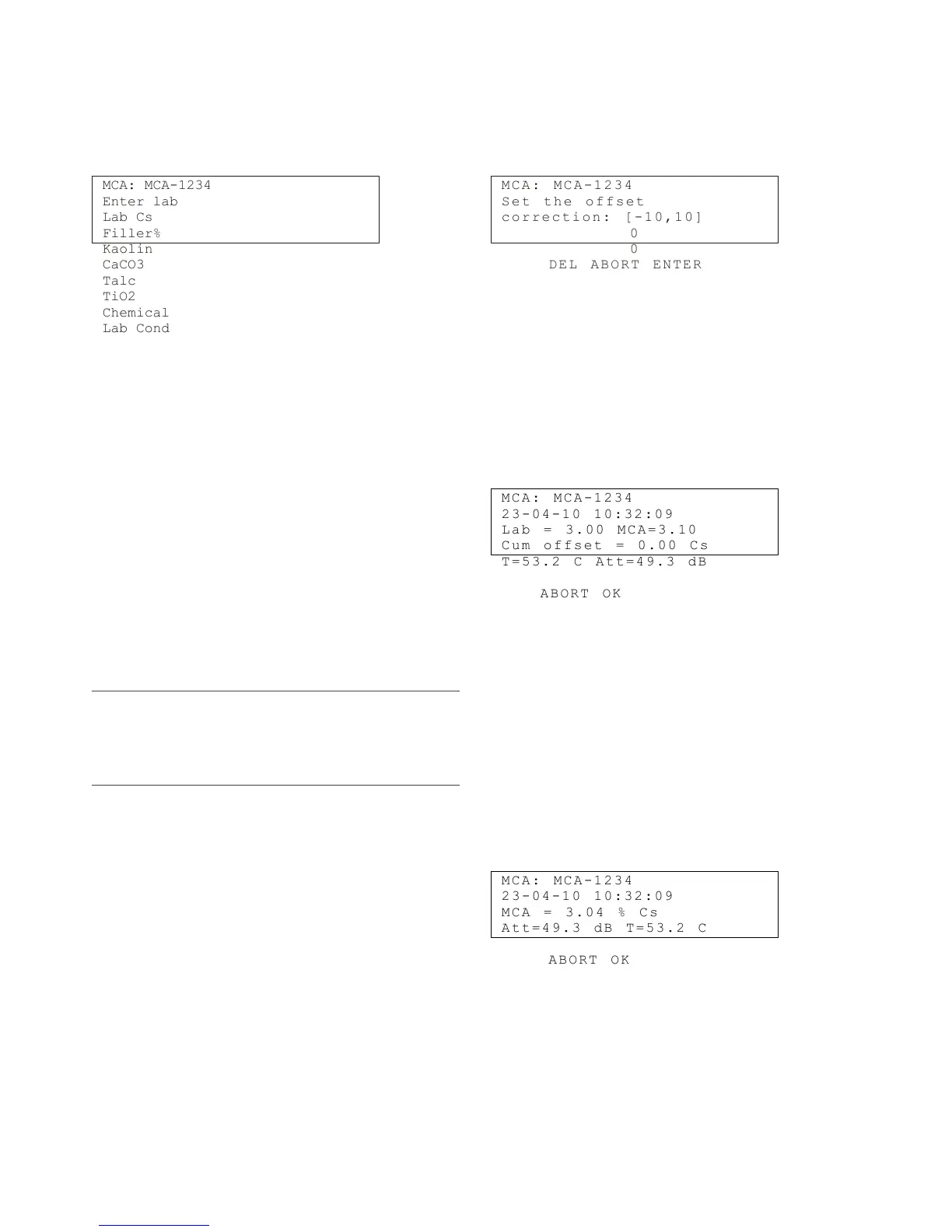
Move the cursor with the arrow keys to field "Enter
Lab" and then press the arrow right to see the following
display:
MCA: MCA-1234
Enter lab
Lab Cs
Filler%
Kaolin
CaCO3
Talc
TiO2
Chemical
Lab Cond
Lab Cs: Laboratory result for total solids content.
Filler %: Not used in Valmet TS.
Kaolin%: Not used in Valmet TS.
CaCO3%: Not used in Valmet TS.
Talc%: Not used in Valmet TS.
TiO2%: Not used in Valmet TS.
Chemical: Chemical type (only needed for chemical
compensation).
Lab cond: Laboratory result for conductivity, mS/cm
(only needed for chemical compensation).
NOTE: If the conductivity meter gives the result as mS/m,
divide the result by one hundred (e.g. 550 mS/m = 5.5
mS/cm). If the conductivity meter gives the result as
uS/cm, divide the result by one thousand (e.g. 5500 uS/cm
= 5.5 mS/cm).
Offset corr
Use this function to perform level correction on the
measurement result.
Move the cursor with the arrow keys to field "Level
corr" and then press the arrow right to see the following
display:
M C A : M C A - 12 3 4
S e t t h e o f f se t
c o r r e c t io n : [ -1 0 , 10 ]
0
0
D E L A B O R T E NT E R
Enter the required value and press "ENTER" (F4).
The HART communicator then sends the value to Val-
met TS.
Lab cal History
This menu shows a history of device calibrations.
Move the cursor with the arrow keys to field "Lab cal
History" and then press the arrow right to see the fol-
lowing display:
M C A : M C A - 12 3 4
2 3 - 0 4 - 1 0 10 : 3 2: 0 9
L a b = 3 . 0 0 M CA = 3 . 10
C u m o f f s e t = 0. 0 0 C s
T = 5 3 . 2 C A t t= 4 9 .3 d B
A B O R T O K
The display shows the date and time of the calibra-
tion, and the measurement result and laboratory values
of the sample. You can browse the calibrations by
pressing "OK" (F4). Press "ABORT" (F3) to exit from
the menu.
Sample History
This menu shows the history of samples taken with the
device.
Move the cursor with the arrow keys to field "Sample
History" and then press the arrow right to see the fol-
lowing display:
M C A : M C A - 12 3 4
2 3 - 0 4 - 1 0 10 : 3 2: 0 9
M C A = 3 . 0 4 % C s
A t t = 4 9 . 3 dB T = 5 3. 2 C
A B O R T O K
The display shows the date and time of the sample,
and the measurement results. You can browse the
samples by pressing "OK" (F4). Press "ABORT" (F3)
to exit from the menu.
Installation & Owner's manual, OUL00489 V2.3 EN
44
Valmet Total Solids Transmitter



 To Next Page