Special functions
The special functions include chemical compensation,
temperature compensation correction, sensitivity cor-
rection, and recipes.
Chemical compensation
Large variations in chemical content may cause errors
in the total solids content measurement of the Valmet
TS. Compensation based on microwave attenuation
measurement can be applied to eliminate these errors.
To use chemical compensation, make settings in
two menus. First select the chemical and enter the
laboratory result for sample conductivity in the "Enter
lab" menu. Remember to enter the conductivity value
in mS/cm.
If the conductivity meter gives the result as mS/m,
divide the result by one hundred (e.g. 550 mS/m = 5.5
mS/cm). If the conductivity meter gives the result as
uS/cm, divide the result by one thousand (e.g. 5500
uS/cm = 5.5 mS/cm).
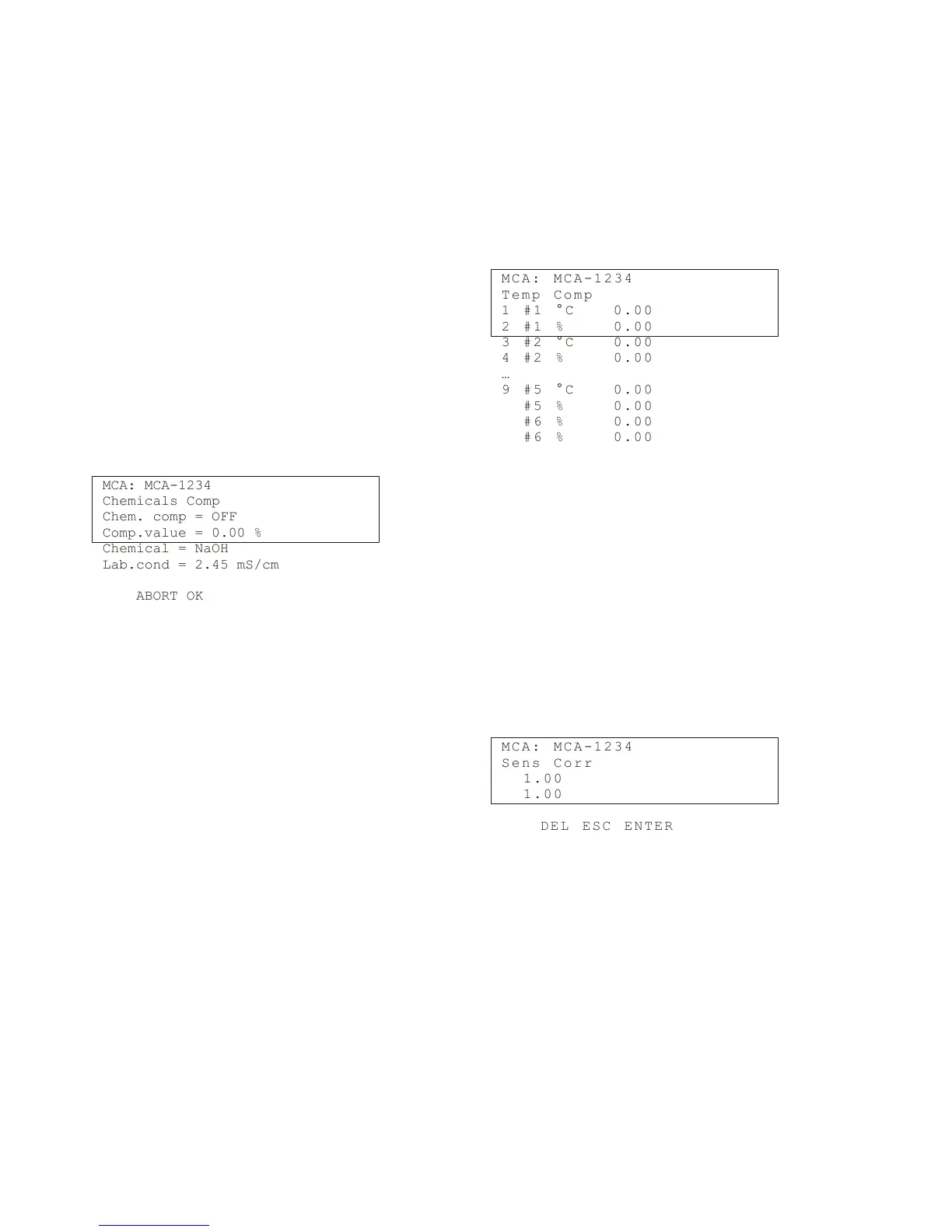
Then activate the chemical compensation in menu
"Special functions -› "Chemicals compensation":
MCA: MCA-1234
Chemicals Comp
Chem. comp = OFF
Comp.value = 0.00 %
Chemical = NaOH
Lab.cond = 2.45 mS/cm
ABORT OK
Change the setting in field "Chem.comp" from OFF
to ON to activate chemical compensation. You can read
the chemical compensation value from the field
"Comp.value".
This is the value that the chemical compensation
subtracts from the total solids content result. The last
two lines show the chemical and laboratory conductivity
value entered in the "Enter Lab" menu.
Temperature compensation correction
If temperature dependence is observed in the measure-
ment results, a temperature compensation correction
curve can be entered.
Determine the correction curve by using 2 - 6 point
pairs (temperature/total solids content), and the Valmet
TS will use the curve to correct the total solids content
measurement results.
Determine the point pairs as instructed in section
9.1 of this manual. Then enter the data points in menu
"Temp Comp":
M C A : M C A - 12 3 4
T e m p C o m p
1 # 1 ° C 0 . 0 0
2 # 1 % 0 . 0 0
3 # 2 ° C 0 . 0 0
4 # 2 % 0 . 0 0
…
9 # 5 ° C 0 . 0 0
# 5 % 0 . 0 0
# 6 % 0 . 0 0
# 6 % 0 . 0 0
Enter the temperature and total solids content values
for the required number of points (#1...6). Then press
"SEND" (F2) to send the data to Valmet TS.
Sensitivity Correction
The sensitivity of the Valmet TS total solids content
measurement has been set for municipal waste. The
measurement sensitivity can be edited if necessary,
for example if some other material will be measured.
If the sensitivity correction for the measured material
is not known in advance, determine the correction as
instructed in section 9.2 of this manual, and then enter
the correction in menu "Sens. Corr".
M C A : M C A - 12 3 4
S e n s C o r r
1 . 0 0
1 . 0 0
D E L E S C E N T ER
Installation & Owner's manual, OUL00489 V2.3 EN
45
Valmet Total Solids Transmitter



 To Next Page