VAMP Ltd Arc protection system
User manual
VAMP 220 / 220R
VM220.EN004 Vamp 24h support phone : +358 (0)40 573 6316
59
7.3.3. Fault codes
The following table lists the fault codes with brief explanations.
Below the table is a more extensive descripiton with advice
about measures to take.
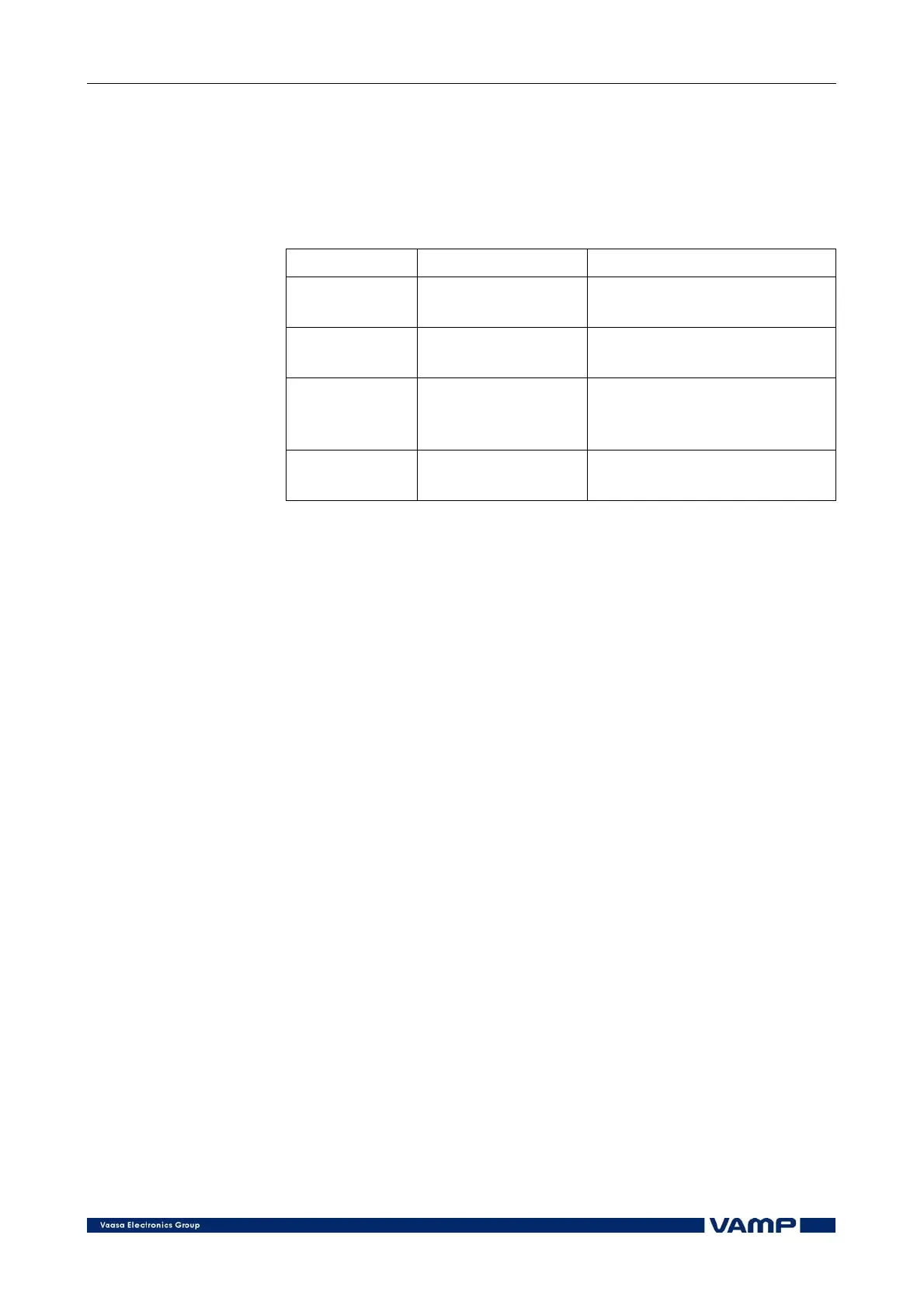
Fault code Fault type Fault reason
10 Configuration
fault
The number of sensors
changed
11 Slave unit fault Faulty slave unit in the
system
12 Long BIO
activation
Faulty sensor or
overcurrent module in the
system, or setting too low
13 Communication
fault
Faulty communication
line
Table 7.3.3-1 Self supervision fault codes.
Fault code 10 indicates that the number of sensors in the
system has changed. Sensors have been added to the system
without setting the system configuration in the INSTALL mode
or the connection wires of a sensor have become loose.
To locate the fault, check the number of sensors of the slave
unit indicated in the fault message as described in section 7.4.
Check the sensor wirings of the slave unit.
Fault code 11 indicates that a fault has been detected in one of
the slave units of the system.
NOTE!
When this fault has occurred, no activation of the sensors con-
nected to the faulty slave unit will be transferred to the master
unit.
To locate the fault, check the connection of the modular cable of
the slave unit indicated in the fault message. Check the wiring
of a possible separate auxiliary power supply.
Observe the indicators on the front panel. In case the green
POWER indicator is off, the possible reason for the malfunction
is in the auxiliary supply voltage. If the red TEST/ERROR
indicator is lit without arc sensor activation, the fault is
possibly either in the internal functions of the slave unit or in
the sensor cables.
See also the note to fault code 12 below.
Fault code 12 indicates that one or more BI/O lines have been
activated.



 To Next Page