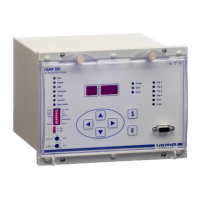
VAMP Ltd Arc protection system
User manual
VAMP 220 / 220R
VM220.EN004 Vamp 24h support phone : +358 (0)40 573 6316
61
7.4. Checking system configuration
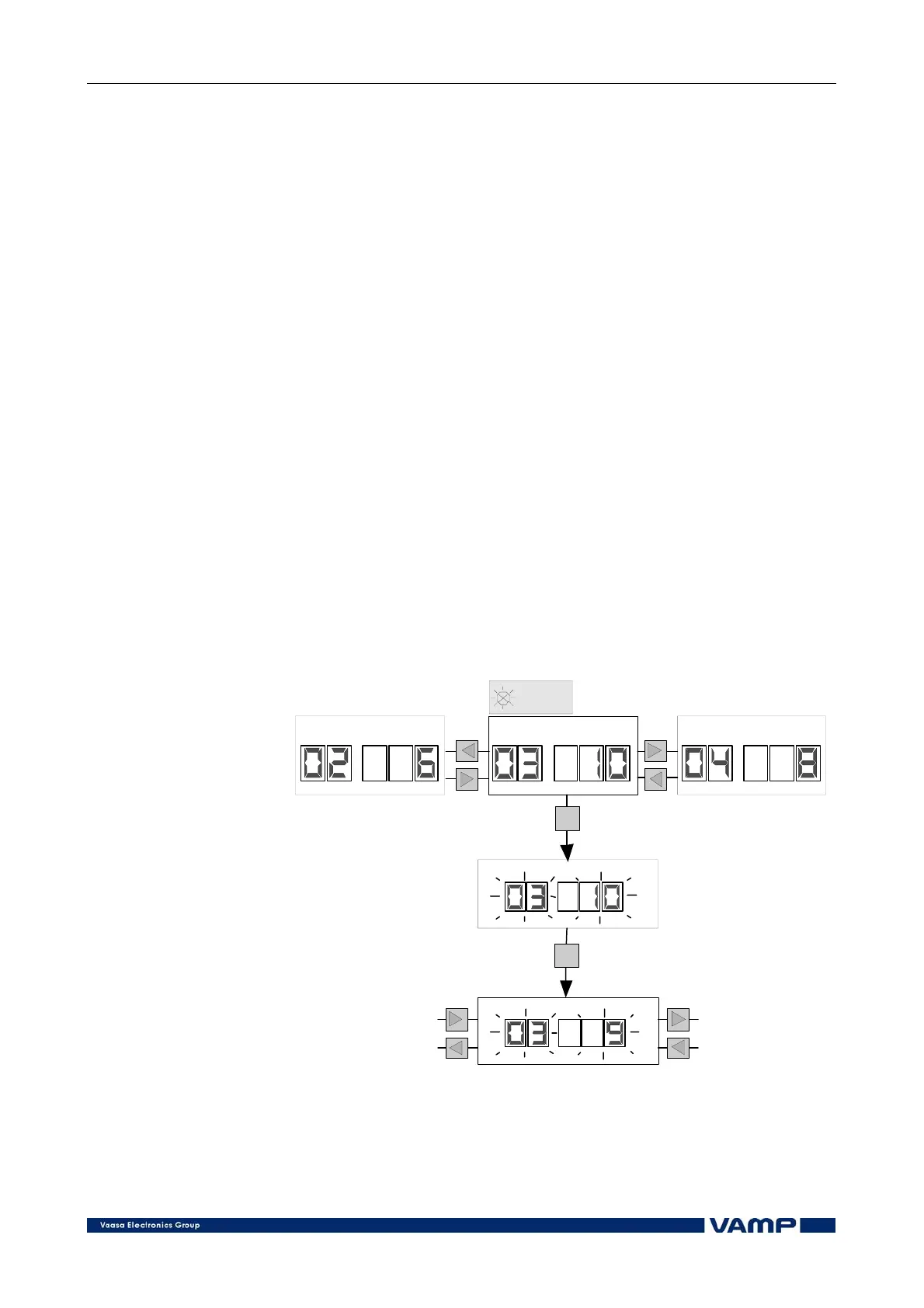
The system configuration can be checked in the INFO mode of
the master unit as follows:
1. Enter the INFO mode.
2. The display shows the address of a slave unit and the
number of sensors connected to it according to the system
configuration done earlier.
3. Use the left and right push buttons to move between the
slave units.
4. Activate the INFO mode at the desired slave unit by
pushing the S push-button.
5. Push the E button to execute the check connected sensors.
The display shows the number of sensors connected to the slave
unit.
If the shown system configuration differs from the system
configuration set earlier, the difference may be due to an
internal system fault.
NOTE!
Checking the system configuration will not affect the configura-
tion settings. If the system configuration is to be modified, it
must be done in INSTALL mode. See section .
INFO
S
E
Number
Slave unit of sensors
Number
Slave unit of sensors
Number
Slave unit of sensors
Use push-button to
check the number
of sensors at the slave unit
( 1 sensor missing )
Figure 7.4-1 Checking the system configuration in the INFO mode.



 To Next Page