Description of the Service Mode
Operating mode
Description
It is possible to activate different operating modes.
These special modes are particularly useful for
using the unit at a show or in a showroom.
The different modes are:
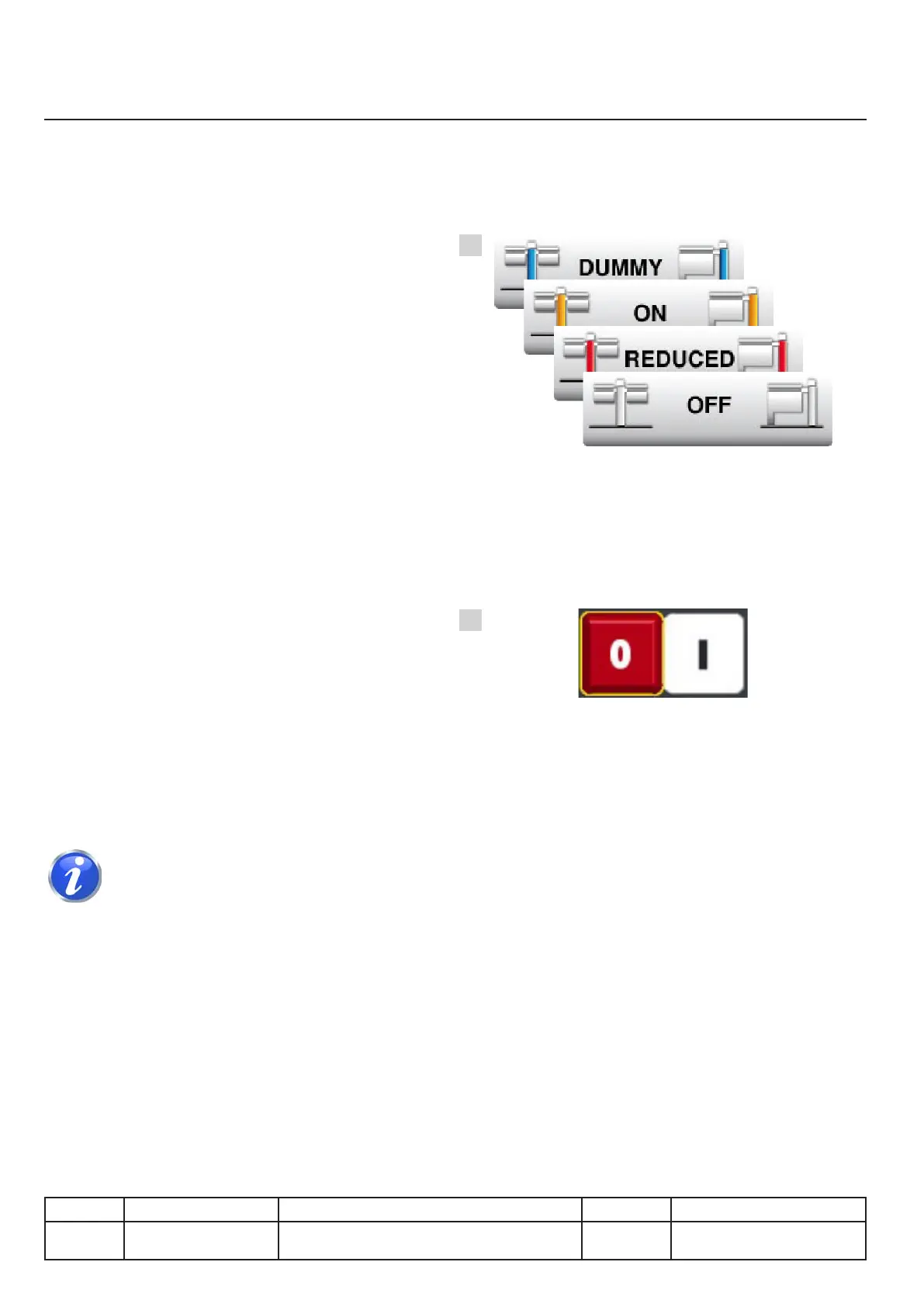
OFF
Show mode is disabled. Heating and the
movements function normally.
REDUCED
Theunitnolongerheatsorllswithwater.Only
the movements still work. No service message is
displayed.
ON
The unit no longer heats or lls with water,
movements are disabled. No service message is
displayed.
DUMMY
This special mode is reserved for dummy
operation.The unit no longer heats or lls with
water, movements are disabled. No service
message is displayed.
Selection
To choose the most suitable mode, press the
buttonandturnthedial.Conrm.(Fig.1)
Afteryouhaveconrmedtheappropriate
operating mode the unit must be restarted. (Fig. 2)
v03 • July-2016 • Hen
IV.20
Service Mode Module
1
2
Line Units Serial number (starting from) Sw Revision
VCCM
VCCWE
All ExxXH1009xxxxxxx 01-00-08



 To Next Page