VECTRIX VX-2 SERVICE MANUAL
Version 1.0/July 2011
VECTRIX, LLC
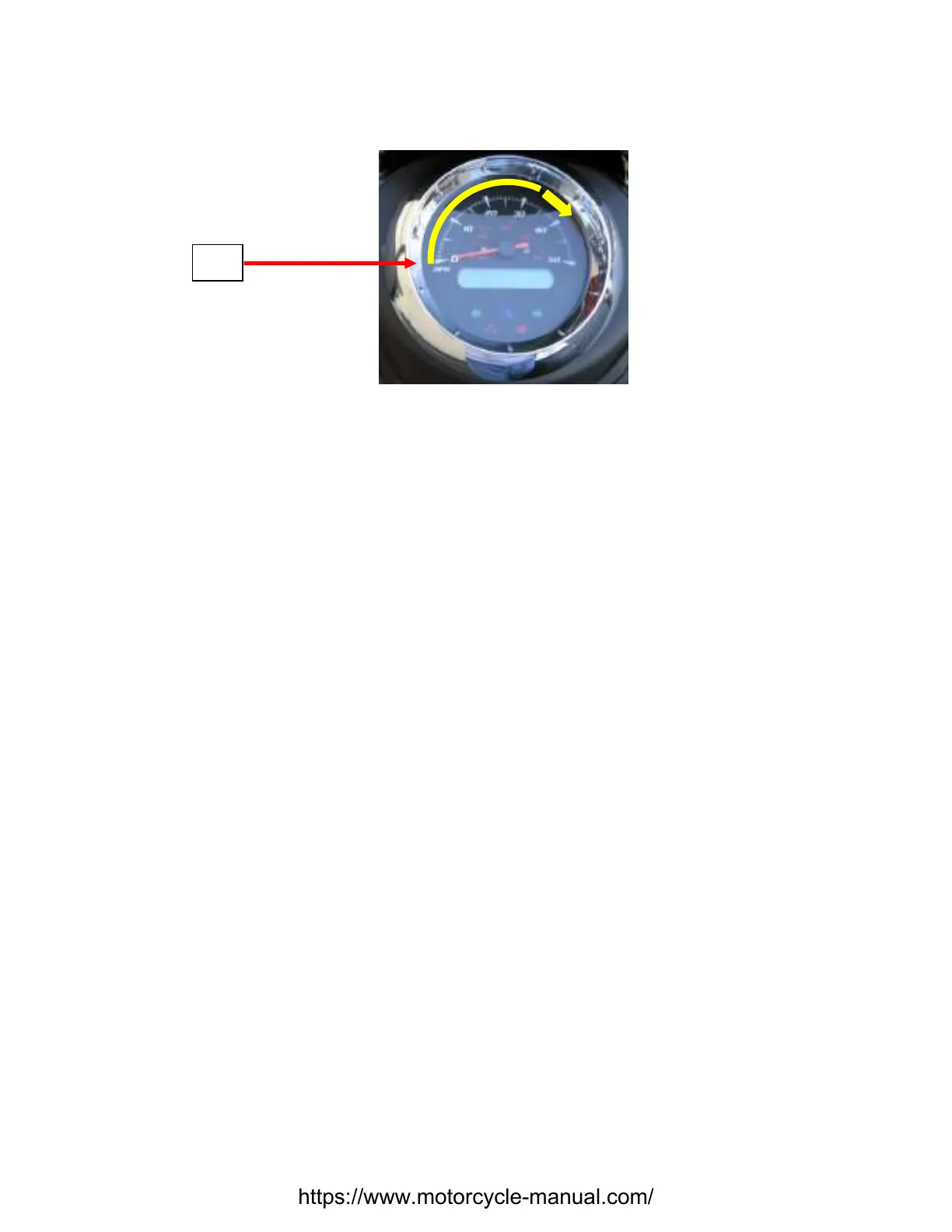
speedometer needle. This is the required setting and what the actual reading in Step 3 must be set to.
If the settings are not the same refer to Throttle Adjustment Procedure.
With PC
1. Connect the Diagnostic Hardware. Refer to Diagnostic Hardware Connections.
2. Open the Vectrix diagnostic program, by clicking on the ScooterDiag icon. This will open up the
Scooter Diagnostics Summary page.
3. Within the General Information box, click on the “Show Instrument” button. This will open up an
instrument cluster page.
4. In the lower center of the page is the throttle setting. This setting color should be in the Green, if the
color is Red, the throttle is out of adjustment and must be adjusted. Refer to Throttle Adjustment
Procedure.
https://www.motorcycle-manual.com/


 To Next Page