EasyManua.ls Logo

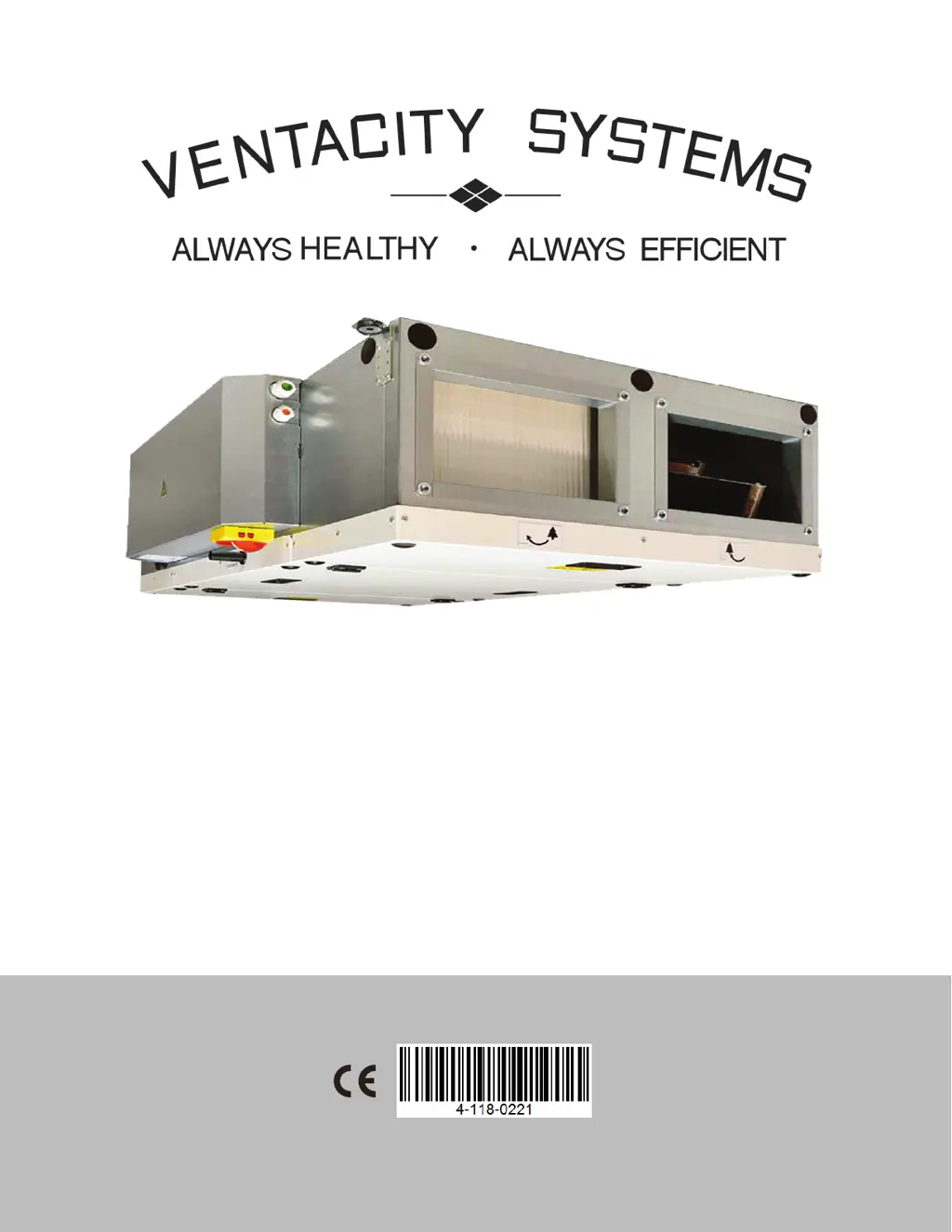
Ventacity Systems VSCM Series - User Manual

Ventacity Systems VSCM Series
39 pages
Print Icon
To Next Page IconTo Next Page
Loading...
Rev. 01.01
VSCM
Installation and Operation Manual
Rev. 01.01
03/04/19
VS1200 CMh/e
VS900 CMh/e
VS400 CMh/e
VS250 CMh/e

Questions and Answers

  • A
    Aaron MayerSep 14, 2025
    What should I do if my Ventacity Systems Fan indicates that the inlet filter is clogged > 80%?
    • J
      James DrakeSep 14, 2025
      If your Ventacity Systems Fan indicates that the inlet filter is clogged > 80%, a filter change is recommended. The cause of this problem is a clogged filter.
  • F
    Frank WelchAug 25, 2025
    What to do if the Ventacity Systems VSCM Fan exhaust filter is clogged?
    • J
      Jessica HernandezAug 25, 2025
      If the exhaust filter of your Ventacity Systems Fan is clogged, you should check the filter's condition and replace it if needed. If your unit doesn't have a pressure sensor for the filter, reset the clogged filter according to the manual.
  • M
    Melissa WhiteAug 25, 2025
    What does it mean if my Ventacity Systems VSCM displays a supply fan error?
    • M
      Matthew AndrewsAug 26, 2025
      A supply fan error on your Ventacity Systems Fan indicates that the fan may be overheated or there is a defect on the thermal contact of the inlet fan. Determine the cause of overheating, such as a defective bearing or short-circuit, or replace the engine.
  • P
    peter14Aug 26, 2025
    What does it mean if my Ventacity Systems VSCM displays an exhaust fan error?
    • C
      christinebrewerAug 27, 2025
      An exhaust fan error on your Ventacity Systems Fan means that the fan may be overheated or there is a defect on the thermal contact of the inlet fan. To resolve this, determine the cause of the overheating (like a defective bearing or short-circuit) or replace the engine.
  • B
    Brandon JohnsonSep 14, 2025
    What should I do if my Ventacity Systems VSCM Fan indicates that the exhaust filter is clogged > 80%?
    • J
      Julie QuinnSep 14, 2025
      If your Ventacity Systems Fan indicates that the exhaust filter is clogged > 80%, a filter change is recommended. The cause of this problem is a clogged filter.
  • M
    Ms. Dana KimSep 23, 2025
    What does it mean if my Ventacity Systems Fan shows passive house protection?
    • M
      Matthew LongSep 23, 2025
      If your Ventacity Systems Fan shows 'passive house protection,' the temperature of the air flowing into the inlet branch of the building is not within the Passive House specifications. The performance of the unit is being automatically corrected to reach this minimum level. This is an automatic process because the unit is operating in order to meet the Passive House specifications.
  • S
    Stephanie WalkerSep 7, 2025
    What to do if my Ventacity Systems VSCM displays a failure in the pressure sensor of the exhaust fan?
    • A
      abrandtSep 7, 2025
      If your Ventacity Systems Fan indicates a failure in the pressure sensor of the exhaust fan, check the supply point for mechanical damage, whether it is clogged by dirt, or whether the supply hoses are free. The pressure sensor will likely need to be replaced. The cause of this problem is a pressure sensor failure.
  • J
    Jonathan HoffmanSep 8, 2025
    What to do if my Ventacity Systems VSCM displays a failure in the pressure sensor of the VAV supply channel?
    • G
      Gregory GardnerSep 8, 2025
      If your Ventacity Systems Fan indicates a failure in the pressure sensor of the VAV supply channel, check the supply point for mechanical damage, whether it is clogged by dirt, or whether the supply hoses are free. The pressure sensor will likely need to be replaced. The cause of this problem is a pressure sensor failure.
  • W
    William FarmerSep 23, 2025
    What does it mean if my Ventacity Systems VSCM Fan shows heat pump defrost?
    • E
      evansmariaSep 23, 2025
      If your Ventacity Systems Fan shows 'heat pump defrost,' the heat pump is reporting that it is defrosting, and the unit is operating in defrost-waiting mode. This is an automatic process because the unit is waiting until the heat pump defrosts.
  • R
    Robert VegaAug 31, 2025
    How to fix a failure in exchanger 2 in Ventacity Systems VSCM?
    • P
      Paula SpencerAug 31, 2025
      To fix a failure in exchanger 2 in your Ventacity Systems Fan, where the cause is an overheated electric exchanger or damaged sensor, check that air can flow freely through the unit, ensuring the electric heat exchanger is cooling sufficiently. Also, check the safety thermostat on the electric re-heating for damages.

Summary

INTRODUCTION

acceptable-environment-conditions

Specifies the required indoor and operating temperatures and humidity for the unit.

safe-installation-clearance

Outlines minimum clearance requirements for flammable and non-flammable materials.

SPECIFICATIONS

unit-main-components

Identifies and illustrates the primary parts of the Ventacity VSCM unit.

vs1200-specifications

Lists technical data and performance metrics for the VS1200 CMh/e model.

vs900-specifications

Lists technical data and performance metrics for the VS900 CMh/e model.

vs400-specifications

Lists technical data and performance metrics for the VS400 CMh/e model.

vs250-specifications

Lists technical data and performance metrics for the VS250 CMh/e model.

INSTALLATION

unit-mounting-and-hanging

Guidelines for securely mounting the unit, including drilling templates and weight considerations.

ductwork-connection-guidelines

Procedures for connecting air ducts to the unit's intake and exhaust openings.

electrical-installation-safety

Instructions for safe and compliant wiring of the unit's electrical components.

electrical-accessories-connection

Details on connecting various electrical accessories to the unit's control cabinet.

COMMISSIONING

service-menu-access-and-navigation

Instructions on how to access and navigate the unit's service menu.

hardware-test-menu

Procedure for testing the unit's components and accessories.

modbus-rtu-communication-setup

Configuration settings for Modbus RTU communication protocol.

REFERENCE

troubleshooting-guide

Comprehensive guide to identifying and resolving unit errors and malfunctions.

service-error-resolution

Procedures for addressing persistent errors and contacting support.

Ventacity Systems VSCM Series Specifications

General IconGeneral
BrandVentacity Systems
ModelVSCM Series
CategoryFan
LanguageEnglish