SYSTEM MODE - VTM
Keypad
E355/E265 USER AND BEST PRACTICES GUIDE 47
Keypad
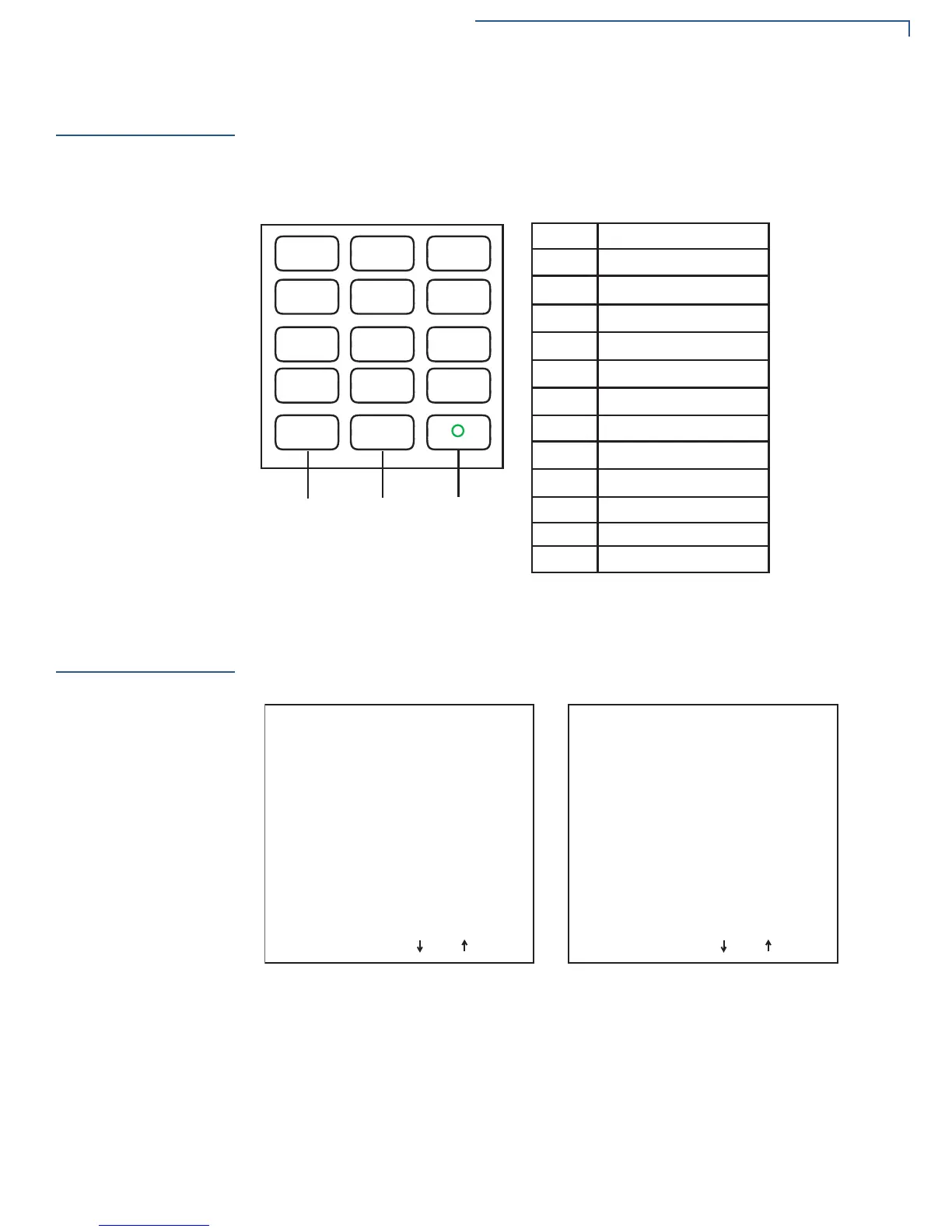
To use the VTM menus, user may need to familiarize themselves with the keypad
keys. The e355 features a cell phone-type keypad. This means multiple
characters are assigned per key and repeated key press allows you access the
desired character.
Figure 15 Cell Phone Style Keypad with Multiple Characters Assigned
per Key
Menus
Below are sample VTM menu screens.
Figure 16 VTM Menus 1 and 2
1
QZ.
2
ABC
3
DEF
4
GHI
5
JKL
6
MNO
7
PRS
8
TUV
9
WXY
*
,
‘
‘
‘
0
-SP
#
X
<
Cancel Clear Enter
Key
Multiple Characters
1
2
3
4
5
6
7
8
9
*
0
#
,
‘
‘
‘
Q Z .
A B C
D E F
G H I
J K L
M N O
P R S
T U V
W X Y
- Space +
! : ; @ = & / \ % _ $
VERIX TERMINAL MGR
1> Restart
2> Edit Parameters
3> Download
4> Memory Usage
5> Directory Listing
689
ª
VERIX TERMINAL MGR
1> Clear Memory
2> Calibrate Screen
3> Terminal Info
4> Diags
5> System Error Log
689
ª



 To Next Page