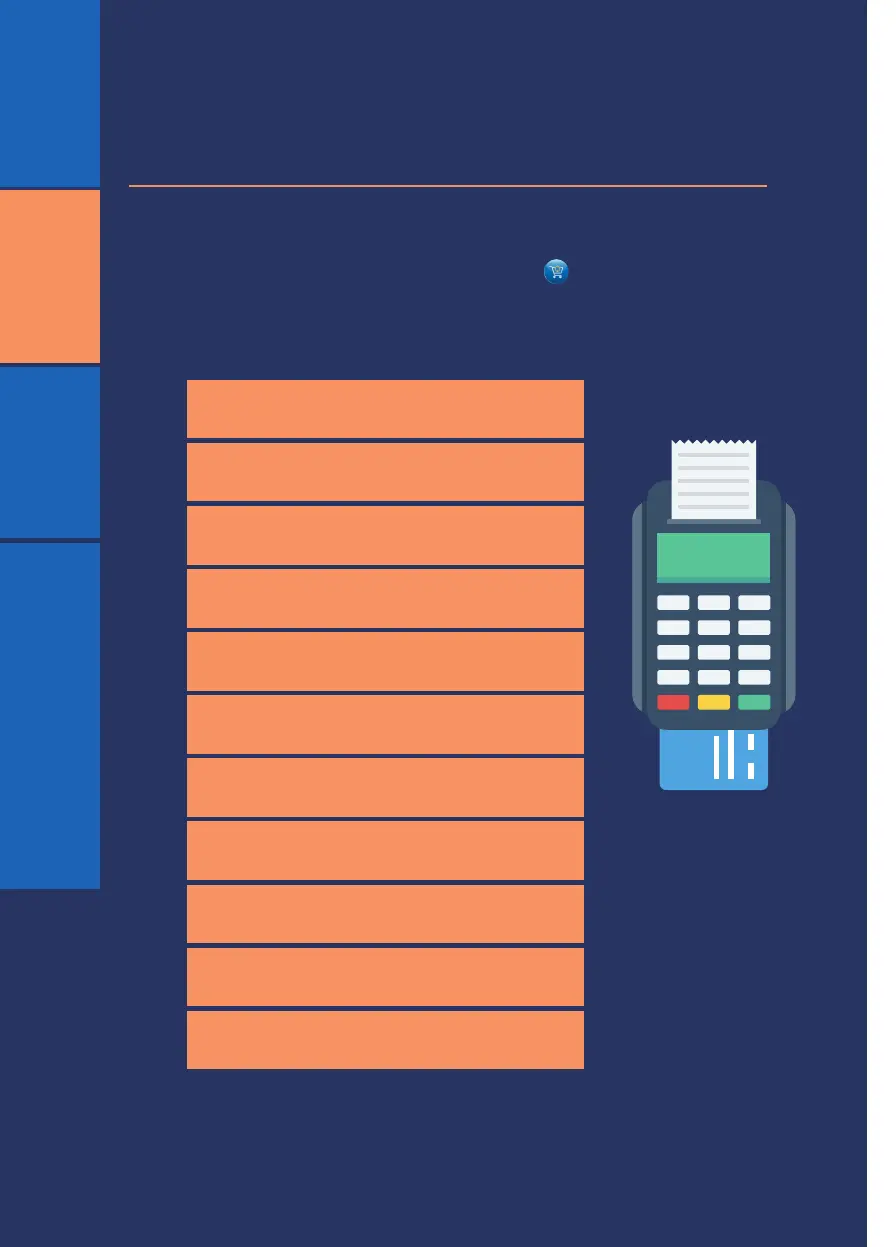
Entering a purchase amount on the default idle screen will start
the purchase. Alternatively, press the # key or tap on the
screen for a list of transactions.
The following transaction list will be displayed:
1. Purchase
2. Purchase with cash back
3. Cash Withdrawal
4. Refund
5. Cancel (Reverse or correction)
7. Balance enquiry
6. Voice approval or voice override
8. Pre-authorise
9. Pre-authorise completion
10. Pre-authorisation cancel
11. Deposit/Payment
RETAIL6
RETAIL
VALUE ADDED SERVICES (VAS)
RESTAURANT






 To Next Page