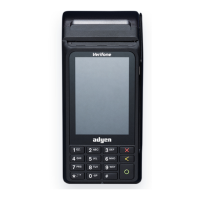
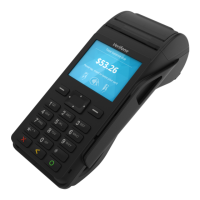
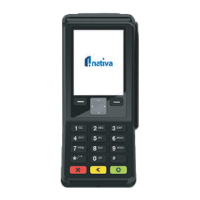
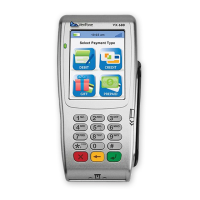
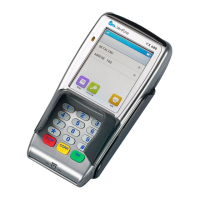
Select ‘refund’
If cashier is enabled, enter the cashier (user) ID
If the cashier requires a PIN, enter the cashier’s PIN
Call for override and press ‘OK’ (O)
To authorise, enter the supervisor ID and PIN
Enter the amount to be refunded and press ‘OK’ (O)
If requested, enter the reference number to print on the receipt
4. REFUND
Press the # key or tap on the screen for the transaction list
If requested, enter the invoice number to print on the receipt
The POS device will display ‘please pass to customer’
Follow the transaction ow as from Step 10 under the ‘purchase’.
STEP 1
STEP 4
STEP 2
STEP 5
STEP 3
STEP 6
STEP 7
STEP 8
STEP 9
STEP 10







 To Next Page