1. PURCHASE
STEP 1
STEP 5
STEP 3
STEP 6
STEP 4
STEP 7
STEP 8
Select ‘purchase’
If cashiers are enabled, enter the cashier (user) ID
If the cashier requires a PIN, enter the cashier’s PIN
Enter the amount to purchase and press ‘OK’ (O)
If requested, enter the reference number to print on the receipt
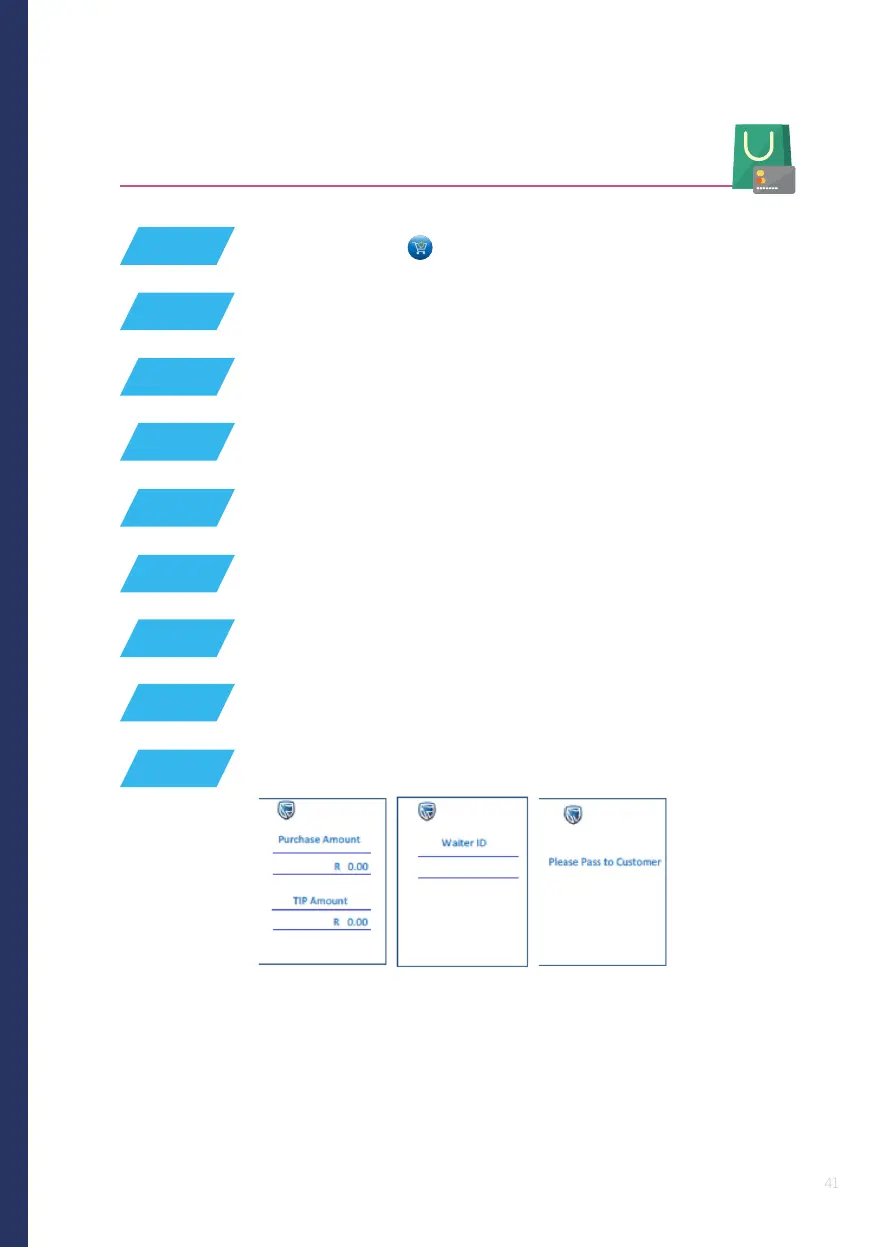
Enter the ‘tip amount’ (unless it was already entered on the idle screen)
The POS device will display ‘please pass to customer’
Enter the table number, if enabled in settings
STEP 9
STEP 2
Press the # key or tap on the screen for the transaction list






 To Next Page