4.0 Everyday Funcons
4.1 Purchase/Sale
How to process a Purchase transacon
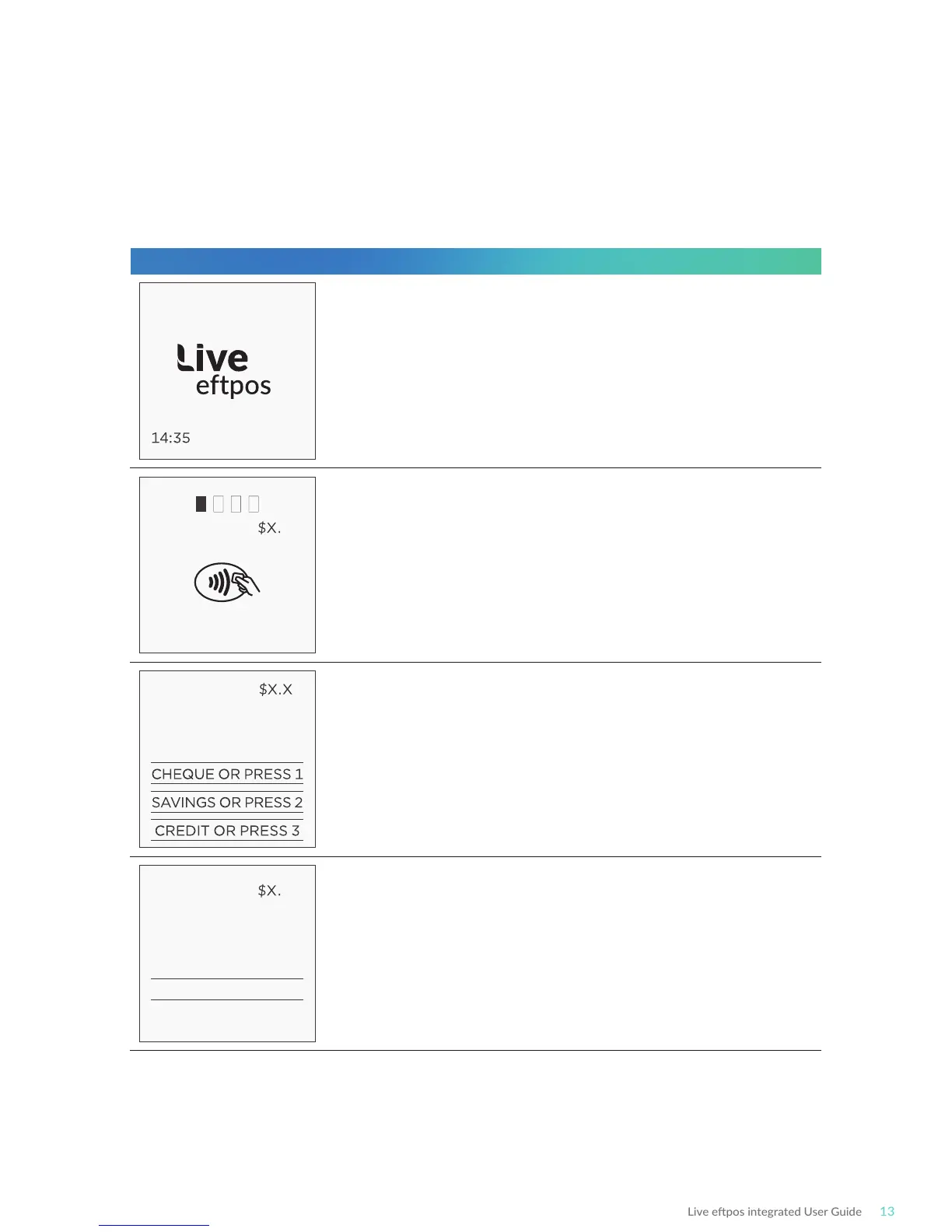
Terminal Screen Next Step
READY
PURCHASE XX
PRESENT CARD
®
PURCHASE X
MASTERCARD
SELECT ACCOUNT
PURCHASE XX
MASTERCARD CR
Key PIN and ENTER
XXXX
29/09/18
Start by iniang the transacon via the POS interface.
Bring the card into contact with the terminal by swiping,
inserng or tapping it.
For magnec stripe and chip cards, have the customer
select an account on the touch screen or keypad.
Note: The terminal will only display the available
accounts for the card entered
Ask the customer to enter their PIN on the terminal and
press ENTER, or just press ENTER to sign (if allowed*).



 To Next Page