4.6 How to Process a Mail/Telephone Order/e-Commerce Transacon
How to process a Tip Adjustment
Transacons iniated by mail or telephone are known as MOTO (Mail Order or Telephone
Order) transacons. ECOM (Electronic Commerce) transacons are those iniated over the
Internet.
MOTO and ECOM transacons can be processed on credit and charge cards only, as the
cardholder is not present.
For informaon on how to register as a MOTO or ECOM merchant, contact Live epos on
1300 780 788.
Note:
• Unl registered as a MOTO/ECOM merchant you must not process MOTO or ECOM
transacons.
• An authorisaon of a MOTO or ECOM transacon only establishes that the funds are
available in the cardholder’s account and that the card has not been reported lost or
stolen. It does not guarantee that the person whose name appears on the card is making
the purchase or that the purchase will not be subject to a chargeback.
• You will be liable for all chargebacks on MOTO/ECOM transacons.
• You must retain all merchant receipts for at least eighteen months from the transacon date.
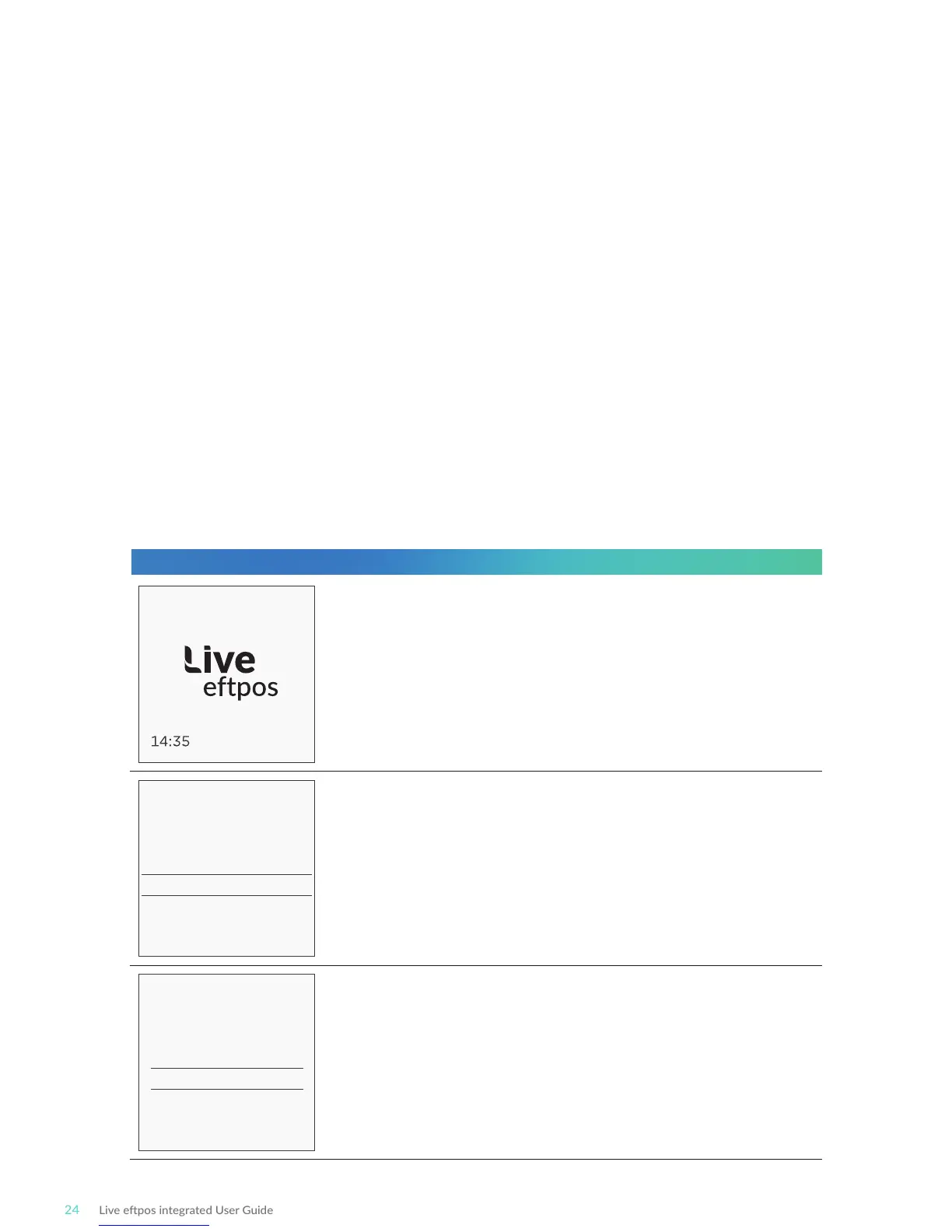
READY
Enter Card Number
XXXX XXXX XXXX XXXX
Enter Expiry Date
XX XX
Start by iniang the transacon via the POS interface.
Do not enter the card number on the POS. It will be
entered into the terminal shortly.
Enter the card number into the terminal. Once entered,
press ENTER to proceed.
Enter the card Expiry Date in MMYY format. Once you’ve
done that press ENTER to proceed.
Terminal Screen Next Step
29/09/18



 To Next Page