4.3 Refund
How to process a Refund transacon
Refunds may only be processed where there was an inial valid transacon on the same card.
If a customer returns a purchase, or if an incorrect amount was charged, process a refund as
follows:
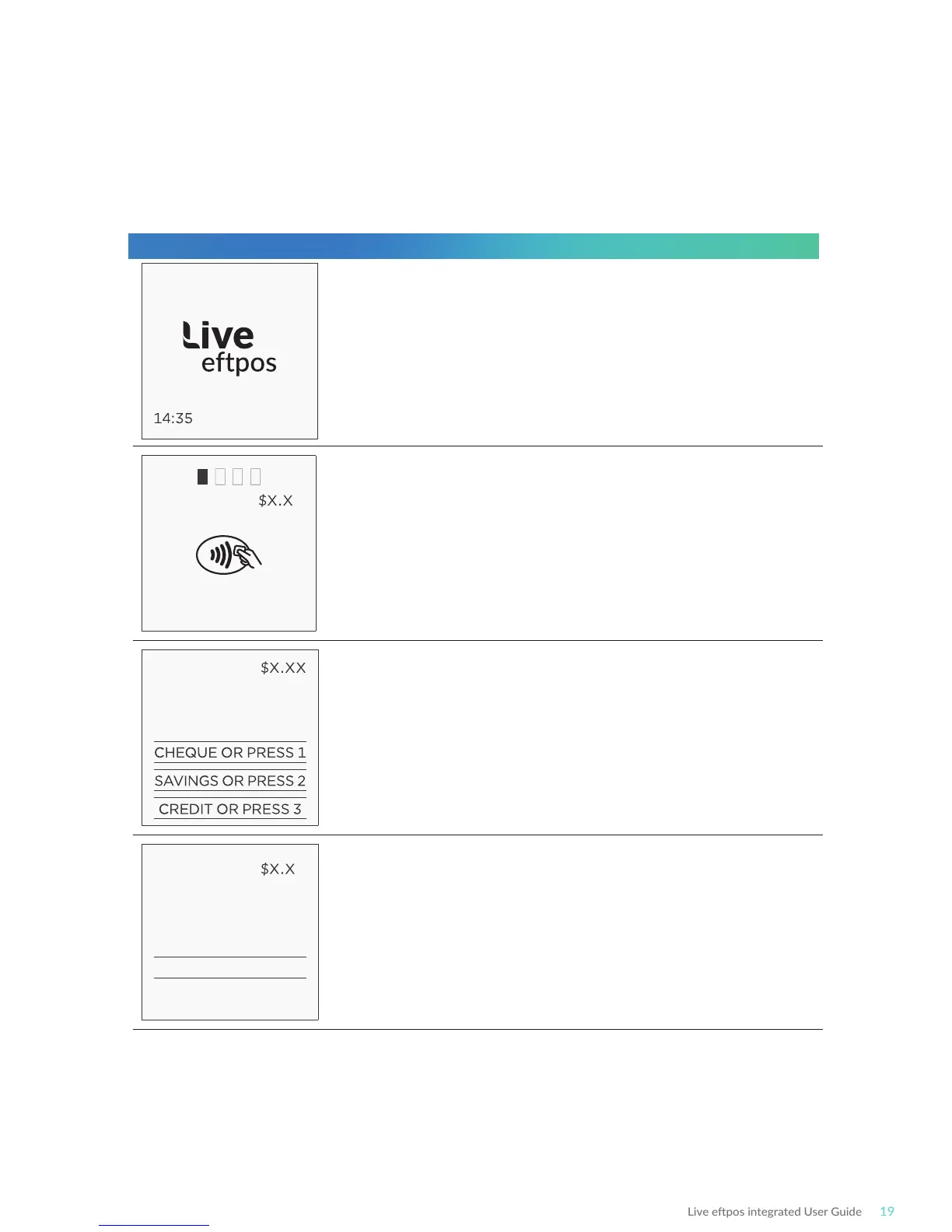
Terminal Screen Next Step
REFUND X
PRESENT CARD
REFUND
MASTERCARD
SELECT ACCOUNT
REFUND X
MASTERCARD SAV
Key PIN
XXXX
Start by iniang the transacon via the POS interface.
Keep in mind that this transacon type may be password
protected for risk/security purposes.
Bring the card into contact with the terminal by swiping,
inserng or tapping it.
Have the customer select an account on the terminal screen.
Note: The terminal will only display the available accounts for
the card entered.
Ask the customer to enter their PIN on the terminal and press
ENTER, or just press ENTER to sign (if allowed*).
READY
29/09/18



 To Next Page