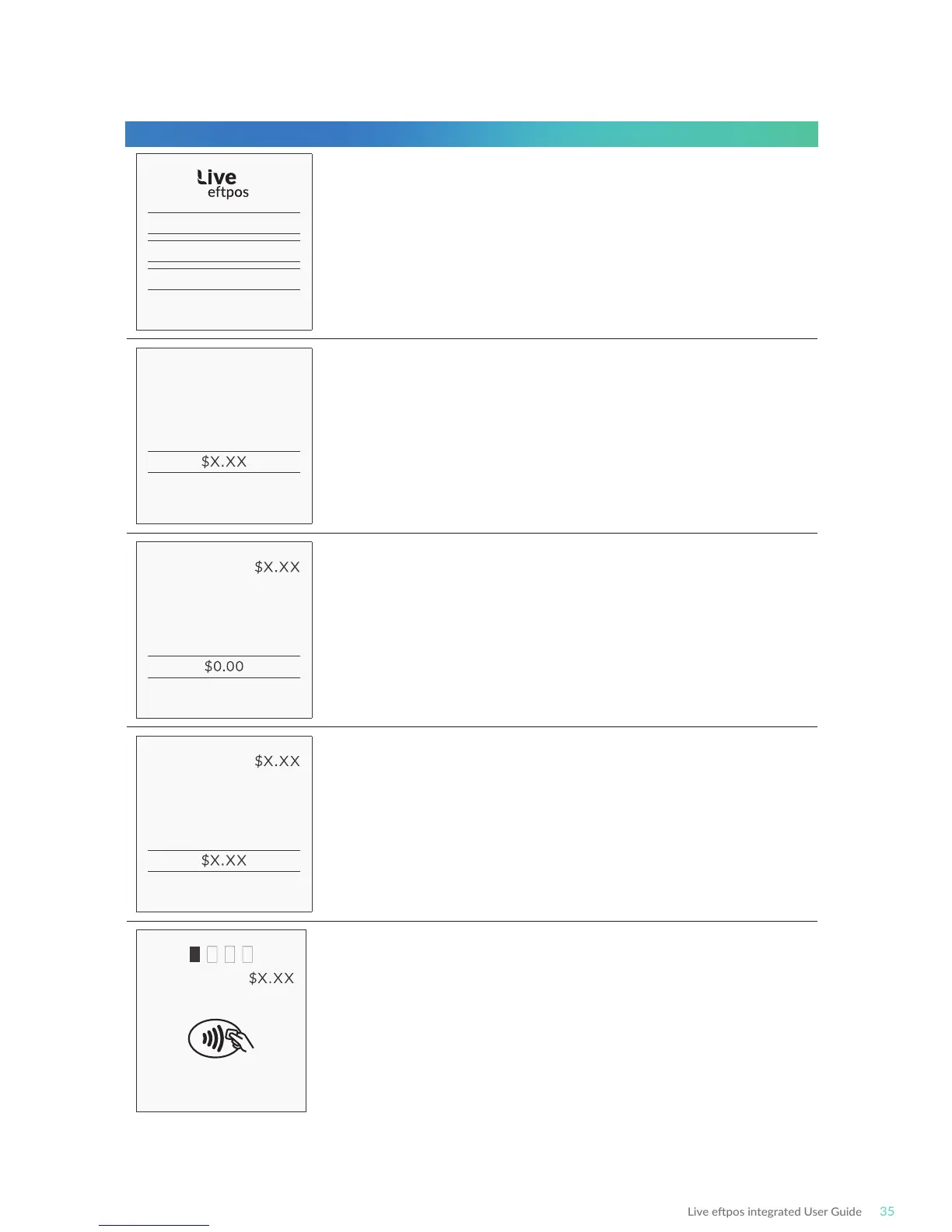
PURCHASE
CASHOUT
REFUND
PREV NEXT
ENTER AMOUNT
PURCHASE
ENTER CASH OUT
PURCHASE
TOTAL AMOUNT
PURCHASE
PRESENT CARD
Select Purchase transacon on the terminal (press ENTER
on terminal if screen is not visible to display menu)
Enter the transacon amount into the terminal and
press ENTER.
Press Enter to confirm the total purchase + Cash Out amount.
Bring the card into contact with the terminal by swiping,
inserng or tapping it.
Enter the Cash Out amount into the terminal and press ENTER.
Terminal Screen Next Step



 To Next Page