PURCHASE
CASHOUT
REFUND
PREV NEXT
CASH OUT
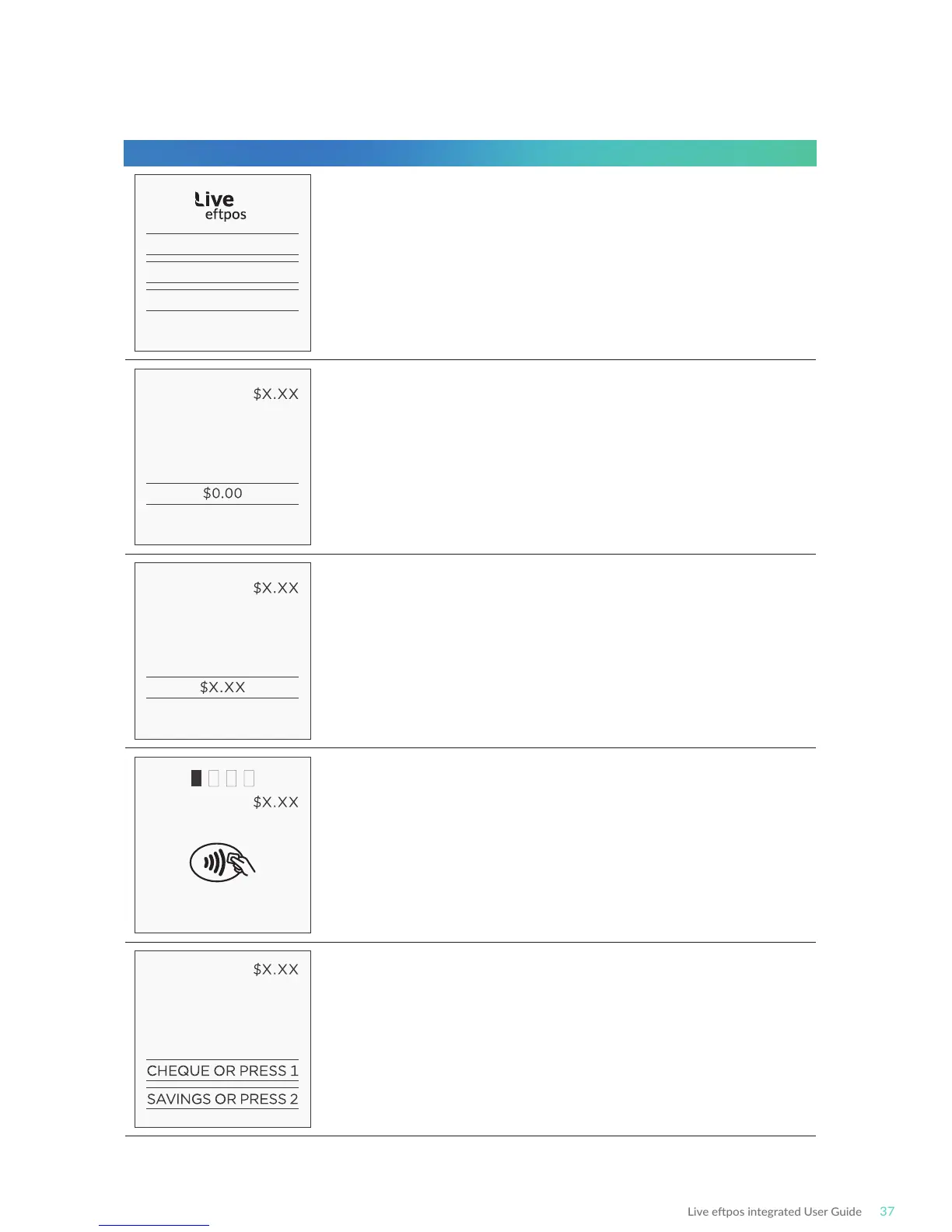
ENTER CASH OUT
CASH OUT
TOTAL AMOUNT
CASH OUT
PRESENT CARD
CASH OUT
MASTERCARD
DEBIT
SELECT ACCOUNT
Select Cash Out transacon on the terminal.
Enter the Cash Out amount into the terminal and press ENTER.
Press ENTER to confirm the total Cash Out amount.
Bring the card into contact with the terminal by swiping,
inserng or tapping it.
Have the customer select an account on the terminal screen.
Note: The terminal will only display the available accounts for
the card entered.
Terminal Screen Next Step
6.3 Standalone-Lite Cash Out ow



 To Next Page