Terminal Screen Next Step
REFUND X
MASTERCARD SAV
Processing
Please Wait
REMOVE
CARD
REFUND X
MASTERCARD
REFUND
Approved
VERIFY
SIGNATURE*
CORRECT?
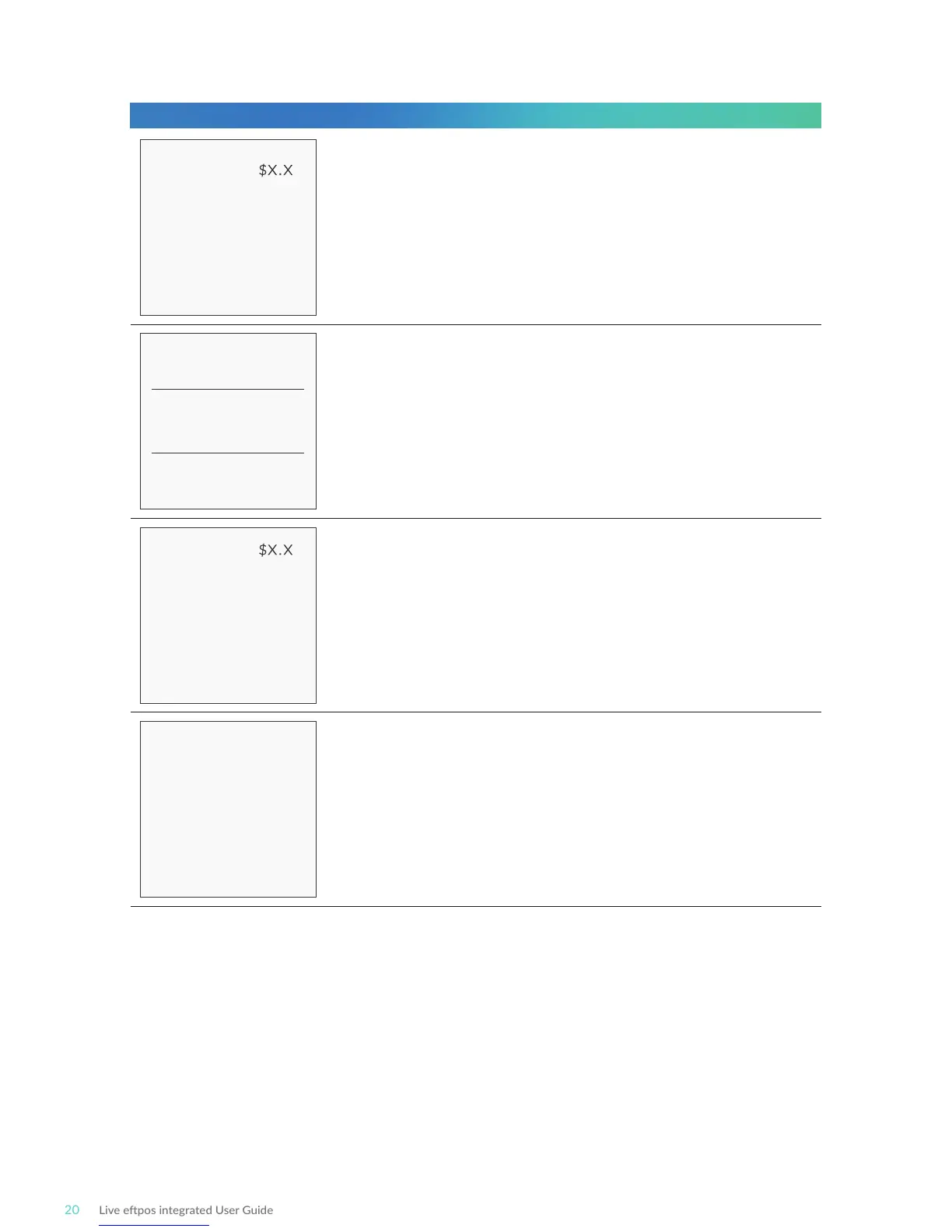
Wait for the “Processing” message to complete.
If prompted, remove the customer’s card from the terminal.
This final screen will show you whether the transacon has
successfully processed. A successful transacon will display
the word APPROVED on-screen, while a failed transacon
will display DECLINED.
Check that the customer’s signature is correct and confirm
this via the POS.
Note: Signature will sll be required for some cards (for example signature-only cards,
payment cards that do not have a chip and some internaonal cards). Your terminal will be
able to process these cards as normal.



 To Next Page