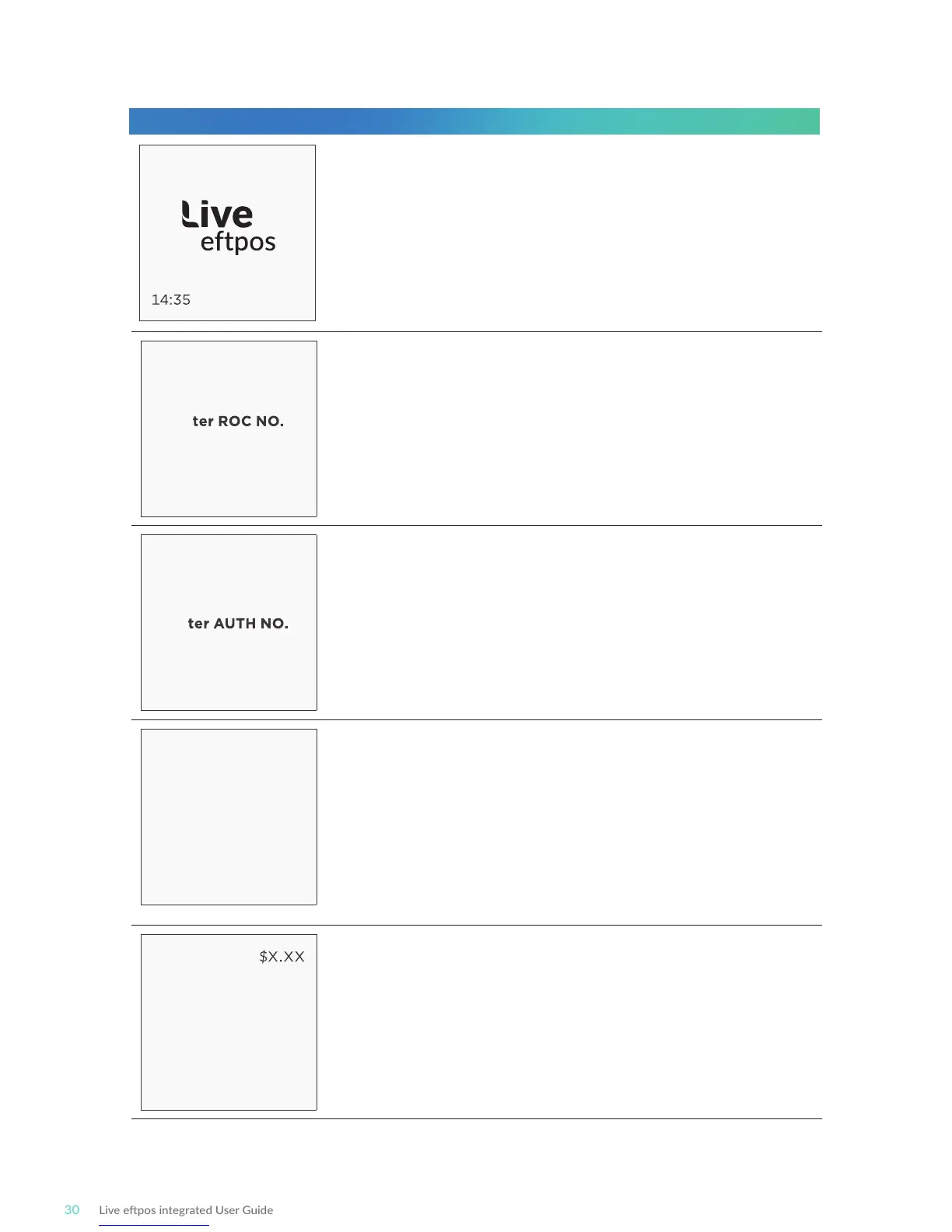
Using the Authorisaon number
PRE-AUTH
En
On POS
PRE-AUTH
En
On POS
PRE-AUTH
Verify Checkout
Correct?
CHECK OUT
Swipe or
Insert Card
Start by iniang the transacon via the POS interface,
including entry of the ROC which is to be completed.
Enter the ROC number for compleon into the POS.
Enter six zero’s (000000) to force ROC entry via the
terminal on the following screen.
This screen is shown if an unknown (or blank) ROC number
was supplied by the POS.
If NO is selected, the next step will be to present a card.
If YES is selected, the entered Authorisaon number will be
accepted and the following step will be chosen.
If the lookup is successful then the pre-authorised details will
be shown (last four card number digits, amount, authorisaon
number).
Confirm via the POS whether the authorisaon details shown
are correct.
If NO is selected, the terminal will prompt for ROC re-entry (if
the ROC was entered into the terminal) or return to the idle
screen (if the ROC was supplied by the POS)
If prompted, physically present the card to the terminal by
swiping or inserng.
Terminal Screen Next Step
READY
29/09/18



 To Next Page