10
Cloning
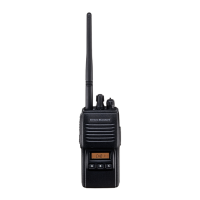
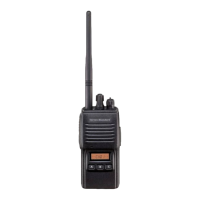
The includes a convenient “Clone” feature,
which allows the programming data from one trans-
ceiver to be transferred to another
. Here is
the procedure for Cloning one radio’s data to anoth-
er.
Note: When a cloning isn't made, you correct the fol-
lowing part using "CE39."
When a "Radio to Radio Clone" which is in the
"Miscellaneous" menu is "Disabled," change this
menu to "Enabled."
1. Turn both transceivers off.
2. Remove the plastic cap and its two mounting
screws from the
jack on the right side of
the transceiver. Do this for both transceivers.
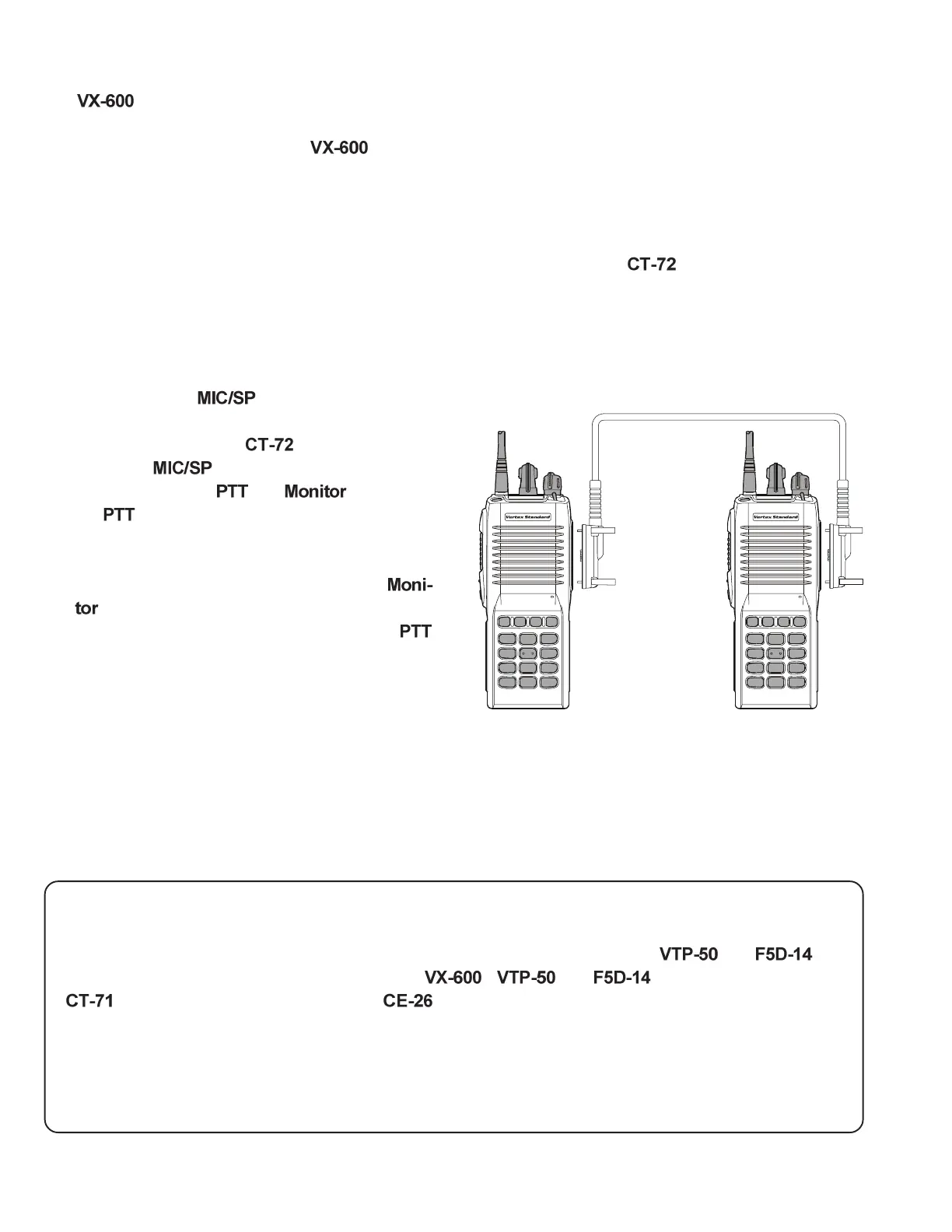
3. Connect the optional
cloning cable be-
tween the
jacks of the two transceivers.
4. Press and hold the
and (just below
the
) switches while turning the transceiver
on. Do this for both transceivers (the order of
the switch-on does not matter).
5. On the Destination transceiver, press the
switch (LED indicator will glow green).
6. Now, on the source transceiver, Press the
switch.Data will now be transferred to the Des-
tination transceiver from the source transceiv-
er (LED indicator will glow red).
7. If there is a problem during the cloning process,
sound an error beep from source the transceiver.
Check your cable connections and battery volt-
age, and try again.
8. If cloning is a successful, LED indicator will be
disappeared, turn the Destination transceiver
off. Now turn the source transceiver off.
9. Disconnect the
. Replace the plastic cap
and its two mounting screws.
10. You can then turn the transceivers back on, and
begin normal operation.
Optional Cloning Cable CT-72
ABCD
1
4
7
½
2
5
8
0
3
6
9
#
ABCD
1
4
7
½
2
5
8
0
3
6
9
#
DealerProgramming of VTP-50 and F5D-14
These procedures are designed to be used by the installing technician after the and has
been installed in the transceiver. To program a
's and board, you will need the
programming interface cable, the Programming diskette, and an IBM PC/AT or PS/2-
compatible tyoe computer.
To enter the Programming mode, use the following procedure:
1. Turn the transceiver off.
2. Turn on the transceiver while holding in the TOP SEL Key and PTT switch.







 To Next Page