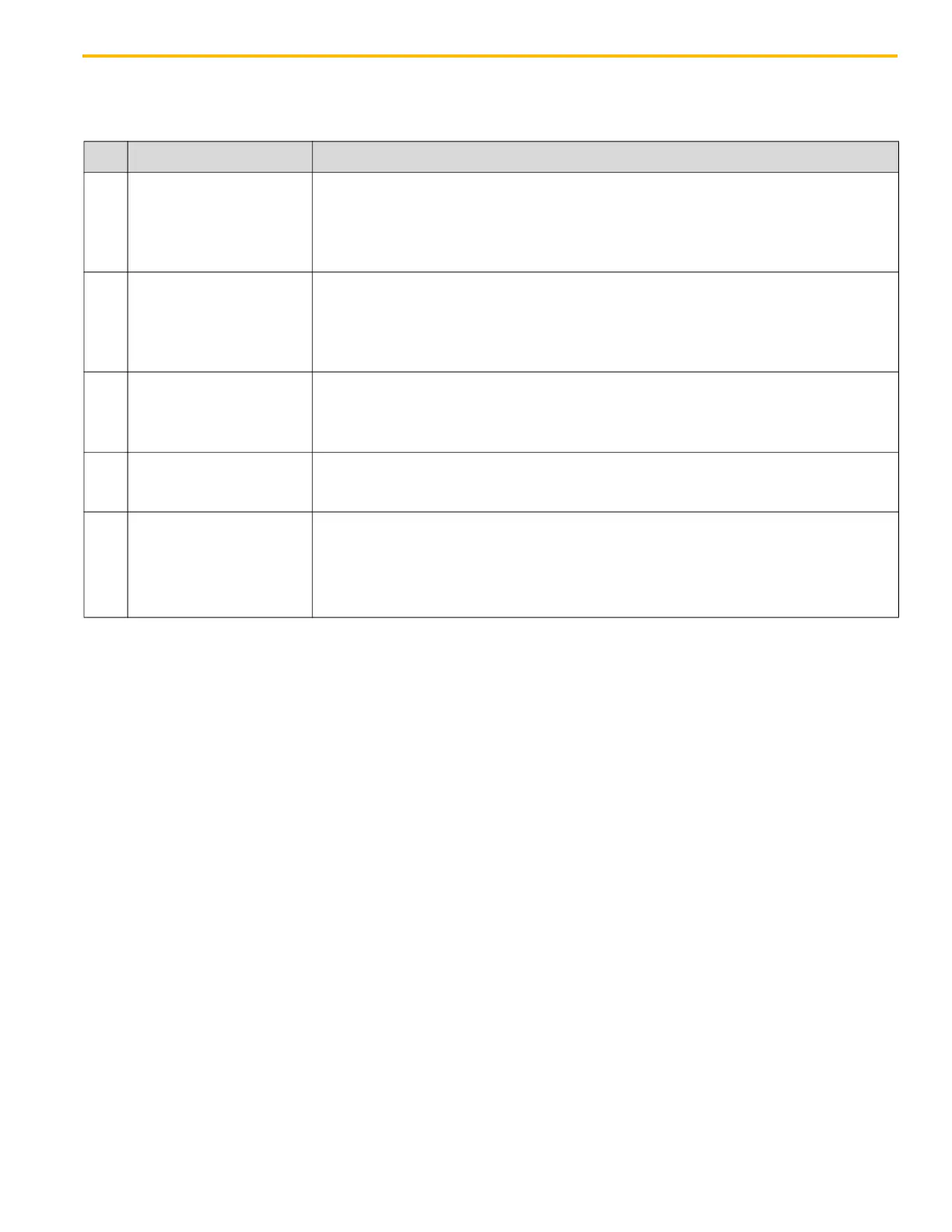
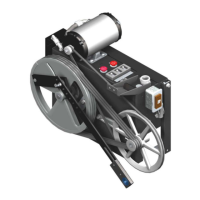
LD-16 Door Operator - Modernization Electronic Setup & Adjustment
October 2021 - 88420 v.1.0
67
Automatic Door Cycling During Adjustment Procedure
(continued)
Table 3 - Wittur Door Card X1 Discrete Input Command Descriptions and LEDs
Table 3 Notes:
• The movement input wires must be maintained so that the input is active all the way to the door
limit or the doors will stop mid-travel.
• For normal speed pattern adjustment, the open and close commands can be used to cycle the
doors to see the door operation results after adjustment changes.
• Use the nudging input to set the Nudging Duty/Speed.
• Use the Inspection input to enable the slow speed buttons on the operator frame and inhibit the
other X1 inputs (same function as DIP
Switch #1).
LED Name Definition
I1 OPEN Command
Drives the door in the open direction until the open position is reached. Input must
be maintained all the way to the mechanical open stop.
Automatic End-Keeping - DIP Switch 8 = ON; the door card and motor torque
keeps doors open with this commend being active. Use If the control system does
not maintain the Open Command input when DOL is reached.
I2 CLOSE Command
Drives the door in the closed direction until the closed position is reached. Input
must be maintained all the way to the mechanical close stop.
Automatic End-Keeping - DIP Switch 8 = ON; the door card and motor torque
keeps doors closed with this commend being active. Use If the control system
does not maintain the Close Command input when DOL is reached.
I3 NUDGING Command
Activates the nudging door slow speed for the Close cycle. Input must be
maintained all the way to the mechanical close stop.
Smoke-sensitive devices (photo cell/light curtain--IPD input) & closing force
reopen ignored.
I4 INSPECTION Command
Deactivates all inputs at the X1 plug and activates the door operator test drive
buttons (same function as DIP Switch 1). The X2 outputs still functional when
input is active.
I5 ALT SPEED Command
Selects a higher Open or Close speed profile when active and used with an Open
or Close Command input (same function as DIP Switch 6).
DIP Switches 5 & 6 = OFF, speed pattern 1 in effect input selects pattern 3.
DIP Switches 5 = ON & 6 = OFF, speed pattern 2 in effect input selects pattern 4.
DIP Switch 6 = ON, no change.


 To Next Page