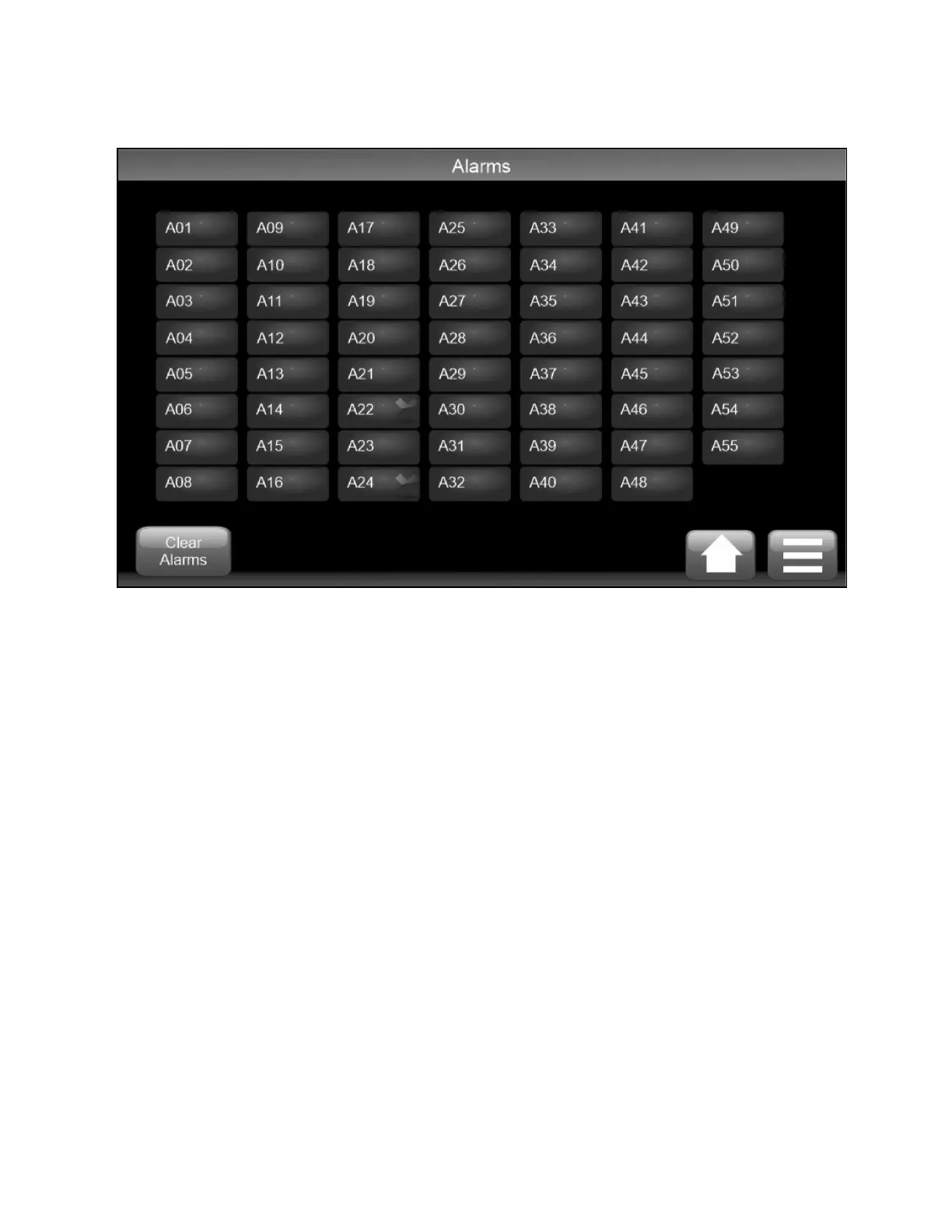
Figure 4.19 Control Screen Active Alarms
Select the alarm to view a description of the alarm.
Some alarms self-clear if the condition is transient. For example, a temperature goes over an alarm threshold and then comes
back to a healthy condition or the fault has been rectified such as when a faulty sensor has been replaced.
Log onto the Service level or higher to clear latching alarms manually and then press Clear Alarms (see Figure 4.19 above
Self-clearing and latching alarms are identified in Troubleshooting Alarms on the facing page .
All alarms are automatically logged in an Alarm Log file stored on the controller SD card with the time and date of generation.
50 Proprietary and Confidential ©2025 Vertiv Group Corp. 4 Operation
Vertiv™ CoolChip CDU 600 Operation and Maintenance Guide








 To Next Page