CONTROL
BUTTON
FUNCTION
ON/OFF Button Used to turn the UPS On and Off.
Alarm Silence Button
When an audible alarm sounds, pressing this button can silence the alarm. Pressing this button again can restart the audible
alarm.
Table 5.3 Control buttons functions
5.3 LCD Screen and Menu Buttons
The operation and display panel provides an LCD screen and menu buttons (F1, F2, F3, F4, F5) described
in Table 5.4 below.
The LCD is a 320 × 240 dot-matrix graphic display. You can browse the UPS input, output, load and
battery parameters and obtain the current state and alarm information of the UPS. You also can perform
relevant function/parameter settings and control operations.
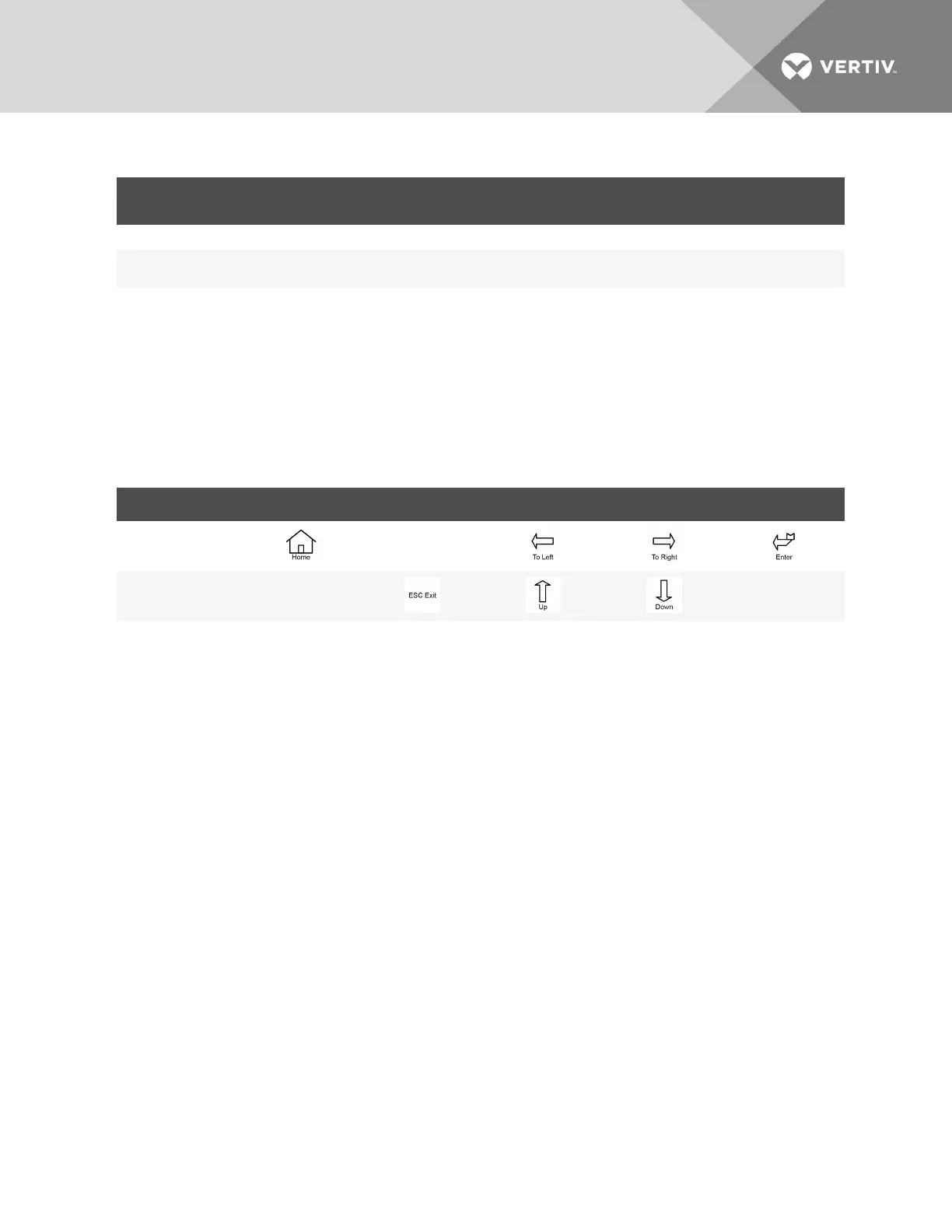
BUTTON F1 F2 F3 F4 F5
Function 1 —
Function 2 — —
Table 5.4 Function descriptions of menu button
5.3.1 Start-up Screen
When the UPS starts up, it conducts a self-test, and the LCD displays the startup screen, which lasts for 15
seconds.
5.3.2 Main Screen
The main screen is divided into four parts: system information window, data window, menu window and
keyboard window as shown in Figure 5.2 on the next page.
The functions of F1 ~ F5 buttons change automatically according to the currently-displayed screen. On
any screen, press the F1 button to return to the Output screen. The window parts are described in the
following sections
Vertiv | Liebert® APS™ Installer/User Guide | 59














 To Next Page