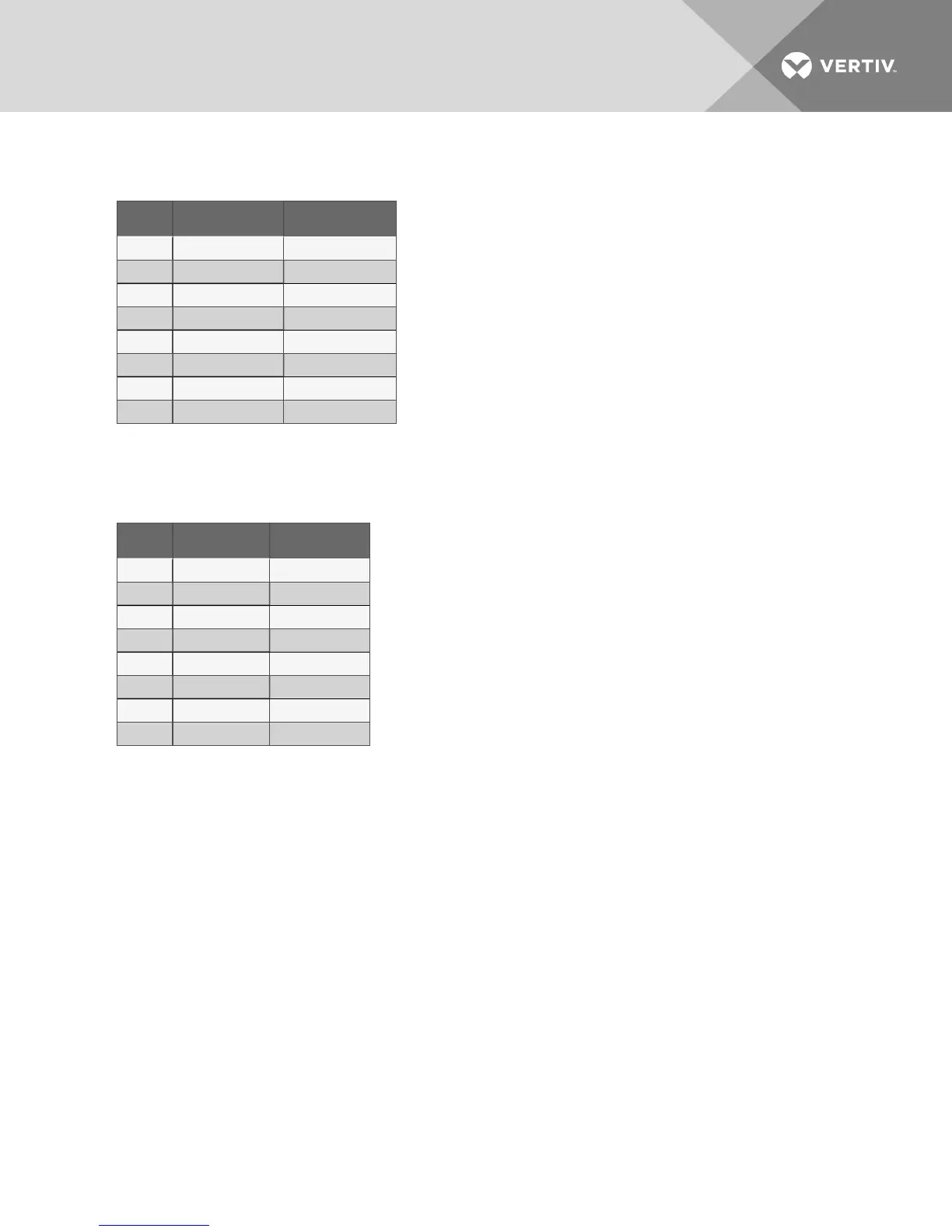
Switch OFF Position ON Position
1 Compressor Chilled Water
2 Standard Reheat SCR Reheat
3 No Modulating Valve Modulating CW Valve
4 Not Used Not Used
5 Enable Reheat Disable Reheat
6 Enable Humidifier Disable Humidifier
7 Enable Dehumidifier Disable Dehumidifier
8 Electric Reheat Gas Reheat
Table 8.5 Equipment switch settings
(unit control board)
Switch OFF Position ON Position
1 Disable Beeper Enable Beeper
2 Not Used Not Used
3 Not Used Not Used
4 Not Used Not Used
5 Not Used Not Used
6 Not Used Not Used
7 Disable Setback Enable Setback
8 Enable Password Disable Password
Table 8.6 Switch settings (wall
box board)
8.17 Run Diagnostics (Available On Rev 1.001.0 and higher)
By selecting Run Diagnostics, maintenance personnel can check system inputs, outputs and conduct a
test of the microcontroller circuit board from the wall box control. A review of the system inputs and the
microcontroller test can be done without interrupting normal operation.
Show Inputs
With the unit on and the fan running, the input states may be displayed for the following devices:
• High Water Alarm: Normally off unless High Water Alarm is active.
• High Head Pressure Alarm: Normally off unless High head Pressure alarm is active.
• Custom alarm #1: Normally off unless this special customer selectable alarm is active.
• Custom alarm #2: Normally off unless this special customer selectable alarm is active.
• Power: Normally on unless unit is turned off through the wall box or any of the following
optional devices: High Temperature Sensor, Smoke Sensor, High Water Alarm or Remote
Shutdown
Vertiv | Liebert Mini-Mate2—5 ton User Manual| 63









 To Next Page