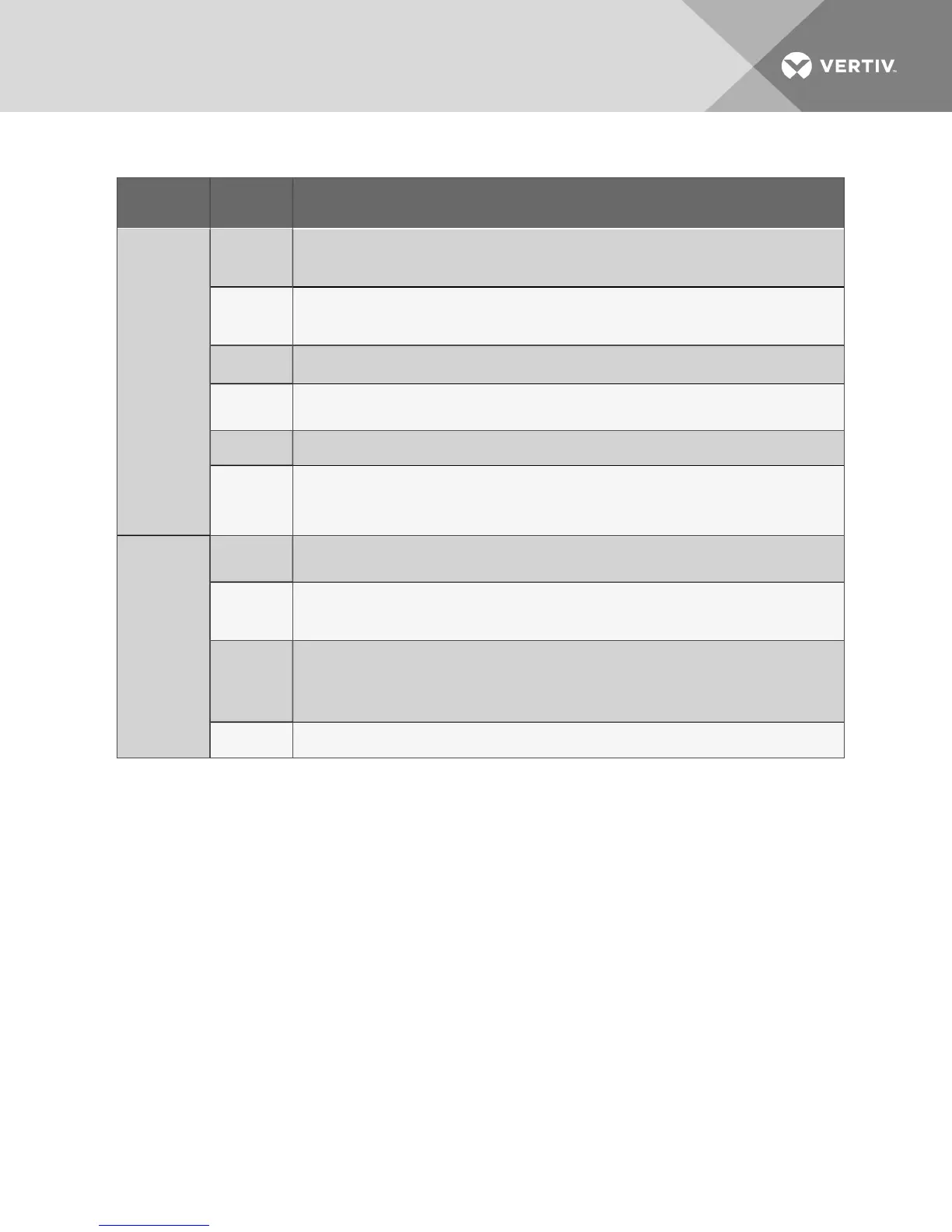
Symptom
Possible
Cause
Check Or Remedy
Humidifier does
not operate
DIP switch not
set to enable
humidifier
option
See DIP switch settings Table 11.2 on page83.
“HUMIDIFY”
not displayed
at control
panel
Increase humidity control set point and sensitivity to require humidification.
Defective
board
Check voltage at P3-1 and P1-9 on interface board for 24 VAC
± 2 VAC. If no voltage, check wiring and/or replace board. Check wiring from control panel to board.
Failed
humidity
sensor
Humidity display will indicate dashes. Check wiring from temperature/humidity board to the control board and
from the wall box to the control board. Replace wallbox or temperature/humidity circuit board (if remote).
No water flow
Make sure switch is in Run position. Check humidifier water supply (including filter screen) and check nylon
overflow line if canister is full.
Canister fill
rate is not
keeping up
with the steam
output
Check fill valve screen opening and capillary tube for obstructions. Check water supply pressure (minimum 10
PSIG).
Reheat will not
operate
DIP switch not
set to enable
reheat option
See DIP switch settings Table 11.2 on page83.
HEAT not
displayed at
the control
panel
Increase temperature set point to require heating.
Reheat safety
open,
defective
reheat contact
or defective
board
Check voltage at P2-1 and P1-9 on interface board for 24 VAC ± 2 VAC. If voltage, check reheat contactor and
reheat safety. If no voltage, check wiring and/or replace board.
Element is
burned out
Turn off power. Check element continuity with an Ohmmeter.
Table 13.1 Troubleshooting (continued)
Vertiv | Liebert Mini-Mate2—5 ton User Manual| 88









 To Next Page