Vertiv | Liebert PEX4 | User Manual 57
Controller Operating Instruction
3.2. Light Indicator
Display board have four LED indicators, the corresponding colors and functions are described in Table 3-1
Table 3-1 Indicator Function
Light Function Description
Blue The display is starting.
Yellow The display fails to communicate with the Control Panel or the system shuts down.
Green System operating normally.
Red The system has alarms and buzzer rings.
3.3. Start-Up Interface
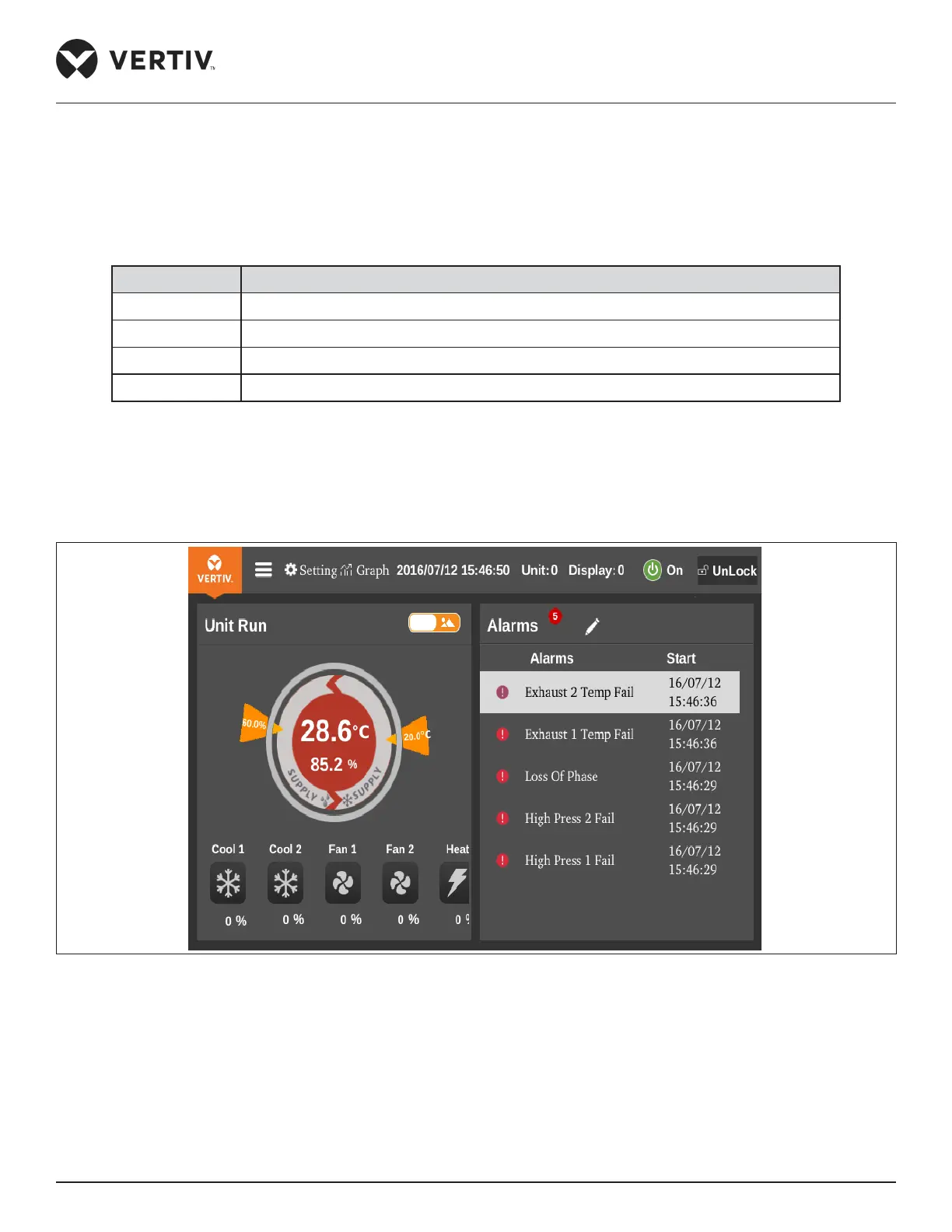
After the unit is powered ON, color display startup screen shown in Figure 3-2.
Figure 3-2 Start Interface


 To Next Page
 Loading...





