7
Active function icons
Active function icons appear on the top of the
display and indicate the functions that are
currently enabled.
Message icons
Message icons appear on the top-left of the display
and indicate that you have received a text,
multimedia or voicemail message.
Call divert icons
A call divert icon appears if you have diverted all
voice calls to another number, such as your
voicemail number.
Connectivity icons
Connectivity icons appear on the top-left of the
display and indicate the functions that are currently
enabled.
Text input ic ons
One or more of the following icons may appear
when you are keying in text, for example when
writing a text message or adding a directory entry.
CONTACTS ICONS
Type icons indicate the type of number or text item
associated with a directory entry.
Where more than one type is associated with a
contact, the default number icon is underlined.
When there is an incoming call from a caller whose
number is stored in your directory, the icon
associated with the number type appears on the
display beside the caller’s name.
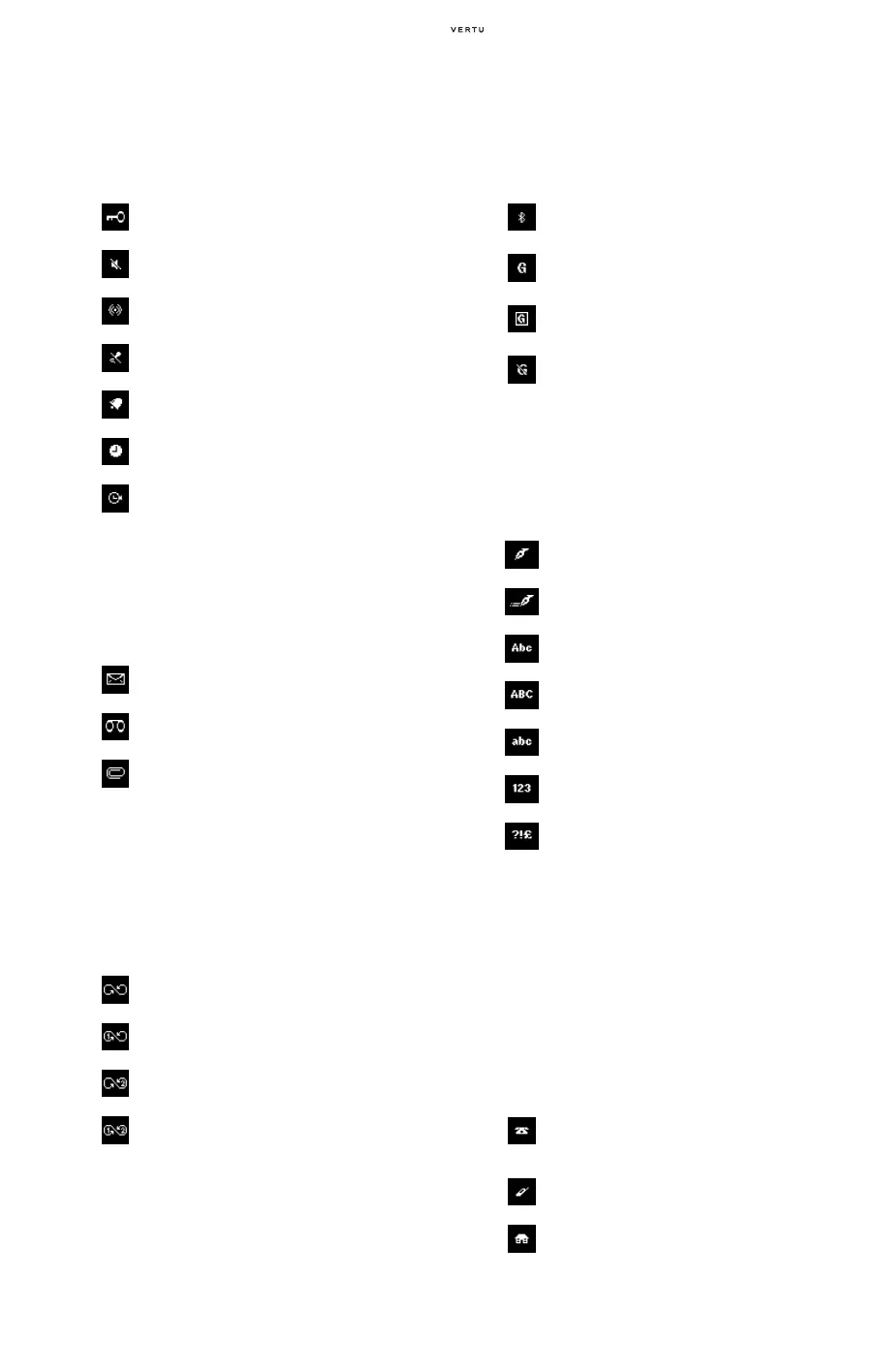
The keypad is locked.
No audible alerts will sound for incoming calls
or messages.
The speaker phone is active.
The microphone is muted.
The alarm clock is set.
The countdown timer is running.
The stopwatch is running.
You have received a text message.
(Network service)
You have received a voicemail message.
(Network service)
You have received a multimedia message.
An animated icon indicates that the
multimedia message is being transfered.
(Network service)
You have diverted all voice calls.
You have diverted all voice calls on line 1.*
You have diverted all voice calls on line 2.*
You have diverted all voice calls on both lines
1 and 2.*
The Bluetooth technology is enabled.
GPRS is activated and service is available.
A GPRS connection is established.
The GPRS connection is unavailable or is
suspended.
You are currently using basic text input.
You are currently using predictive text input.
You are currently using sentence case.
You are currently using upper case.
You are currently using lower case.
You are currently using numeric input.
You are currently using special characters.
General - The default number type.
When using the SIM memory, this is the only
icon shown beside directory entries.
Mobile
Home















 To Next Page