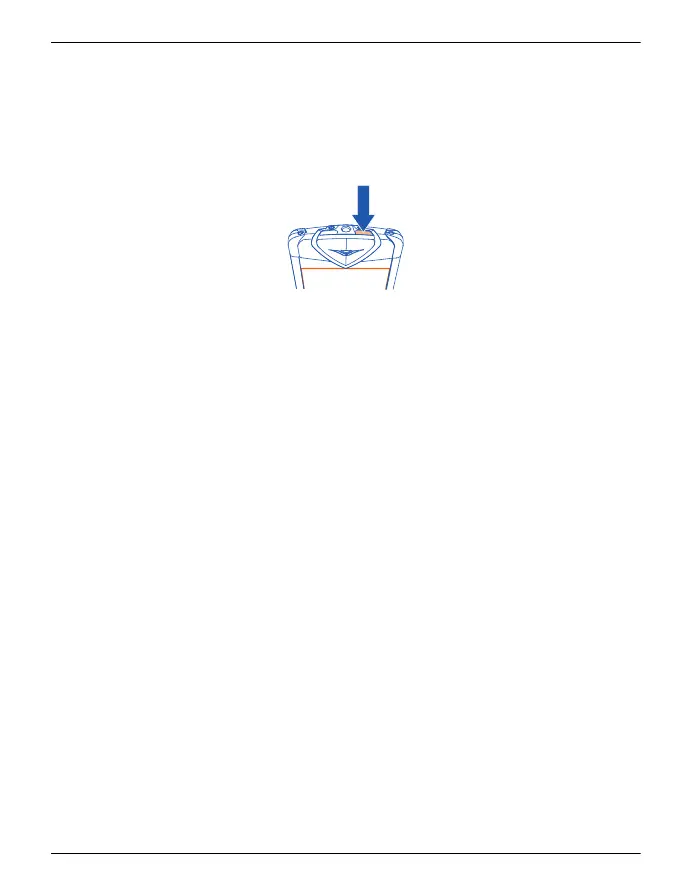
Switch the phone on or off
Switch on
Press and hold the power key until the phone vibrates.
Switch off
Press and hold the power key.
If your phone stops responding
Press and hold down the power key for about 8 seconds, until the phone vibrates and
switches off.
Switch the phone back on if necessary.
No content, such as contacts or messages, is deleted.
Get started 23
© 2011 Vertu. All rights reserved.















 To Next Page