Music and audio
Music player
About the music player
Select Menu > Media > Music player.
You can listen to music and podcasts while on the move.
Warning: Excessive sound pressure from earphones and headphones can cause
hearing loss.
Play music
Select Menu > Media > Music player.
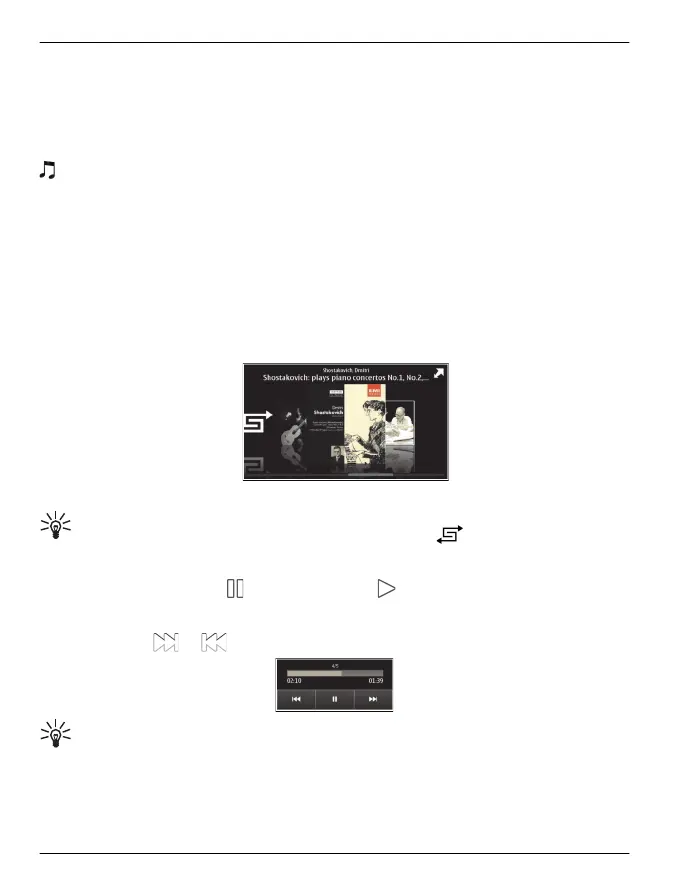
1 Select Options and the desired view. You can browse songs by song or album.
In the album view, to browse the album covers, turn your device so it is horizontal,
and swipe left or right.
2 Select a song or album.
Tip: To listen to the songs in a random order, select .
Pause and resume playback
To pause playback, select
; to resume, select .
Fast-forward or rewind a song
Select and hold
or .
Tip: When listening to music, you can return to the home screen, leaving Music
player application playing in the background.
92 Music and audio
© 2011 Vertu. All rights reserved.















 To Next Page