Create a playlist
If you want to listen to different music for different moods, you can sort your music into
playlists, thus creating selections of songs to play in a specific order.
Select Menu > Media > Music player.
1 Select Options > Playlists.
2 Select Options > New playlist.
3 Enter a name for the playlist, and select OK.
4 Select the songs to add to the playlist, in the order you want them to play.
Add a song to a playlist
Select and hold the song, and from the pop-up menu, select Add to playlist.
Remove a song from playlist
In the playlist view, select and hold the song, and from the pop-up menu, select
Remove.
This does not delete the song from the device; it only removes it from the playlist.
Play a playlist
Select Options > Playlists and the playlist.
Tip: Music player automatically creates a playlist for the most played songs,
recently played songs, and recently added songs.
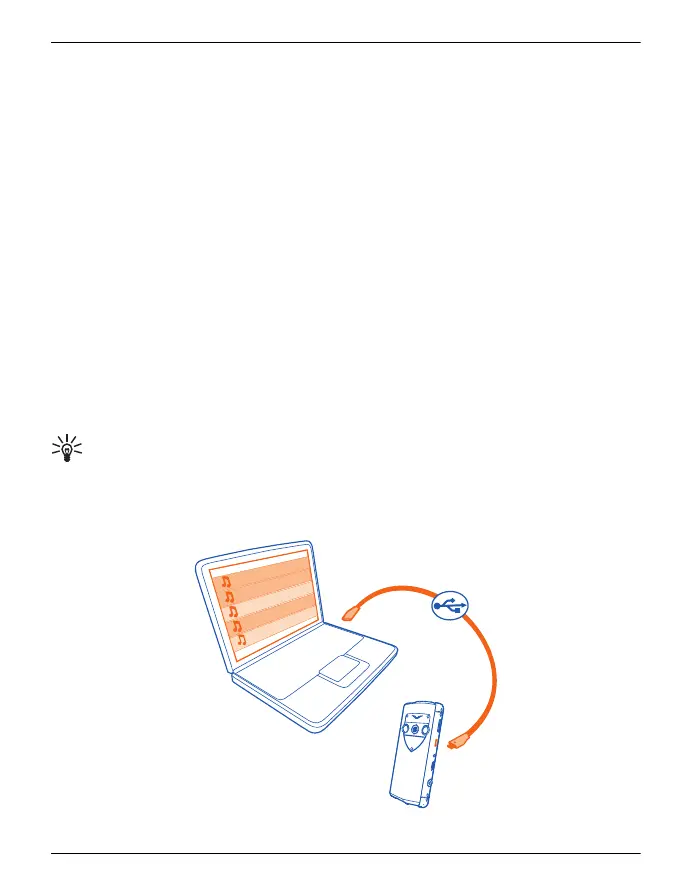
Copy music from your PC
You can copy music files quickly and easily from your PC to your Vertu Constellation.
Music and audio 93
© 2011 Vertu. All rights reserved.















 To Next Page