FM radio
About FM radio
Select Menu > Media > Radio.
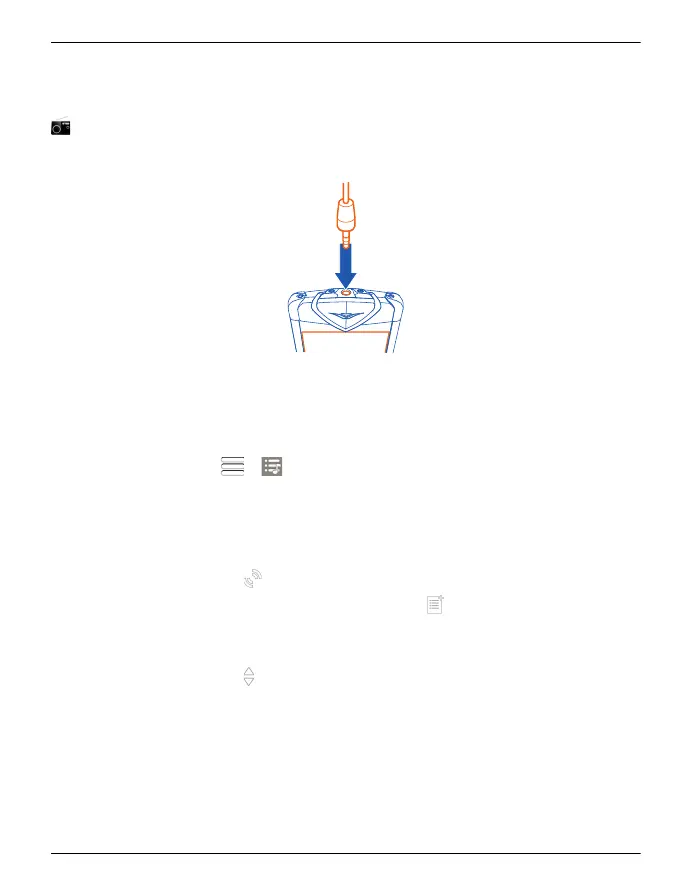
You can listen to FM radio stations using your device - just plug in a headset, and select
a station!
Find and save radio stations
Search for your favourite radio stations, and save them, so you can easily listen to
them later.
Select Menu > Media > Radio.
From the toolbar, select
> .
To find radio stations, you can use the automatic scanning, or you can set a frequency
manually. The first time you open the FM radio, the application automatically searches
for radio stations audible at your location.
Scan for all available stations
1
From the toolbar, select
.
2
To save all found stations, from the toolbar, select
. To save a single station,
select and hold the station title, and from the pop-up menu, select Save.
Set a frequency manually
1
From the toolbar, select
Tune manually.
2 Use the up and down arrow icons to enter a frequency.
Listen to the radio
You can enjoy your favourite FM radio stations on the go.
Select Menu > Media > Radio.
Music and audio 95
© 2011 Vertu. All rights reserved.















 To Next Page