38
EN
16657715_en 05/2006
5.2.5 Bale counter
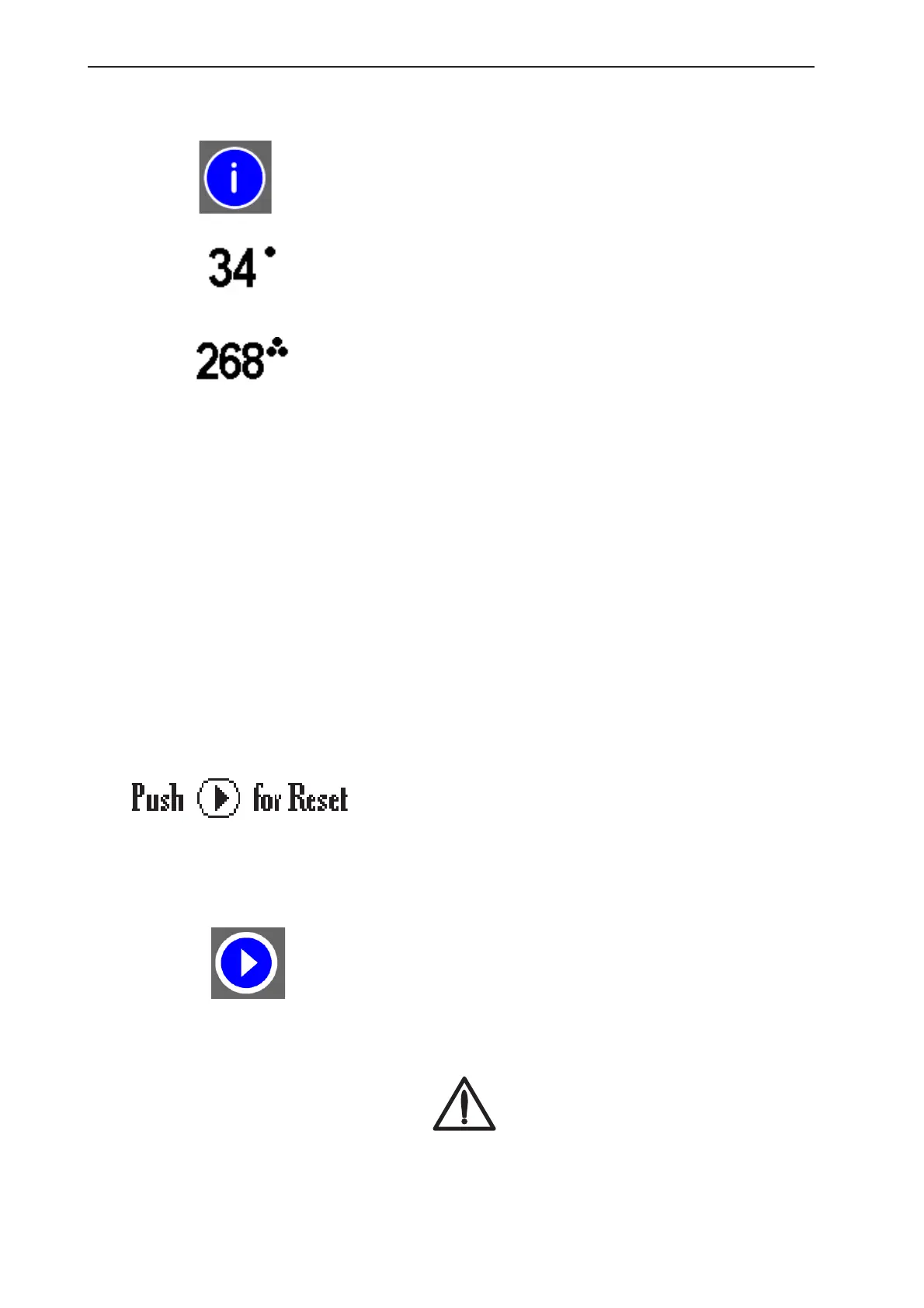
By pressing the Info key you can switch between the
daily counter display and the total bale counter display.
If the daily counter display is selected and the Info key
is pressed for longer than 4 seconds, the counter is
reset to 0.
The total number of bales cannot be changed.
5.2.6 Reset
Malfunctions can occur during elongation or
replacement of the drive belt on the net binding, or if
the binding slide has to be repositioned. During a reset
the new dimensions are registered and the motor
setting is changed.
Depending on whether the twine binding option or the
net binding option has been preselected on the
operating unit, the corresponding new position is set.
In the event of a binding malfunction, the reset function
enables the verification of all zero settings and
calibrations.
Switch the control box off and then on again for this
purpose. The following appears on the display during
the first 3 seconds after switching on.
Keep the start key pressed during this time.
If a net binding program was previously selected in
the controller, the net binding motor is reset to the zero
position.
If the twine program was preselected, the twine
binding is reset to the zero position.
Danger!
The net cutting knife is tensioned during
the reset cycle. Do not reach into the net
binding area!
The machine must be stopped, otherwise
the net will be fed in!


 To Next Page