Page 10MNVADCJ01_1729_EN
2.4 Second function keys
Some keys (, , ) can be used to activate second functions if pressed simultaneously with other
keys.
For example,
means: press the key followed by the key, keeping pressed down.
The keys can be released in any order.
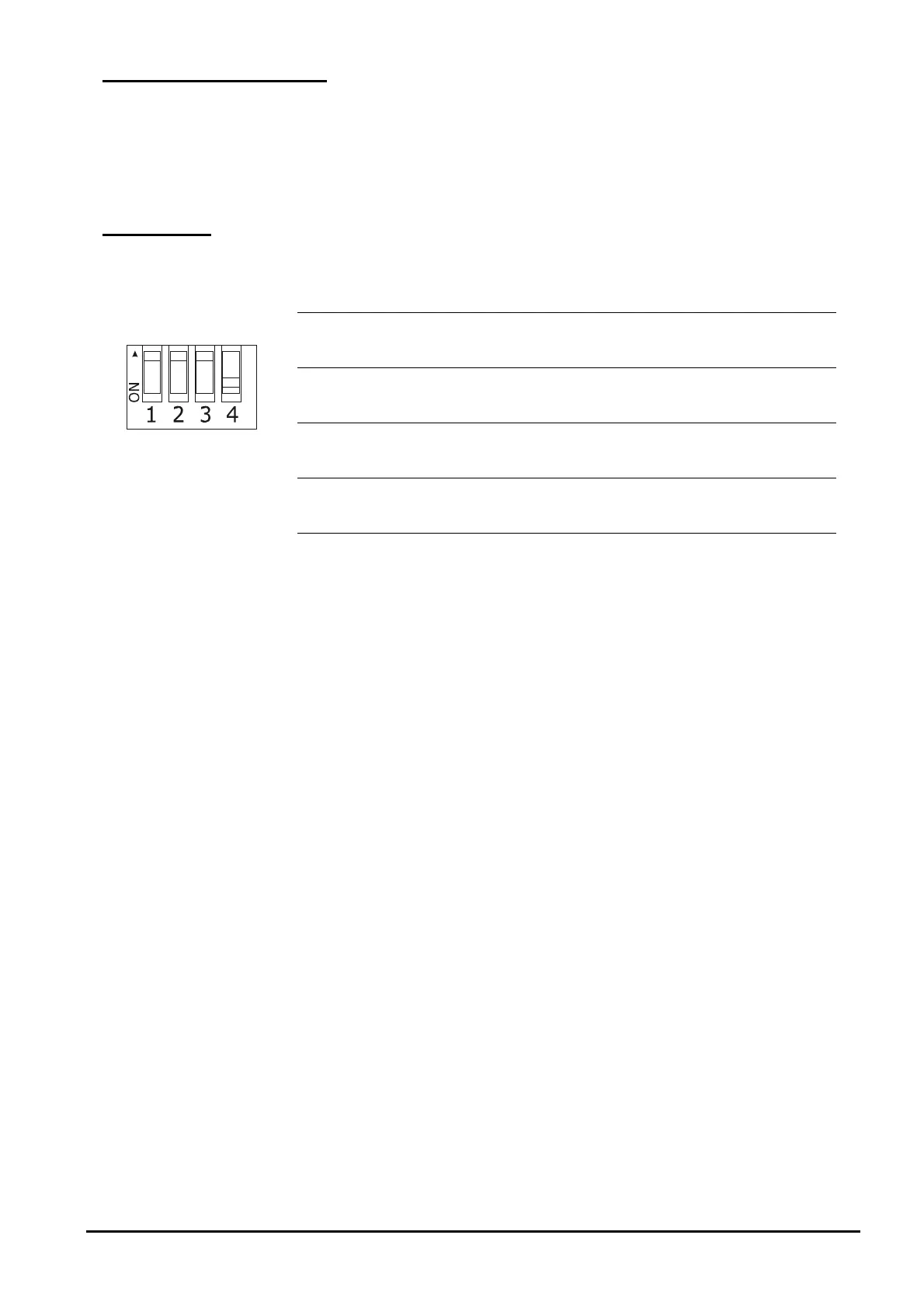
2.5 Dip switch
The back of the keyboard has a set of dip-switches that are used to insert/remove the load of the RS485 lines
and block keyboard programming from the PC. Refer to § 3.1 - Video and telemetry lines, page 11, for further
information about inserting the line loads.
DIP4: load on
Video line ON: load inserted
OFF: load removed
DIP3: load on Telemetry B line ON: load inserted
OFF: load removed
DIP2: load on Telemetry A line ON: load inserted
OFF: load removed
DIP1: internal firmware update ON: update is possible
OFF: update is not possible



 To Next Page