Page 87
MNVADCJ01_1729_EN
6.11 JVC TK-C675 Dome
6.11.1 Reference material and documents
Dome JVC TK-C675
TK-C675 Programmer’s manual, version 1.00/Feb.1998
TK-C675/C675B Programmer’s manual (supplement), version 0.01/Dec.1998
JVC CCTV Serial Communication Protocol, Basic Protocol Reference, version 2, Jan.1998
6.11.2 Connection
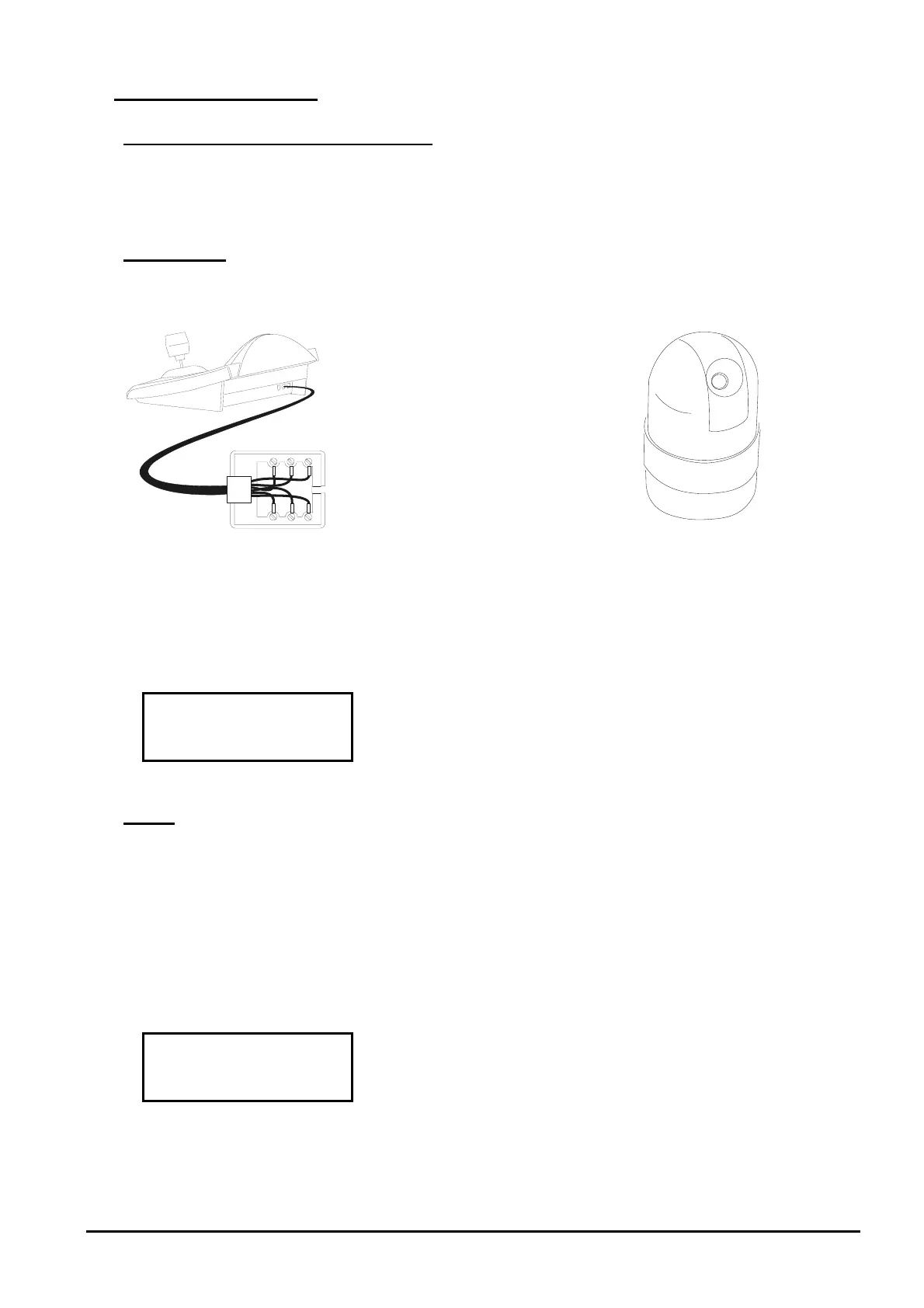
6.11.2.1 Cable
White
Yellow
RS485
A
RS485B
Rx +
Rx -
6.11.2.2 Dome settings
Dome ID-number must be set according to the respective installation manual.
Protocol must be set as Multidrop/Simplex.
6.11.2.3 Keyboard settings
During Keyboard setup, submenu must be suitably set:
Baudrate is fixed (960
0 ba
ud).
6.11.3 Setup
Dome setup is mostly carried out by On Screen Menu.
Some parameters can be set up by pressing a combination of keys or by inserting a special code.
For all setup operations the keyboard must be enabled to perform the receiver setup (menu
).
6.11.3.1 OSM setup
Connect the dome directly to the keyboard and a monitor to the dome video outlet
: start dome setup
The dome shows the menu on video; the keyboard shows the mode change on the display:
setup end
corresponds to Set key shown in the dome instruction manual, to enter the submenu
allows the exit from submenu



 To Next Page