Page 92
MNVADCJ01_1729_EN
6.13 Kalatel CyberDome / CyberScout Dome
6.13.1 Materials and reference documents
Kalatel CyberDome and CyberScout Dome installation and operation manual.
Reference manual ASCII protocol 1038010A. January 2003
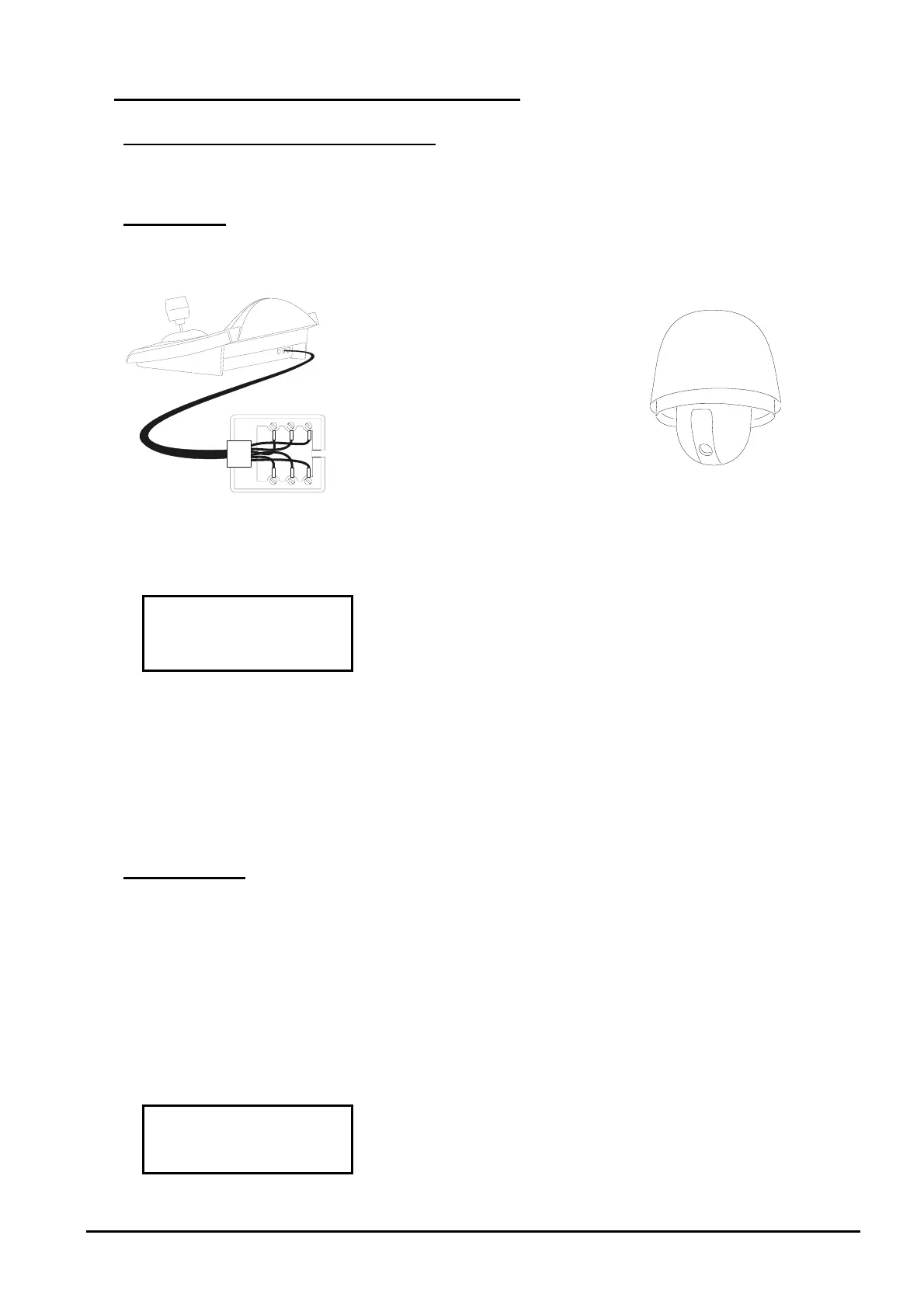
6.13.2 Connection
6.13.2.1 Cable
White
Yellow
RS485
A
RS485B
Rx +
Rx -
6.13.2.2 Setting up the keyboard
When configuring the keyboard the submenu should have the
following settings:
The
bau
d rate can have three possible values: from 2400 to
9600, make sure it is consistent with that of the dome.
See the corresp
onding dome handbook to make sure that the dome is in the communication mode using the
ASCII protocol.
6.13.2.3 Selecting the dome
The dome number should be configured correctly (it will then be recalled using the
controls on the keyboard).
6.13.3 Configuration
Dome setup is carried out for the most part using the On Screen Menu.
Some parameters can be configured by pressing key combinations or by inserting special codes.
For all dome setup operations the keyboard must be enabled for CONFIGURING THE TELEMETRY
(
menu).
6.13.3.1 OSM Configuration
Connect the dome directly to the keyboard and a monitor to the video OUT on the dome.
start dome setup.
The dome will show the on-screen menu, the keyboard display will show the mode change:



 To Next Page