32
!
Please note
Only commission the appliance with a fully filled
trap.
Check that the trap has been filled with water.
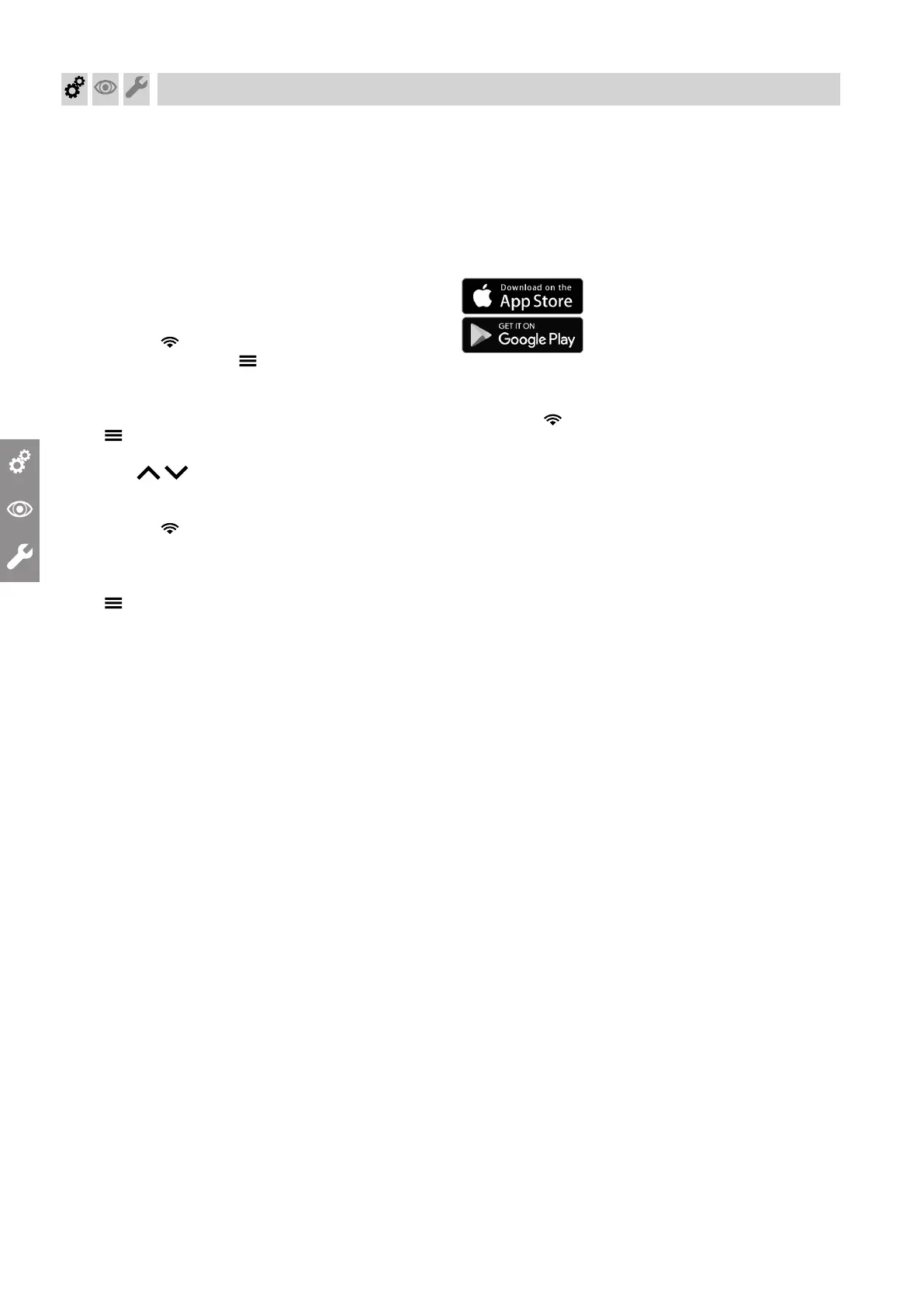
Commissioning via commissioning assistant
1. Open the gas shut-off valve.
2. If the appliance has not yet been switched on:
1. Turn on the ON/OFF switch.
2. AP and appear on the display.
3. Press menu button and hold for 4 s. The
commissioning assistant starts automatically.
If the appliance has already been switched on, you
can call up the commissioning assistant yourself:
1. and OK should be pressed simultaneously
for approx. 4 s.
2. Use / to select "b.5" and confirm with
"OK".
Note
AP and appear on the display. Confirm with
OK to start the connection with the software tool:
see chapter
"Commissioning via software tool".
3. – press for 4 s to start the commissioning
assistant.
3. For further steps, see commissioning assistant in
the following overview.
Commissioning via software tool
Note
Apps for commissioning and service are available for
iOS and Android devices.
1. Open the gas shut-off valve.
2. AP and appear on the display.
Press OK and enter the password for the heat gen-
erator to carry out commissioning with the software
tool.
3. Select ON and confirm with OK.
4. Follow the instructions in the software tool.
Commissioning, inspection, maintenance
Commissioning the system
6167586




 To Next Page