9:6
FILE MANAGER POP-UP MESSAGES
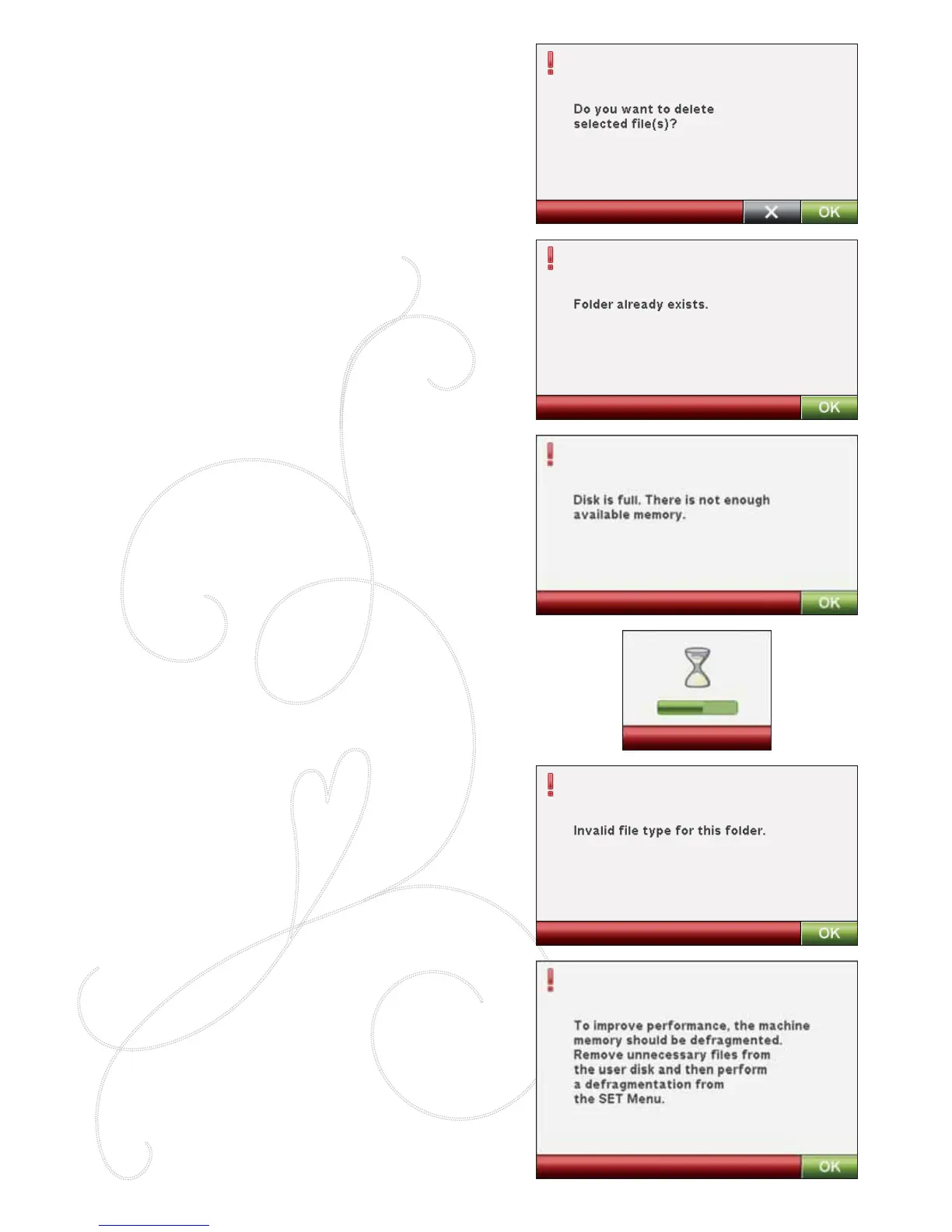
Delete File or Folder
Your machine will ask you to conÀ rm when you have
selected to delete a À le or folder. This prevents you from
deleting anything by mistake.
Folder Already Exists
You cannot create a new folder with the same name
as another folder on the same level. Create your folder
elsewhere or enter a different name for the folder.
Disk is Full
Your machine can store À les in the built-in memory. When
the memory is full, you can move them to an external
device by using the Cut and Paste functions.
When only 15% of the memory is left, your machine will
alert you once. If you continue to À ll the memory, it will
not remind you again, until the memory is completely full.
System Busy
When the machine is loading, saving, moving À les or
performing a function that takes time, an hour glass is
shown.
Invalid File Type for this Folder
Only embroidery designs can be stored in My Designs, and
only font À les can be stored in My Fonts. Select the proper
folder for each À le type.
Defragment Machine Memory
To optimze the sewing machine’s performance, you
sometimes need to do a defragmentation of the memory.
When that needs to be done a pop-up message appears. To
defragment your memory, go to the Machine Settings in the
SET Menu, and click on ”Defragment Machine Memory”.
The defragmentation can take up to 45 minutes.








 To Next Page