SEWING 4:19
SEWING POP-UP MESSAGES
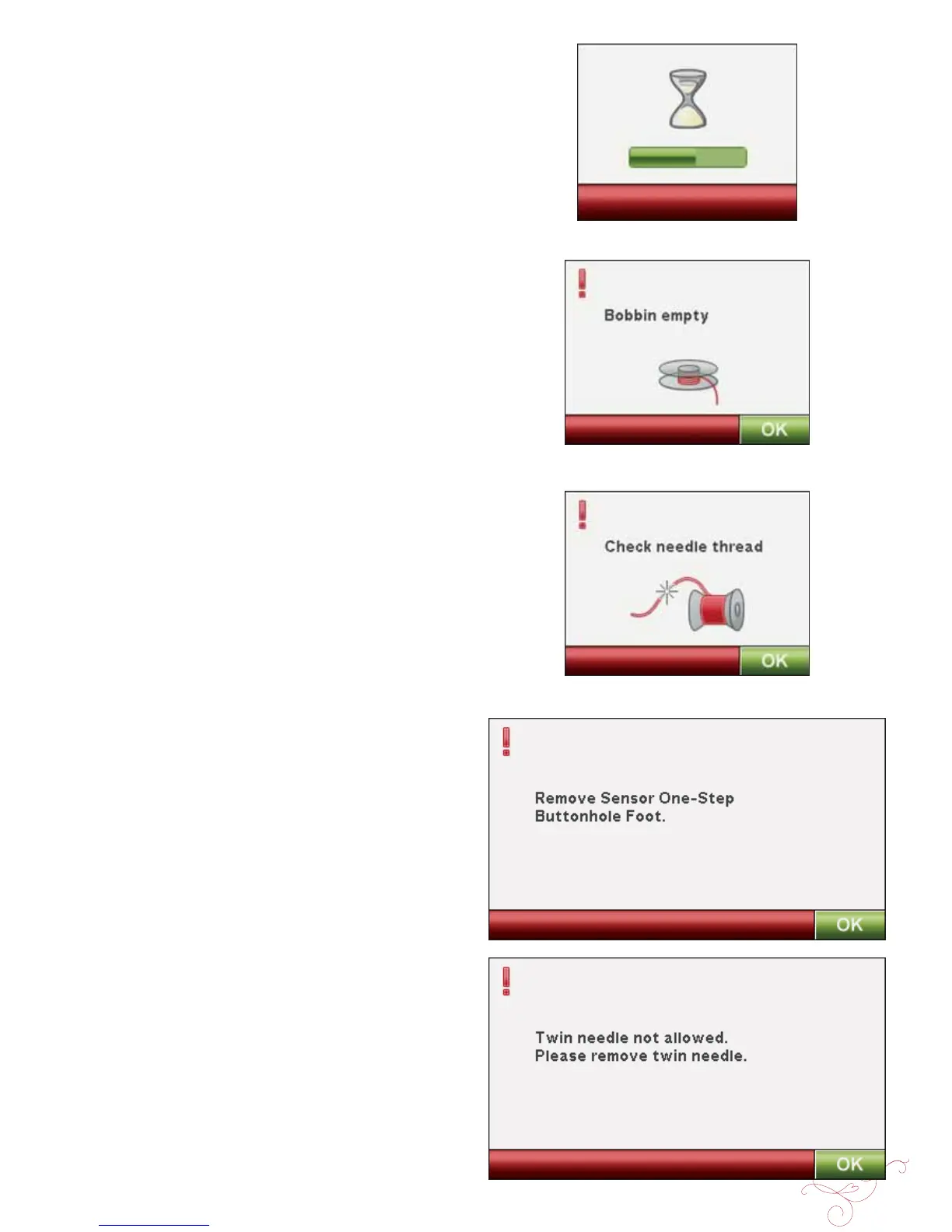
System Busy
An hour glass is shown when the machine is loading,
saving, moving À les or anything that takes time.
Bobbin Empty
The machine stops automatically and a pop-up message
appears on the screen when the bobbin is almost empty.
Replace the empty bobbin with a full one.
Note: It is possible to sew until the thread has run out. Continue
sewing without closing the pop-up message.
Check Needle Thread
The machine stops automatically if the needle thread runs
out or breaks. Re-thread the needle thread, close the pop-
up message and start sewing again.
Remove Sensor One-Step Buttonhole Foot
The Sensor One-Step buttonhole foot is used only for
buttonholes. A pop-up message will advise you to remove it
for all other sewing.
Twin Needle
The following pop-up message appears when you turn on
the machine and choose a stitch not suitable for twin needle
or you had the Twin Needle activated before turning the
machine off.








 To Next Page