EMBROIDERY EDIT 7:9
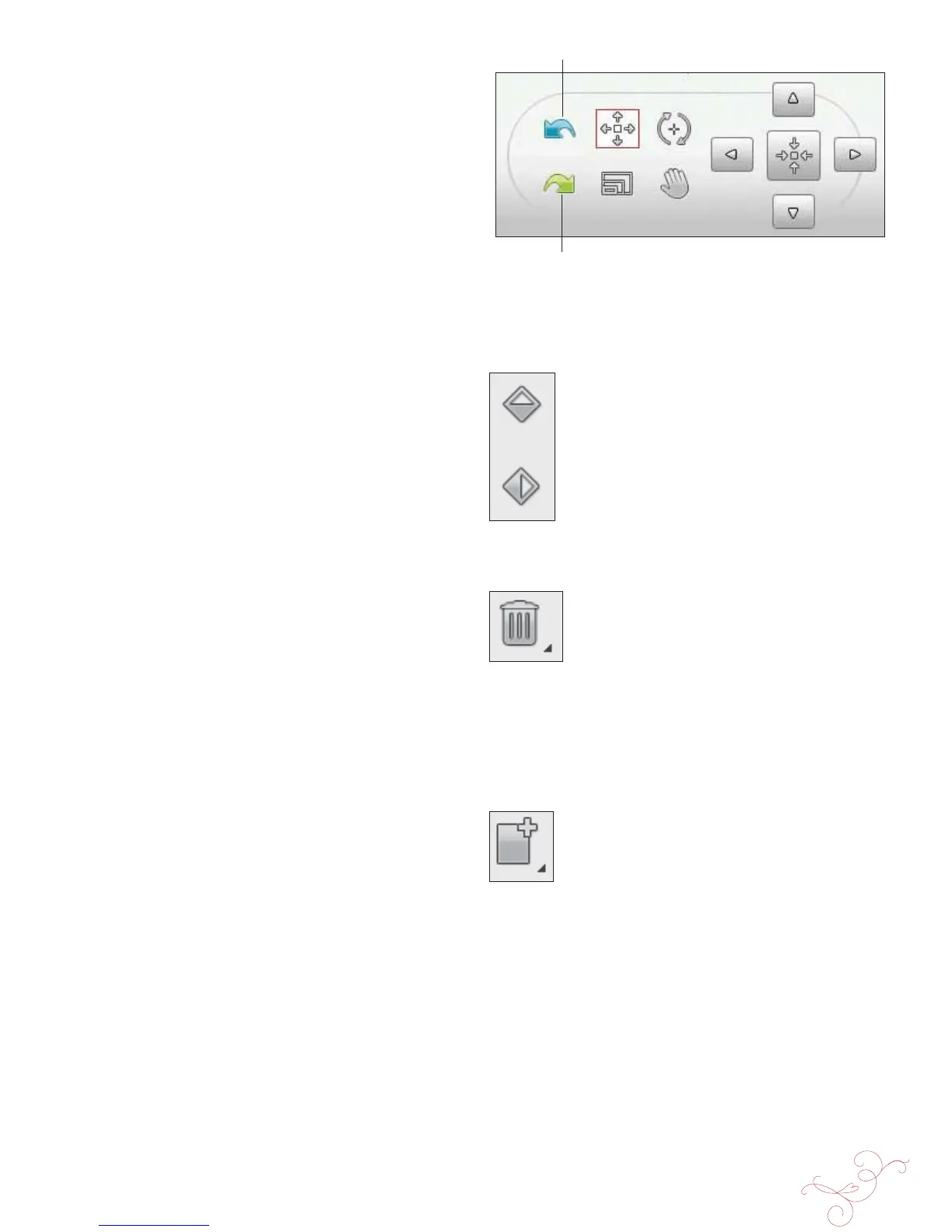
Undo
Redo
UNDO
Touch the arrow pointing left to undo your latest design
adjustment. Touch repeatedly to step back through your
adjustments.
Note: Not all adjustments can be undone. The arrows will be greyed
out if undo is not possible.
REDO
Redo is activated when Undo is touched, so you can step
forward again through your adjustments.
MIRROR SIDE-TO-SIDE
AND END-TO-END
To mirror a design horizontally, touch the Mirror Side-to-
Side icon. To mirror vertically, touch the Mirror End-to-
End icon.
DELETE
When you touch the Delete icon, the selected design(s) will
be deleted from the embroidery À eld. If more than one
design is selected, a pop-up message will ask you to conÀ rm
the deletion.
Touch & Hold the Delete icon to delete all the designs in
the embroidery À eld. A pop-up message to conÀ rm the
delete all designs will appear.
DUPLICATE
Touch the Duplicate icon to make a copy of the selected
design(s).
If you want more than one copy, Touch & Hold the icon
and a pop-up message will open where you can enter the
desired number of copies.
See 7:10-7:11 for information about selecting and
deselecting designs.
Mirror Side-to-Side
Mirror End-to-End








 To Next Page