7:4
RESIZE
Resize can reduce an embroidery design up to À ve times
smaller than the original design or increase it up to
eight times larger than the original design. The machine
recalculates the number of stitches in the design so the
original stitch density remains.
Note: To reduce or increase the design less than 20%, use Scale
function. The Scale function does not change the stitch count.
Resize Adjustments
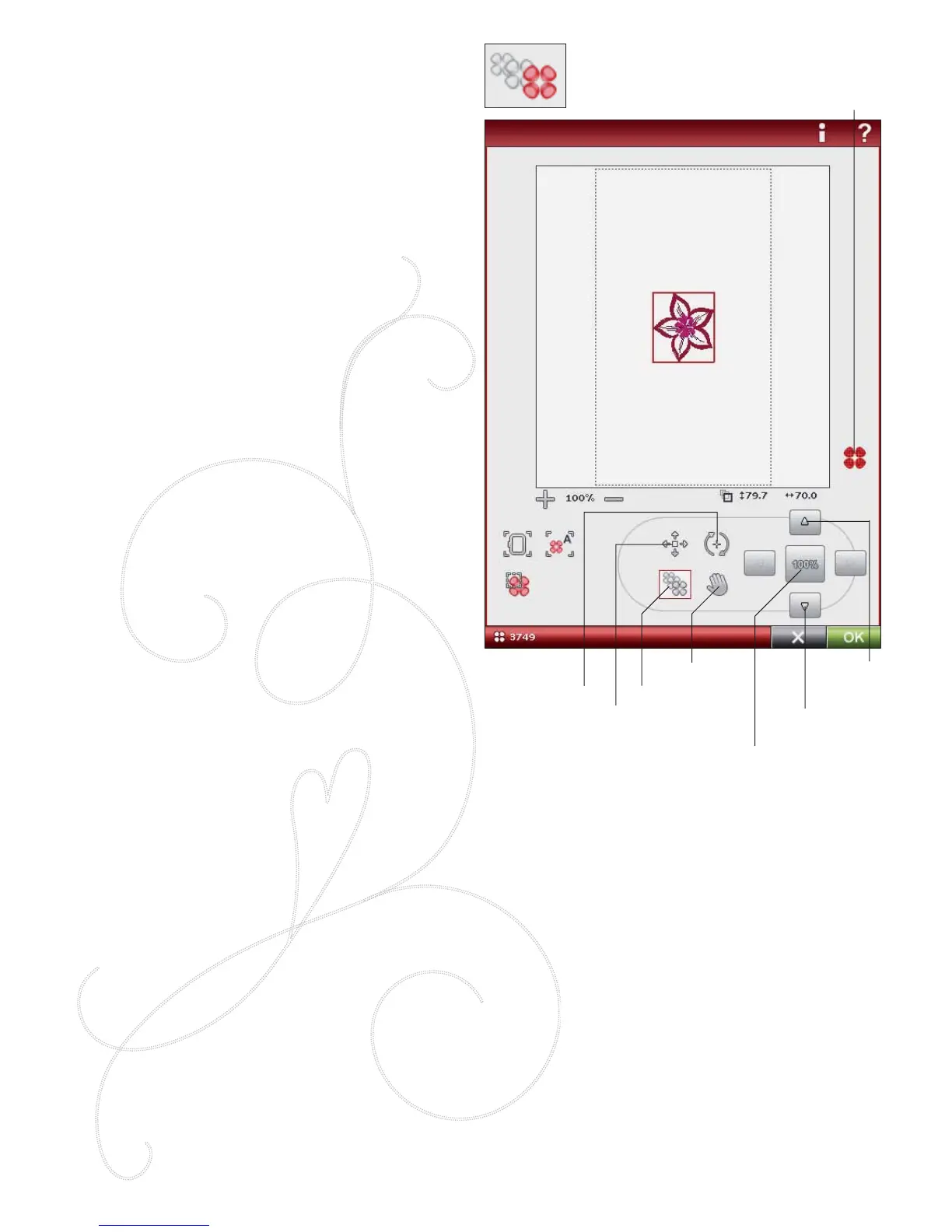
Select the design you want to resize. Open the Resize
window. Adjust the design size by touching and dragging
on the screen or by using the Control. The size of the
design is shown in millimeters above the Control. To return
to the original size, touch the Control center icon. Adjust
the placement of the design in the hoop using Position and
Rotate.
Retain Fill Type
All À ll areas in an embroidery design are made in a speciÀ c
type to get the best effect. When enlarging or reducing a
design, the stitches in the À ll area will be affected.
There are two ways to handle the À ll type and style in the
design to be resized.
1. The default setting will not retain À ll type. This is the
fastest way to resize a design. However, the À ll areas in
the design may look different than the original.
2. When Retain Fill Type is selected, it will take longer to
resize but the process will retain the À ll types and styles
within the design areas. If greatly enlarging a design,
Retain Fill Type is recommended for best results.
To Start Resizing
When you are satisÀ ed with the design size and position,
touch OK to close the window and start resizing. An
hourglass on the screen shows that it is working. When
À nished, the resize window will close.
Touch Cancel to return to Embroidery Edit without
resizing.
Note: Stitches and stitch programs cannot be resized.
Retain Fill Type
Reduce
design
Enlarge
design
Control
center
Position
Rotate
Resize
Pan








 To Next Page