EMBROIDERY SET UP 6:5
GETTING STARTED EMBROIDERING
1. After attaching the embroidery unit and embroidery
foot, insert a bobbin with bobbin thread.
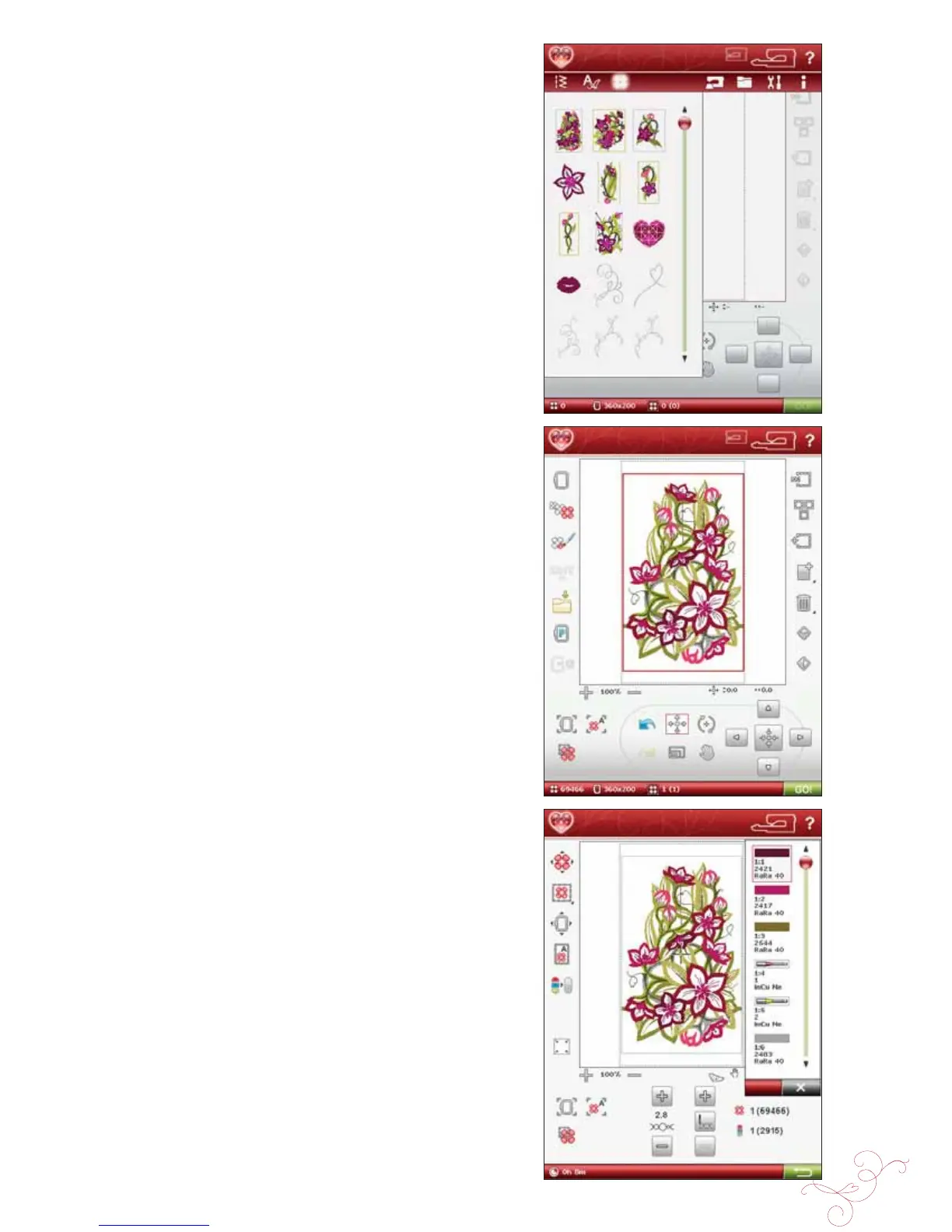
2. Touch the Start Menu. The Design Menu opens to
select a design. Touch the design you want to stitch out
and it will load to Embroidery Edit.
3. Hoop a piece of fabric and slide the hoop onto the
embroidery arm.
4. When you are ready to embroider, switch from
Embroidery Edit to Embroidery Stitch-Out by
touching the GO! icon on the task bar.
5. Thread the machine with the À rst color in the Color
Block list.








 To Next Page