26
41018
Password
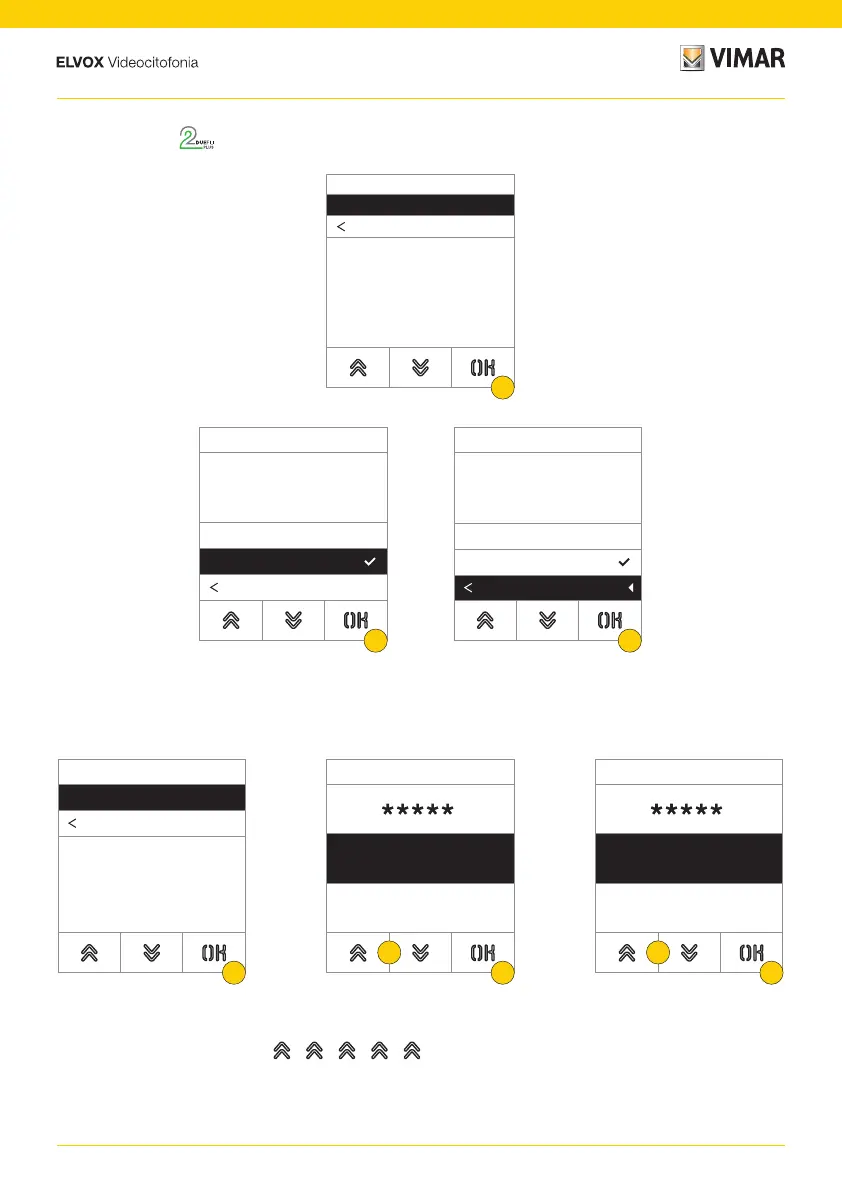
This section is used to change the passwords associated with the administrator to access the configuration menu.
1. Press to select the type of password to change
2. Press the sequence of keys making up the password, by default:
Administrator Password:
+ + + +
3. Press to confirm
4. Repeat the sequence making up the password once more
5. Press to confirm
1. Press to enable/disable the function
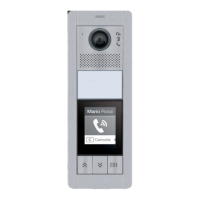
Outdoor Station
This section is used to enable/disable voice synthesis on the Outdoor Station
2. Select NO disabled or YES enabled
3. Press to save the setting and return to the previous menu
Outdoor Station
Voice synthesis
Back
1
Voice Synth.
Yes
NO
Back
2
Voice Synth.
Yes
NO
Back
3
Password
Administrator
Back
1
Add
Confirm
Cancel
Repeat
Confirm
Cancel
2
3
4
5





 To Next Page