G4 Multi Channel Weighing Instrument
Scrolling the list of parameters for Scale 1 by
the key + will bring you to the last display:
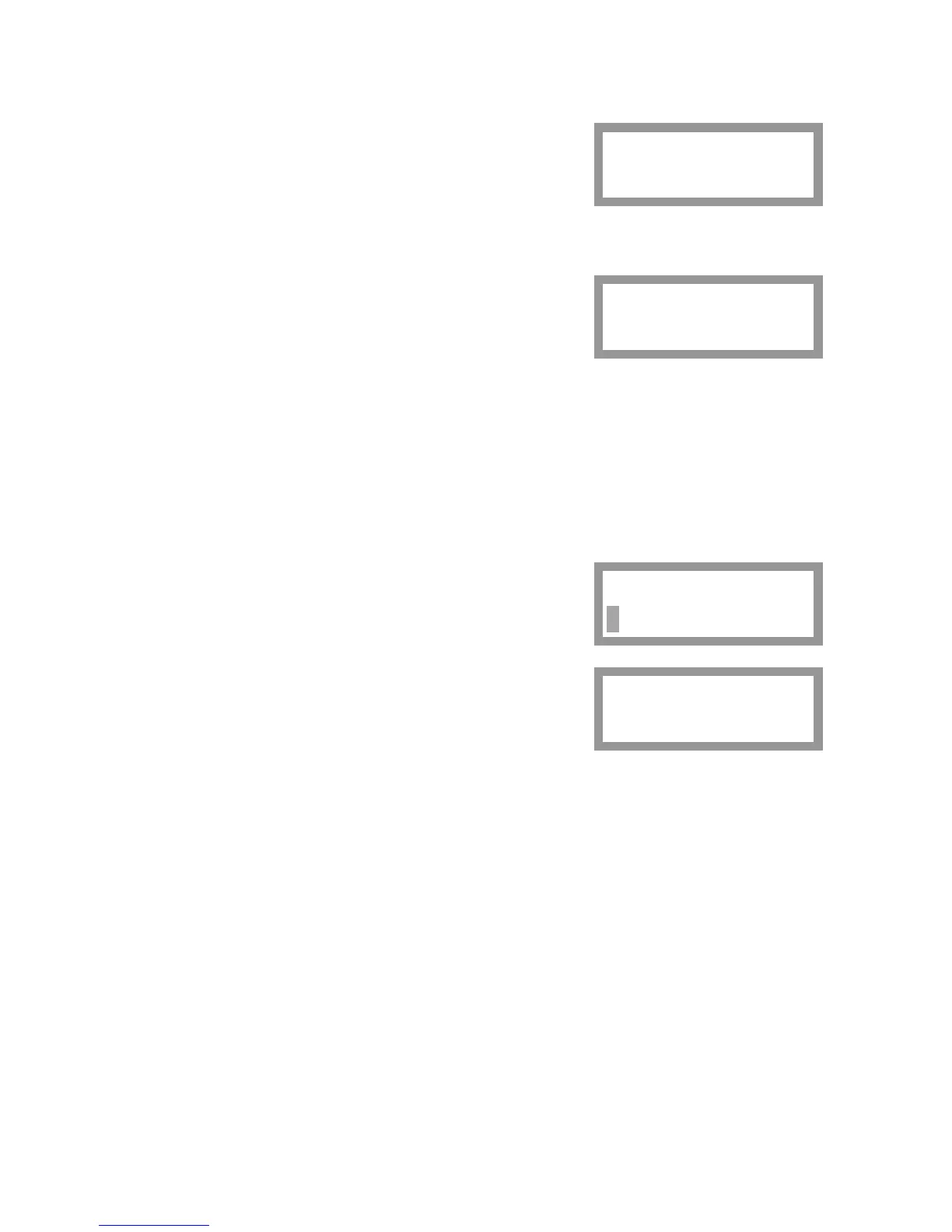
'Scale 1
Scale 1 Calib.'
Press key ↵ .
1:Calibr. Type
This display shows the current type of calibration
for the scale. The keys + and – can be used to
scroll the parameter values for this calibration.
Press key ↵ to start a new calibration.
A cursor indicates that editing of calibration type is possible.
Three calibration types are available:
‘Data Sheet’ calibration for fast calibration when transducer data is available
and the installation is free from mechanical disturbances.
‘Deadweight’ calibration, the most accurate calibration type,
where known weights are used to give well defined load on the scale.
'Table' calibration for entry of recorded values from a previous calibration.
Use the keys + and – to find the type of
calibration to perform for the scale.
Press key ↵ for 1 second.
1:Calibr. Type
Data Sheet
Start calib?
No Yes
A question will be displayed.
Press key ↵ at 'Yes' to start the calibration.
Performing a data sheet calibration is described on pages 28 – 31.
Performing a deadweight calibration is described on pages 31– 35.
Scale 1
Scale 1 Calib.
1:Calibr. Type
Data Sheet
27



 To Next Page