60
Quantum Plus installation and user manual
The hours which have recorded data are displayed as a coloured bar. Select the hour which
you want to review, the following screen will be displayed.
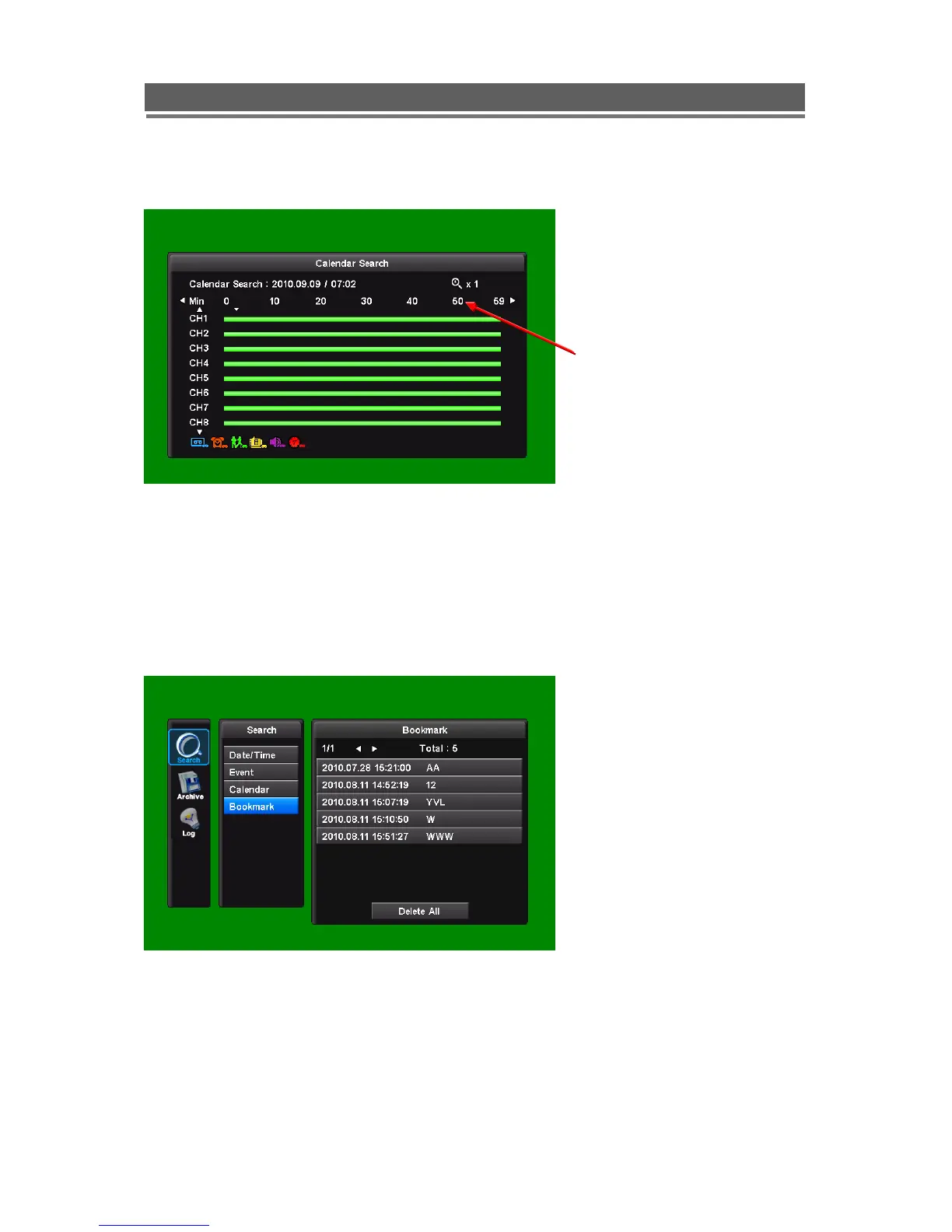
The minutes which have recorded data will be displayed as a coloured bar, click on the time
required; the recorded data will be played back from this point.
4. Bookmark Search
It is possible to edit the bookmark.
** How to put a bookmark in the recorded file ;
Press the bookmark icon at the point you want during playback.
Minutes in the hour



 To Next Page