78
Quantum Plus installation and user manual
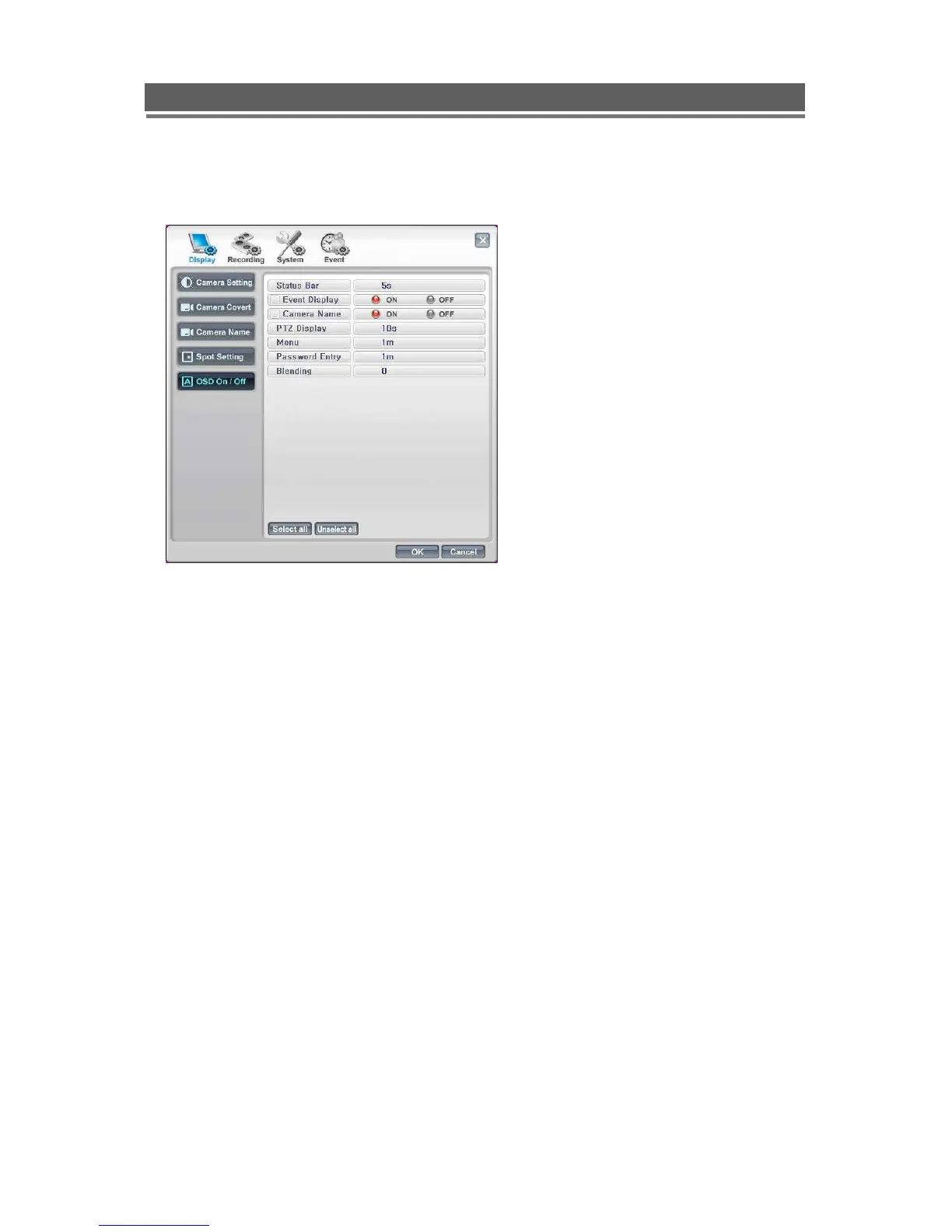
OSD On/Off
The Symbols and text displayed on
screen can be controlled:
1. The status bar can be set to
be off/ Always on or be on
for 5 or 10 seconds after a
key press.
2. The Event symbols such as
Motion, Audio, Pan / Tilt can
be displayed or turned off.
3. The camera name can be
displayed or turned off.
4. The PTZ display can be
made to time out
5. The Password entry box
can be made to time out
6. The darkness of the status



 To Next Page