82
Quantum Plus installation and user manual
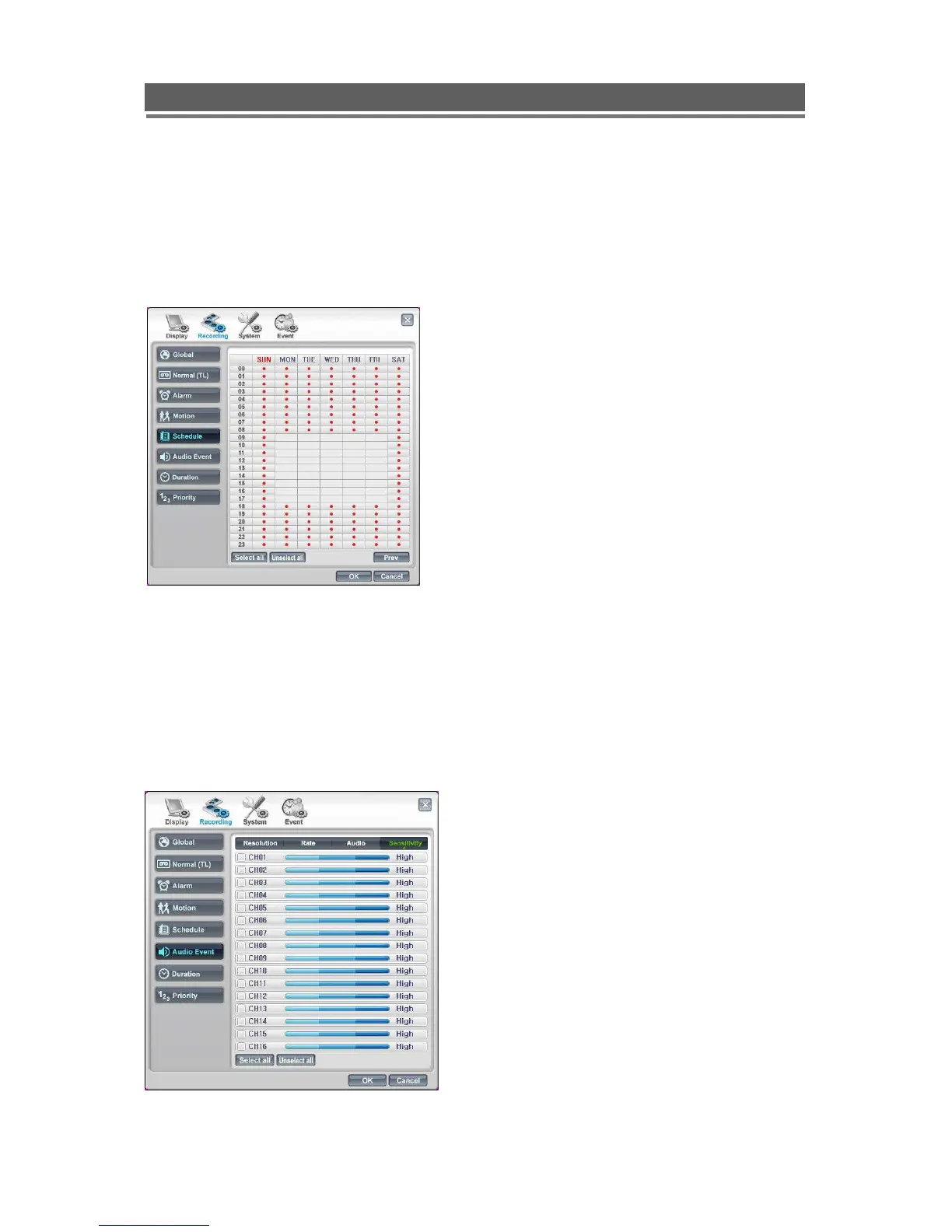
Schedule
The Schedule settings for Resolution, Rate and Audio are configured in the same manner as
Normal (Time lapse) see pages 76 and 77.
The only addition is the setting up of Schedule grid, click on the SET button to display the
following screen..
Audio Event
The Quantum Plus can start recording when it detects an Audio event.
The Schedule settings for Resolution, Rate and Audio are configured in the same manner as
Normal (Time lapse) see pages 76 and 77.
The only difference is to setup the sensitivity of the audio.
A timetable can be set in hourly blocks
throughout the whole week.



 To Next Page