83
Quantum Plus installation and user manual
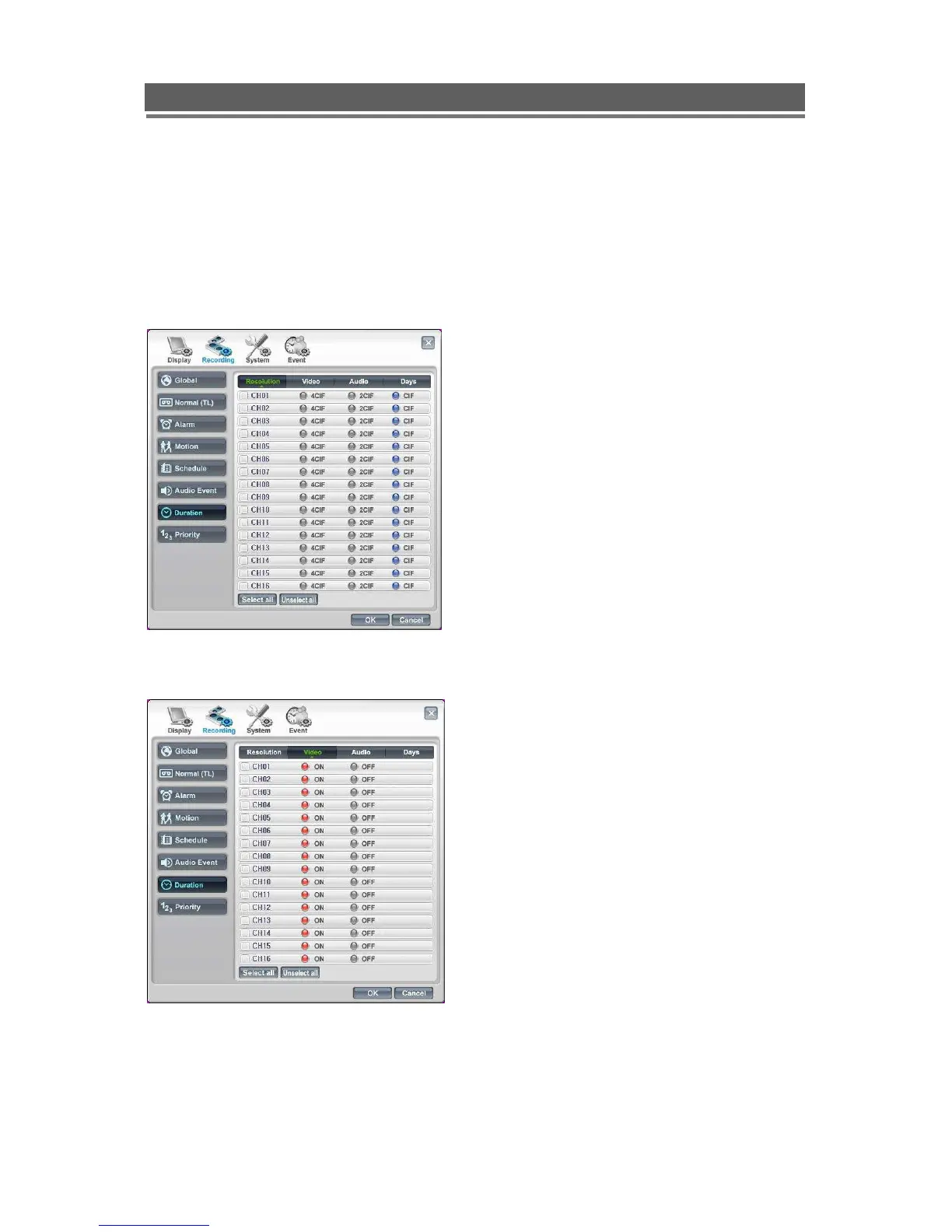
Duration
The duration setting allows the user to choose the Resolution and length of time the unit
records for, then the DVR will automatically adjust the rate at which it records to achieve this
time period.
- Resolution
- Video
First select the resolution required
for each camera.
Next select whether the camera is
connected to the DVR.



 To Next Page