92
Quantum Plus installation and user manual
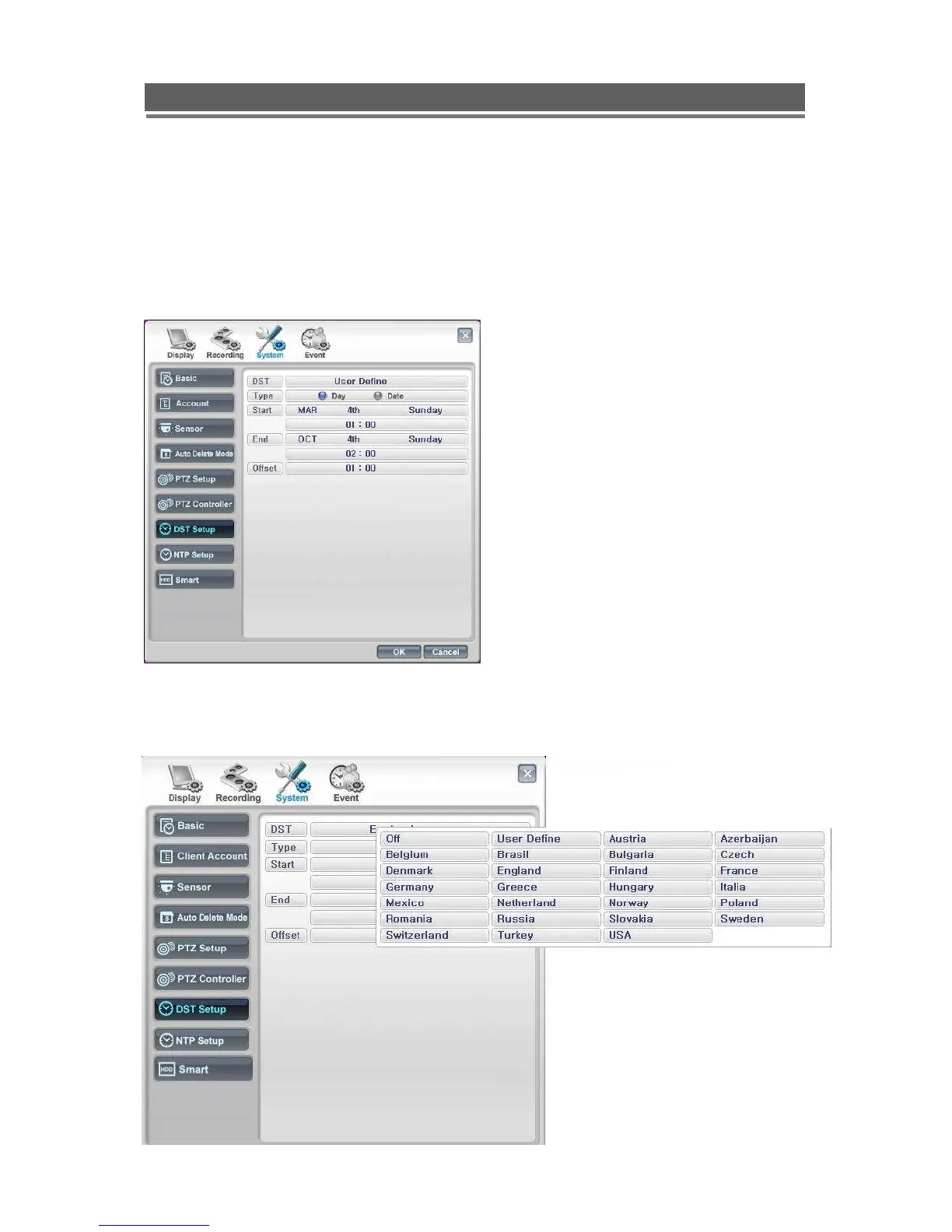
DST Setup ( Day Light Saving Time)
The Quantum can be set to automatically reset its clock when the clocks change for Day
Light Saving time. As default this is set to Off.
USER Define
Select Region
Change “Off” to User Define, this will allow
the exact date and time for the change to
occur. Alternatively
Select the required country.
Then click “Ok”.



 To Next Page